Bitwarden
Use FlashID's environment sharing technology to safely share Bitwarden vaults with team members—prevents IP sensitivity flags and maintains consistent browser fingerprints for secure credential access.
Share Bitwarden Access Without Master Password Exposure
Share your Bitwarden vault access securely through environment sharing. No master password disclosure, consistent security fingerprints, and total administrative control.
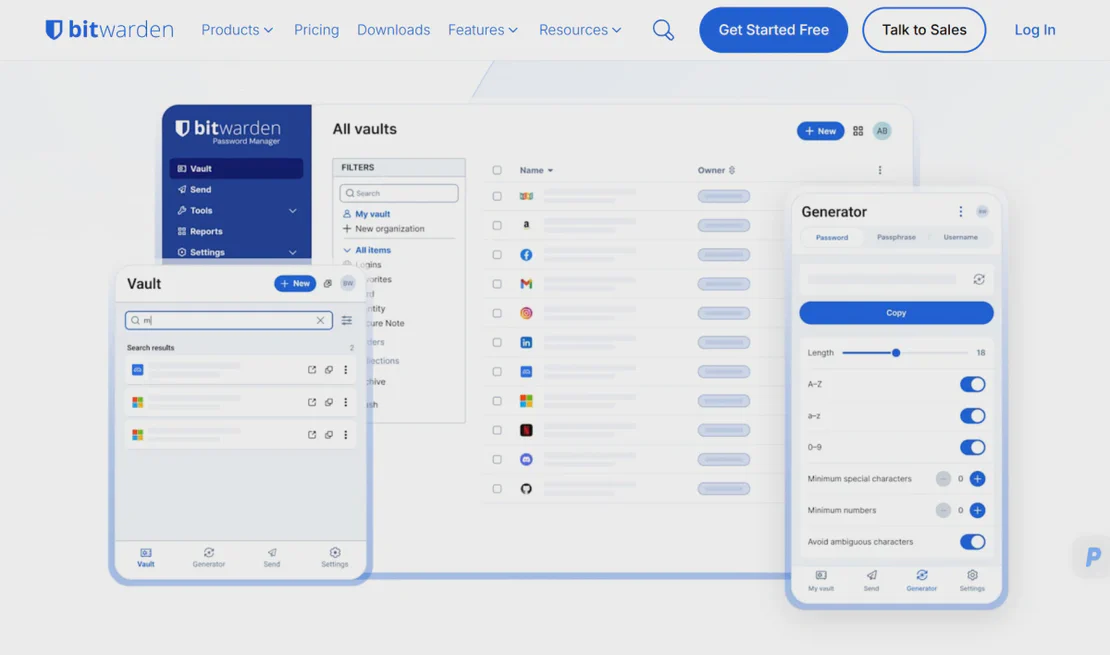
Bitwarden is a leading open-source password management solution that stores all of your logins and passwords while keeping them synced between all of your devices. It provides enterprise-grade encryption and secure vault sharing features, making it the preferred choice for teams and individuals seeking a transparent and secure way to manage sensitive credentials.
Environment sharing for vault access
Initialize a dedicated browser environment, log into the Bitwarden web vault once, and share that environment with your team. Members access the authenticated session directly without needing the Master Password—perfect for IT departments, dev teams, and security-conscious organizations.
Get Started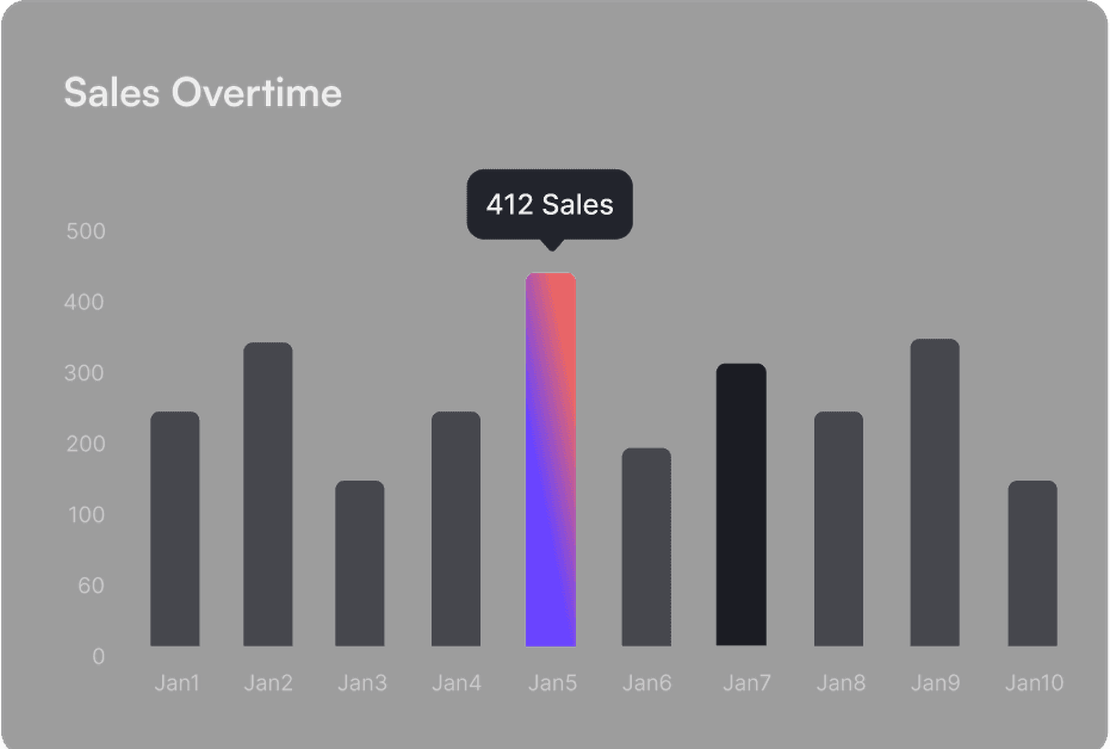
Stable fingerprints bypass security alerts
Bitwarden's security systems often flag logins from new devices or unusual locations. FlashID maintains consistent browser fingerprints and hardware identities. When team members access the shared environment, Bitwarden recognizes it as a trusted, existing device, preventing account locks and MFA fatigue.
Get Started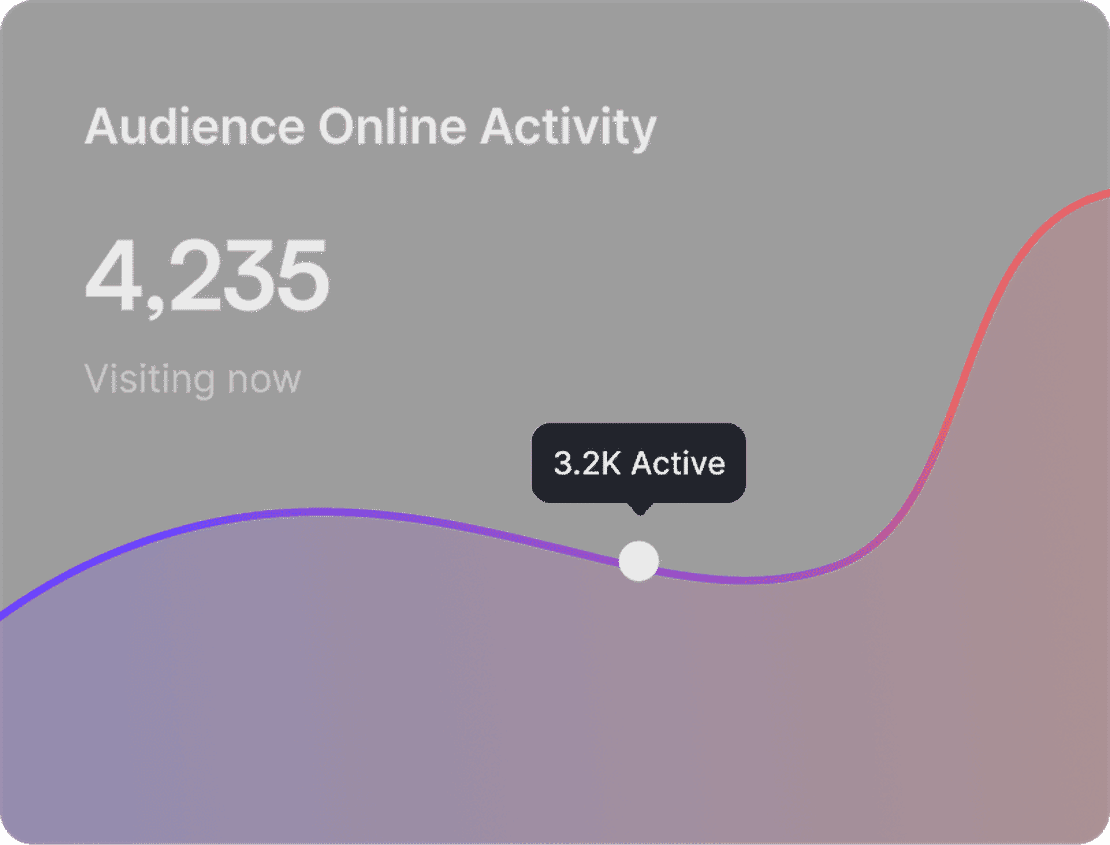
Granular control over sensitive data
Manage credentials with precision. Invite internal team members or use secure sharing links for temporary access. Monitor login activity within the environment and revoke access instantly if a security concern arises—all without the need to rotate complex master passwords.
Get Started

Unlimited Multiplicity
Multiple devices, no limits
No purchase limit, no multiplicity limit, no opening limit

Multi-Platform Control
Anytime, anywhere, just click
No client download required, accessible via PC and mobile browsers

Application Management
Application management so easy
Bulk install, uninstall, and launch applications

RPA
Leverage FlashID’s pre-built RPA templates for fast automation or custom workflows in secure cloud.

API
FlashID API handles account lifecycles and automates browser actions: batch social logins.

One-Click Sharing
Efficient management
Join a team with one click, share cloud devices among multiple users
Eliminate Bitwarden Security Flags with Shared Environments
FlashID’s environment sharing technology creates a ‘digital twin’ of a trusted browser. When sharing Bitwarden access, team members use the same hardware profile and browser identity. To Bitwarden, this appears as one continuous, authorized session, eliminating the risk of account flagging triggered by suspicious multi-device login attempts.
Bitwarden Environment Sharing FAQ
How does FlashID's environment sharing work for Bitwarden?
Is the Bitwarden Master Password hidden from team members?
How does FlashID handle Bitwarden's strict security protocols?
What is the benefit over Bitwarden's built-in 'Collections'?
Can I manage who has access to the shared vault?
What should I be careful about when sharing Bitwarden?
Does FlashID support other password managers like 1Password or LastPass?
How many people can share a single Bitwarden environment?
How does this prevent 'Account Blocked' emails from Bitwarden?
Can I use this for remote contractors?
More Recommended Platforms




















Connect all your platform accounts
Thanks to our fingerprint technology, you no longer need to worry about your account being at risk, you just need to focus on your business.
Enterprises Trust FlashID for Credential Safety
Head of DevOps, CloudScale Solutions
Security Lead, FinTech Global
IT Director, Creative Genesis