Calm
Use FlashID's environment sharing technology to safely share Calm subscriptions with team members—prevents platform detection and maintains consistent browser fingerprints for secure meditation and sleep aid access.
Share Calm Without Sharing Passwords
Share your Calm Premium subscription securely with team members through environment sharing. No password exposure, consistent fingerprints, and full access control for mental wellness.
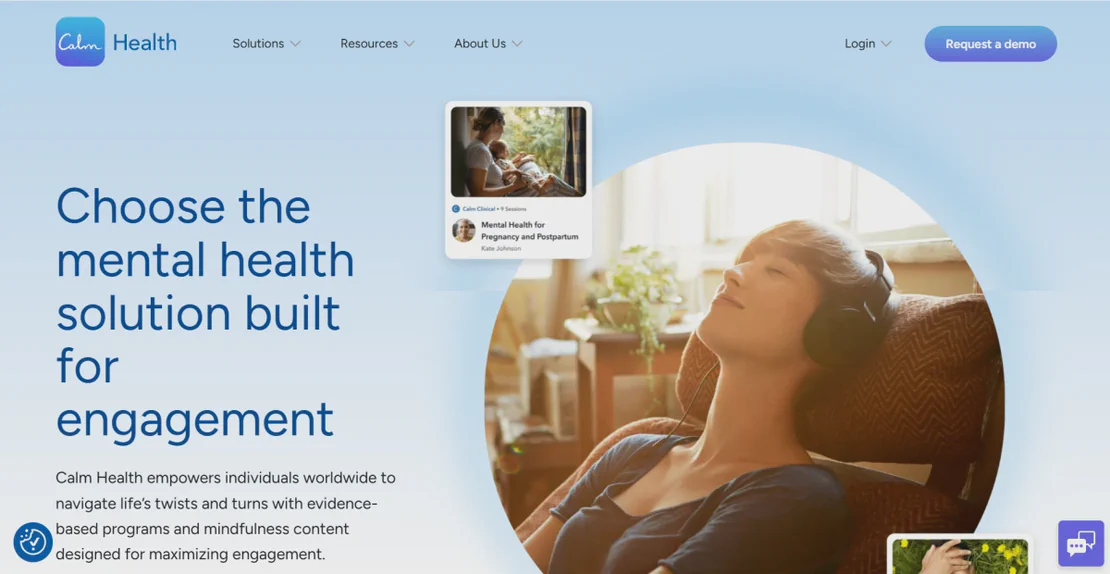
Calm is the leading mental health brand and the #1 app for Sleep, Meditation and Relaxation. With over 150 million downloads, the platform offers guided meditations, Sleep Stories, music, and masterclasses. Calm helps organizations support employee well-being through flexible subscription plans and personalized mindfulness content.
Environment sharing for wellness access
Create a browser environment, log into your Calm account once, then share that environment with team members. Everyone accesses the same logged-in session through their devices without ever seeing the password—perfect for HR departments, startups, and wellbeing-focused teams.
Get Started
Consistent fingerprints prevent detection
Unlike sharing passwords directly, FlashID's environment sharing maintains consistent browser fingerprints and device identities. Calm sees normal usage patterns from the shared environment, not suspicious multi-location logins, keeping your wellness subscription secure from detection.
Get Started
Flexible sharing with administrative control
Choose how to share: invite team members for internal wellness initiatives, or generate shareable links for temporary access. Set granular permissions, monitor active sessions, and revoke access instantly—all without changing master passwords. Maintain complete control over your Calm subscription.
Get Started

Unlimited Multiplicity
Multiple devices, no limits
No purchase limit, no multiplicity limit, no opening limit

Multi-Platform Control
Anytime, anywhere, just click
No client download required, accessible via PC and mobile browsers

Application Management
Application management so easy
Bulk install, uninstall, and launch applications

RPA
Leverage FlashID’s pre-built RPA templates for fast automation or custom workflows in secure cloud.

API
FlashID API handles account lifecycles and automates browser actions: batch social logins.

One-Click Sharing
Efficient management
Join a team with one click, share cloud devices among multiple users
Prevent Calm Account Restrictions Through Environment Sharing
FlashID’s environment sharing technology maintains consistent browser fingerprints and device identities for all team members accessing the shared Calm account. Unlike traditional password sharing that creates suspicious patterns, shared environments present unified, legitimate usage to Calm’s systems—eliminating account lockouts and multi-login warnings.
Common Calm Sharing Questions
How does FlashID's environment sharing work for Calm?
Do employees need to know the Calm password?
What's the difference between team collaboration and environment sharing?
Will Calm detect multiple people using the shared environment?
What should be noted when sharing Calm via FlashID?
How do I revoke someone's access to the shared Calm environment?
Can I share multiple mindfulness accounts using FlashID?
Is it safer to share the account link or add team members?
What's the main benefit of FlashID vs. sharing the password via password manager?
Can FlashID share other productivity services?
How many people can access a shared Calm environment?
Can remote team members in different countries access shared Calm environments?
More Recommended Platforms


















Connect all your platform accounts
Thanks to our fingerprint technology, you no longer need to worry about your account being at risk, you just need to focus on your business.
Mental Wellness Success Stories
HR Director, Remote First Agency
Engineering Lead, Digital Studio Collective
Operations Manager, Growth Tech Startup