CleanMyMac
Use FlashID's browser environment sharing to securely manage and share CleanMyMac (MacPaw) subscriptions. Maintain consistent digital fingerprints and prevent account bans while sharing access with team members.
Share CleanMyMac Access Without Password Risks
Securely share your CleanMyMac subscription with your IT team or family through FlashID’s environment sharing. Protect your MacPaw credentials while ensuring everyone has access to premium optimization tools.
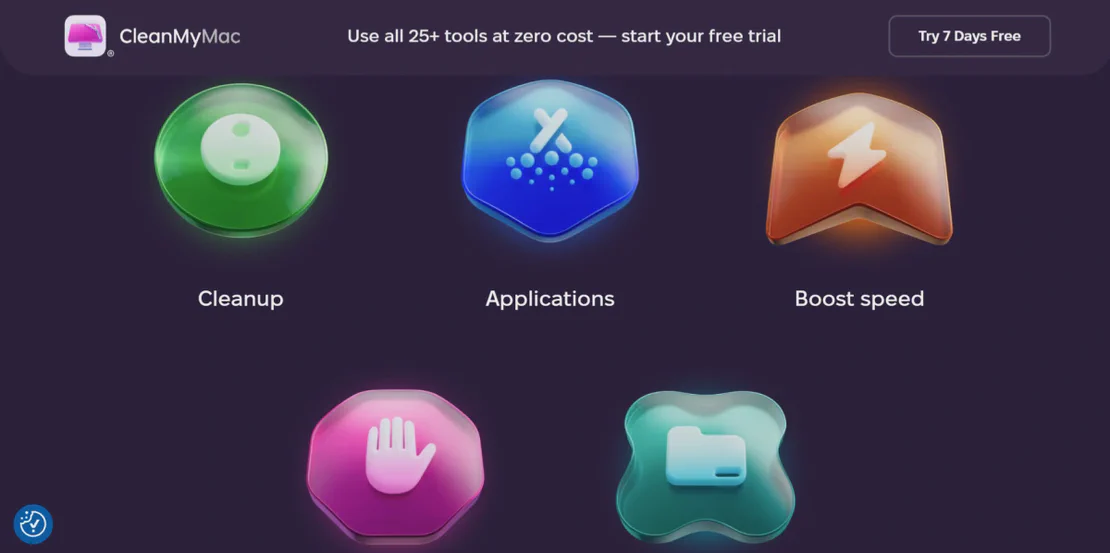
CleanMyMac by MacPaw is the industry-standard optimization suite for macOS. It offers powerful tools for system cleaning, malware removal, and performance monitoring. With flexible licensing for individuals and businesses, CleanMyMac helps keep Apple computers running at peak performance through advanced maintenance scripts and intuitive utility management.
Environment-based license sharing
Log into your CleanMyMac/MacPaw dashboard once within a FlashID environment and share it with your team. Members can manage activations and download installers directly through the shared session without ever knowing your primary account password.
Get Started
Anti-detection fingerprinting
FlashID ensures that every access point to your CleanMyMac account uses a consistent browser fingerprint. This prevents MacPaw from flagging your account for suspicious logins from multiple locations, keeping your multi-device licenses safe from restriction.
Get Started
Granular access and session control
Easily manage who can access your CleanMyMac subscription portal. Grant permissions to specific team members, monitor when sessions are active, and revoke access instantly if a device is decommissioned or a team member leaves—all from one central dashboard.
Get Started

Unlimited Multiplicity
Multiple devices, no limits
No purchase limit, no multiplicity limit, no opening limit

Multi-Platform Control
Anytime, anywhere, just click
No client download required, accessible via PC and mobile browsers

Application Management
Application management so easy
Bulk install, uninstall, and launch applications

RPA
Leverage FlashID’s pre-built RPA templates for fast automation or custom workflows in secure cloud.

API
FlashID API handles account lifecycles and automates browser actions: batch social logins.

One-Click Sharing
Efficient management
Join a team with one click, share cloud devices among multiple users
Stop CleanMyMac Account Restrictions
FlashID’s environment sharing technology creates a ‘digital twin’ of a legitimate browser session. By maintaining consistent hardware IDs and IP geolocation for your CleanMyMac account access, you eliminate the risk of account suspension caused by traditional password sharing methods across different networks.
CleanMyMac Sharing FAQ
How does FlashID facilitate CleanMyMac account sharing?
Is it safe to share my CleanMyMac credentials this way?
What is the difference between team access and link sharing?
2. Environment Sharing: Generate an encrypted link that allows external users to access the environment temporarily, ideal for freelance IT consultants or remote contractors.
Will MacPaw detect that I am sharing my account?
What should I keep in mind when sharing CleanMyMac?
How do I stop someone from using the shared CleanMyMac account?
Can I manage multiple MacPaw accounts with FlashID?
Which CleanMyMac plan works best with FlashID?
Can I share other MacPaw products like Setapp?
Does environment sharing work for remote teams in other countries?
More Recommended Platforms




















Connect all your platform accounts
Thanks to our fingerprint technology, you no longer need to worry about your account being at risk, you just need to focus on your business.
Trusted by IT Managers and Teams Worldwide
IT Director, Creative Flow Agency
Technical Lead, ByteSize Solutions
Co-founder, Aurora Tech