Lumosity
Safely share Lumosity Premium accounts with team members using FlashID's environment sharing. Prevent multi-login detection and maintain consistent browser fingerprints for secure brain training access.
Share Lumosity Premium Without Password Exposure
Securely share your Lumosity subscription with your team or family through FlashID environment sharing. Keep your credentials private while providing full access to cognitive training tools.
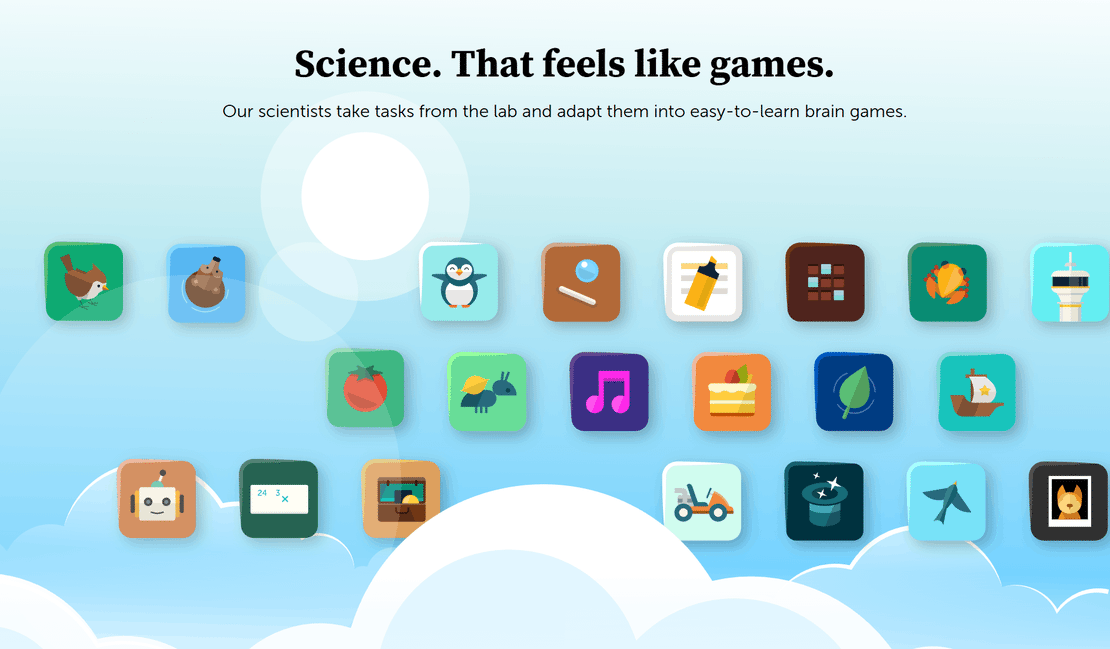
Lumosity is a leading cognitive training platform used by over 100 million people worldwide. It offers a comprehensive brain training program with 50+ games designed to challenge core cognitive skills like memory, attention, and problem-solving through personalized daily workouts.
Environment sharing for instant training
Create a browser environment, log into your Lumosity account once, and share that environment with your team. Everyone accesses the same authenticated session without needing the password—ideal for educational institutions and corporate wellness programs.
Get Started
Maintain consistent device identities
FlashID ensures every team member browsing Lumosity appears as the same consistent user. By maintaining stable browser fingerprints, we prevent Lumosity's security systems from flagging your account for suspicious multi-device activity or geographic IP shifts.
Get Started
Granular access and training control
Manage who can access your Lumosity environment with ease. Invite team members for specific training periods and revoke access instantly when projects end. Maintain total oversight of your subscription usage without ever changing your master password.
Get Started

Unlimited Multiplicity
Multiple devices, no limits
No purchase limit, no multiplicity limit, no opening limit

Multi-Platform Control
Anytime, anywhere, just click
No client download required, accessible via PC and mobile browsers

Application Management
Application management so easy
Bulk install, uninstall, and launch applications

RPA
Leverage FlashID’s pre-built RPA templates for fast automation or custom workflows in secure cloud.

API
FlashID API handles account lifecycles and automates browser actions: batch social logins.

One-Click Sharing
Efficient management
Join a team with one click, share cloud devices among multiple users
Bypass Lumosity Account Restrictions
FlashID’s environment sharing technology creates a unified digital identity for all authorized users of your Lumosity account. By presenting a single, legitimate browser fingerprint to Lumosity’s detection systems, FlashID eliminates the risk of account lockouts and security warnings associated with traditional password sharing.
Lumosity Sharing FAQs
How does FlashID facilitate Lumosity account sharing?
Is my Lumosity password safe with FlashID?
What is the benefit of 'Environment Sharing' over giving someone my login?
Can I use a proxy with my shared Lumosity environment?
How do I stop someone from using the shared Lumosity account?
Does FlashID work with Lumosity's training history?
Which Lumosity plans can I share?
Can I share other educational tools besides Lumosity?
More Recommended Platforms

















Connect all your platform accounts
Thanks to our fingerprint technology, you no longer need to worry about your account being at risk, you just need to focus on your business.
Teams Enhancing Performance with FlashID
Research Lead, Neuro-Growth Lab
HR Director, Zenith Consulting
Operations Head, Edu-Pulse Startups