MacPaw
Use FlashID's environment sharing technology to safely share MacPaw and Setapp subscriptions with team members—bypass device limits and maintain consistent browser fingerprints for secure access.
Share MacPaw Access Without Password Exposure
Securely share your MacPaw or Setapp subscription with team members through browser environment sharing. Protect your credentials while providing full access to premium web tools.
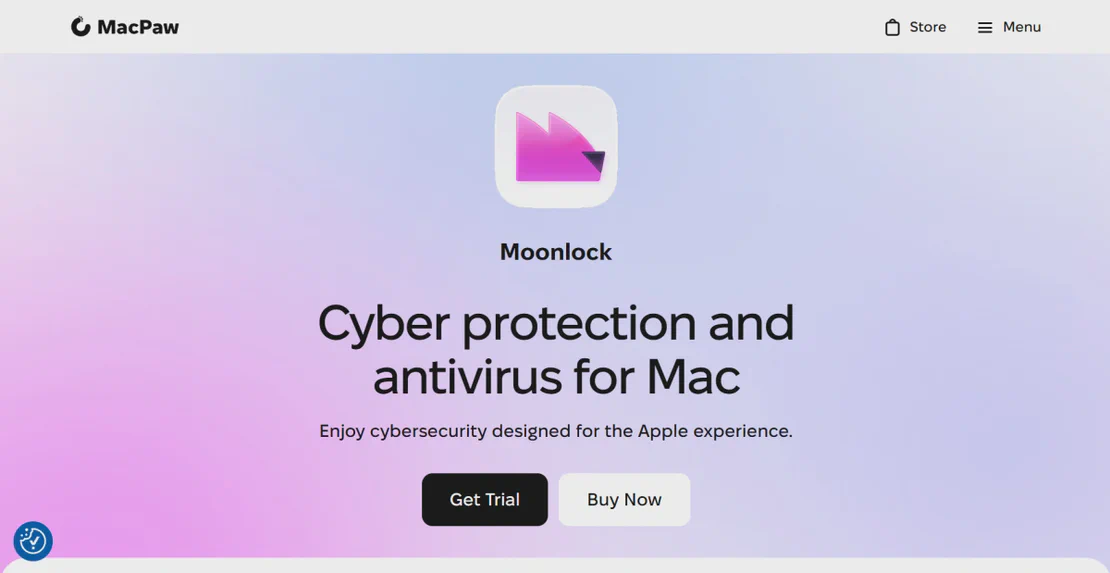
MacPaw is a leading software developer known for essential macOS and iOS tools like CleanMyMac X, Setapp, and ClearVPN. With millions of users worldwide, MacPaw provides powerful optimization, security, and productivity solutions. FlashID enables teams to manage these premium subscriptions efficiently through secure environment sharing.
Environment sharing for instant MacPaw access
Create a secure browser environment, log into your MacPaw or Setapp dashboard once, then share that environment with your team. Members access the active session instantly without ever seeing your password—ideal for creative agencies and remote IT teams.
Get Started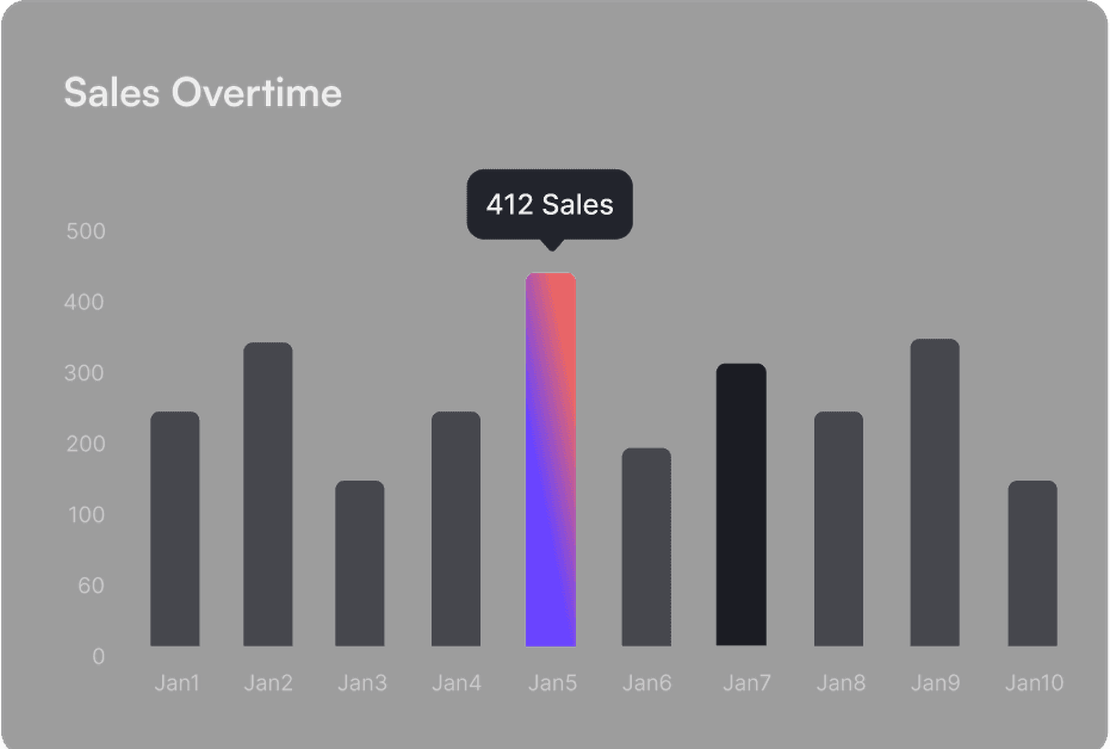
Prevent account flags with consistent fingerprints
Traditional sharing triggers security alerts due to varying browser data. FlashID maintains consistent hardware fingerprints and cookies across all users. MacPaw sees a unified, legitimate session, ensuring your premium subscription remains active and secure.
Get Started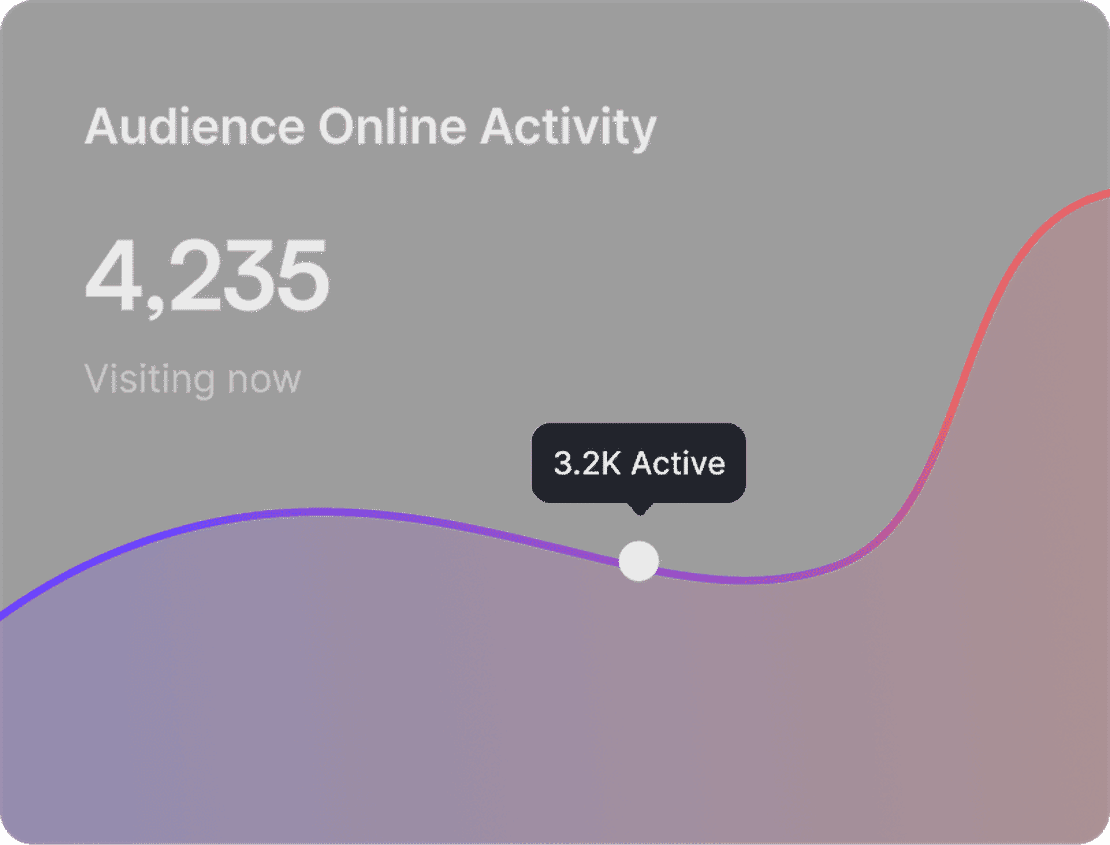
Granular control over team permissions
Manage who accesses your MacPaw utilities with ease. Invite team members for internal use or create secure links for external collaborators. Revoke access instantly if a project ends, all without the need to reset your master account password.
Get Started

Unlimited Multiplicity
Multiple devices, no limits
No purchase limit, no multiplicity limit, no opening limit

Multi-Platform Control
Anytime, anywhere, just click
No client download required, accessible via PC and mobile browsers

Application Management
Application management so easy
Bulk install, uninstall, and launch applications

RPA
Leverage FlashID’s pre-built RPA templates for fast automation or custom workflows in secure cloud.

API
FlashID API handles account lifecycles and automates browser actions: batch social logins.

One-Click Sharing
Efficient management
Join a team with one click, share cloud devices among multiple users
Secure Your MacPaw Subscription with FlashID
FlashID’s advanced virtualization technology ensures that every team member accessing your MacPaw account does so through a unified digital profile. By maintaining consistent browser fingerprints, you eliminate the risk of account suspension due to suspicious activity, allowing for seamless collaborative use of premium optimization tools.
MacPaw Account Sharing FAQ
How does FlashID's environment sharing work for MacPaw?
Can I share Setapp subscriptions using FlashID?
Will MacPaw detect multiple users on one account?
What is the difference between sharing a link and team collaboration?
Is my MacPaw password safe?
How do I stop someone from using the shared MacPaw account?
Can I use proxies with MacPaw environment sharing?
What MacPaw products can be shared this way?
Does this bypass MacPaw's device limits?
Can I share other developer accounts like Adobe or Canva?
More Recommended Platforms



UK Business Forums
Business Forums
UK Business Forums (https://www.ukbusinessforums.co.uk/) is a leading online community for UK entrepreneurs, business owners, …
















Connect all your platform accounts
Thanks to our fingerprint technology, you no longer need to worry about your account being at risk, you just need to focus on your business.
Trusted by Modern Teams Globally
Creative Director, Nordic Design Hub
IT Manager, Innovate HQ
Operations Lead, ScaleUp Media