MobiOffice
Use FlashID's environment sharing technology to safely share MobiOffice (formerly OfficeSuite) subscriptions with team members. Prevent account blocks and maintain consistent browser fingerprints.
Share MobiOffice Without Sharing Passwords
Share your MobiOffice Premium subscription securely with colleagues through advanced environment sharing. Eliminate password leaks, maintain session persistence, and control access instantly.
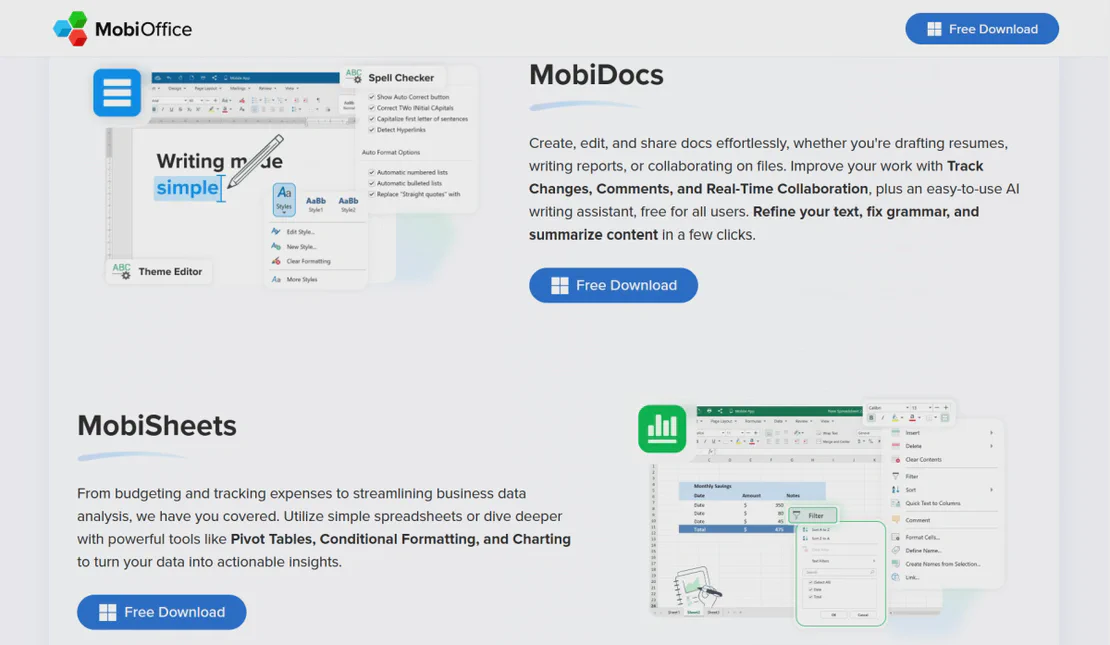
MobiOffice (formerly OfficeSuite) is a professional multi-platform productivity solution offering powerful tools for editing documents, spreadsheets, presentations, and PDFs. With its comprehensive cloud integration and cross-device compatibility, MobiOffice is an essential choice for teams and professionals seeking an efficient alternative to traditional office suites.
Environment sharing for document collaboration
Create a dedicated browser environment, log into your MobiOffice account once, and share that environment with your team. Members can edit documents and manage files within the same authenticated session without needing the master password—ideal for joint project management and remote studios.
Get Started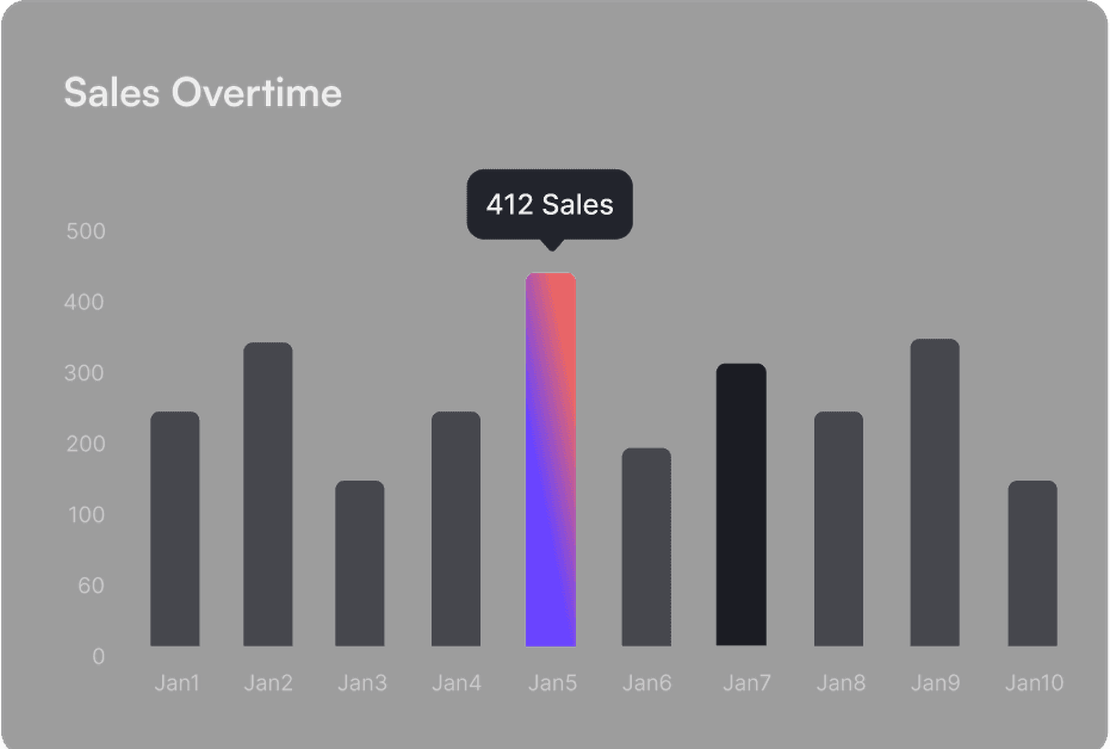
Fingerprint protection for account security
Avoid security triggers caused by logging in from multiple devices. FlashID ensures every team member utilizes the same digital fingerprint and browser identity. MobiOffice perceives all activity as coming from a single trusted device, preventing account flags while your team stays productive.
Get Started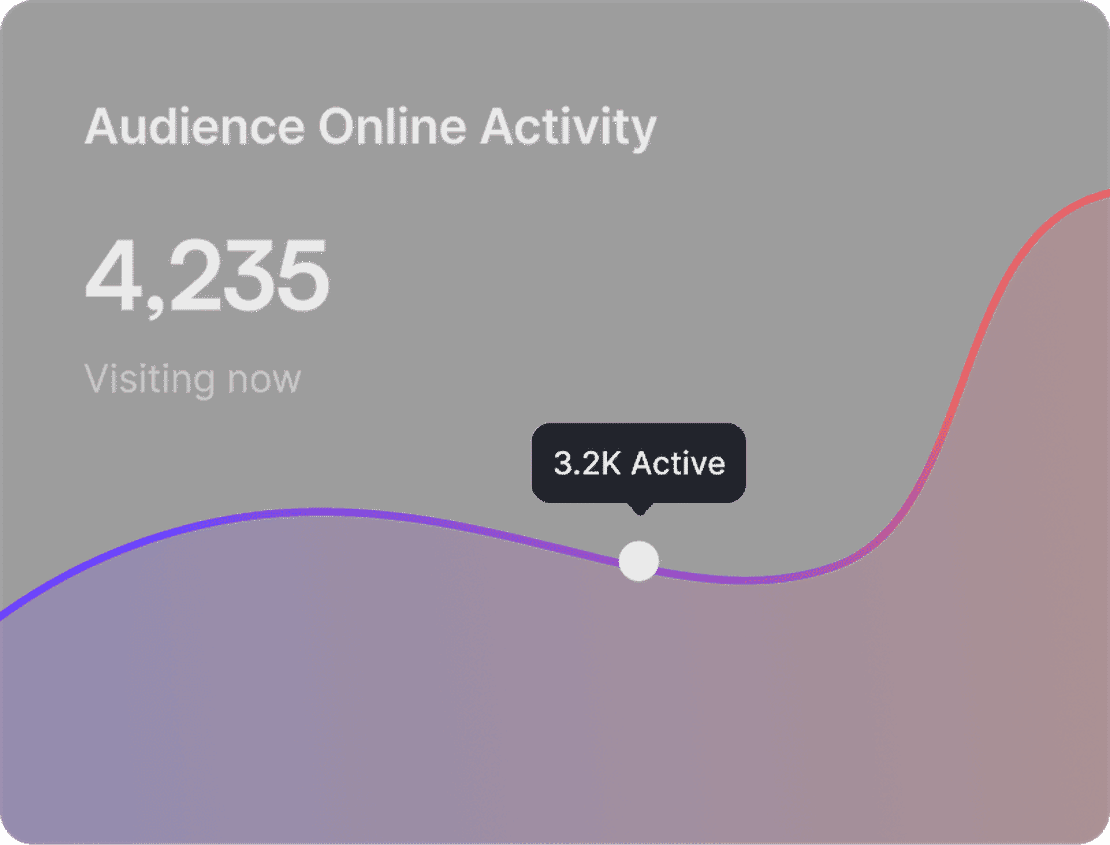
Granular access and session control
Manage your MobiOffice shared access with precision. Invite specific internal team members or create secure links for external freelancers. Revoke access with a single click if a project ends, ensuring your subscription credentials remain private and your PDF/Document workflows remain uninterrupted.
Get Started

Unlimited Multiplicity
Multiple devices, no limits
No purchase limit, no multiplicity limit, no opening limit

Multi-Platform Control
Anytime, anywhere, just click
No client download required, accessible via PC and mobile browsers

Application Management
Application management so easy
Bulk install, uninstall, and launch applications

RPA
Leverage FlashID’s pre-built RPA templates for fast automation or custom workflows in secure cloud.

API
FlashID API handles account lifecycles and automates browser actions: batch social logins.

One-Click Sharing
Efficient management
Join a team with one click, share cloud devices among multiple users
Protect Your MobiOffice Account from Restrictions
FlashID’s environment sharing technology hides the fact that multiple people are using the same MobiOffice account. By presenting a unified browser fingerprint and consistent hardware identity, your team can collaborate on spreadsheets and docs from anywhere in the world without triggering security locks or suspicious activity warnings.
MobiOffice Sharing FAQs
How does FlashID share MobiOffice without a password?
Is it safe to share MobiOffice account access this way?
Can I use MobiOffice features like PDF editing while sharing?
What is the difference between Team and Link sharing for MobiOffice?
Does MobiOffice detect that I'm sharing the account?
What happens if two people try to edit the same file?
Do I need a proxy to share MobiOffice internationally?
How much money can FlashID save my business on office software?
Can I share other productivity tools with FlashID?
How do I revoke someone's access?
More Recommended Platforms



2chan
Imageboards
2chan (https://www.2chan.net/) is a leading anonymous imageboard platform fostering free discussions, image sharing, and meme culture across …

















Connect all your platform accounts
Thanks to our fingerprint technology, you no longer need to worry about your account being at risk, you just need to focus on your business.
Professionals Trust FlashID for Office Collaboration
Editor-in-Chief, Global Tech Review
Project Lead, Creative Flow Agency
Founder, NextGen Solutions