OysterVPN
Use FlashID's environment sharing technology to safely share OysterVPN accounts with team members—prevents multi-login detection and maintains consistent browser fingerprints for secure VPN management.
Share OysterVPN Without Sharing Passwords
Share your OysterVPN subscription securely with team members through environment sharing. Protect your master credentials while providing full access to VPN management and downloads.
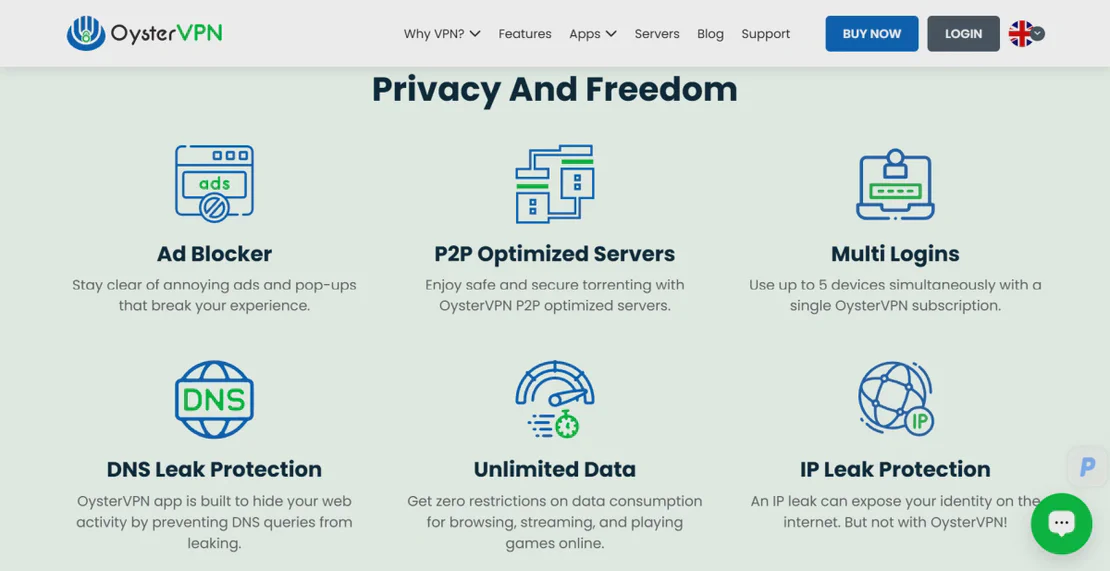
OysterVPN is a premium security service providing high-speed encryption, a strict no-logs policy, and global server access. Designed for privacy-conscious users, OysterVPN offers features like a Kill Switch and dedicated IP options, making it a reliable choice for bypassing geo-restrictions and securing corporate data.
Secure environment sharing for VPN access
Create a browser environment, log into your OysterVPN dashboard once, then share that environment with team members. Everyone accesses the same authenticated session without ever seeing the password—perfect for IT departments, remote workers, and cross-border teams.
Get Started
Maintain consistent identities for security
Avoid triggering OysterVPN's security alerts. FlashID's environment sharing maintains consistent browser fingerprints and device data. The platform recognizes a single trusted environment rather than suspicious logins from multiple differing browsers and locations.
Get Started
Centralized control for VPN accounts
Manage who can access your OysterVPN configurations. Set granular permissions within your FlashID team, monitor active environment usage, and revoke access instantly if a member leaves—all without the need to rotate complex master passwords.
Get Started

Unlimited Multiplicity
Multiple devices, no limits
No purchase limit, no multiplicity limit, no opening limit

Multi-Platform Control
Anytime, anywhere, just click
No client download required, accessible via PC and mobile browsers

Application Management
Application management so easy
Bulk install, uninstall, and launch applications

RPA
Leverage FlashID’s pre-built RPA templates for fast automation or custom workflows in secure cloud.

API
FlashID API handles account lifecycles and automates browser actions: batch social logins.

One-Click Sharing
Efficient management
Join a team with one click, share cloud devices among multiple users
Optimize OysterVPN Sharing with FlashID
FlashID’s environment sharing technology keeps your browser fingerprints and device IDs consistent. When team members access OysterVPN, the platform sees a unified, legitimate session. This prevents account flags and ensures your dedicated VPN settings remain unchanged by unauthorized browser variations.
OysterVPN Sharing FAQ
How does FlashID's environment sharing work for OysterVPN?
Is it safe to share a VPN account this way?
Does environment sharing bypass OysterVPN's device limits?
What's the difference between Team Collaboration and Link Sharing?
Will OysterVPN detect that I'm sharing my account?
Can I use OysterVPN with a proxy in FlashID?
How do I stop sharing my OysterVPN account?
What's the benefit for a small business?
Does this affect the VPN connection speed?
Does FlashID work with the OysterVPN browser extension?
More Recommended Platforms



















Connect all your platform accounts
Thanks to our fingerprint technology, you no longer need to worry about your account being at risk, you just need to focus on your business.
Trusted by Security Teams Worldwide
IT Security Lead, CyberShield
Digital Marketer, Global Vision Ads
DevOps Manager, SaaS Solutions