Planet VPN
Securely share Planet VPN Premium subscriptions with team members using FlashID's environment sharing. Avoid account bans, maintain consistent browser fingerprints, and manage VPN access without sharing passwords.
Securely Share Planet VPN Without Password Exposure
Grant your team instant access to Planet VPN Premium through environment sharing. Maintain security, ensure fingerprint consistency, and manage global VPN resources from a single dashboard.
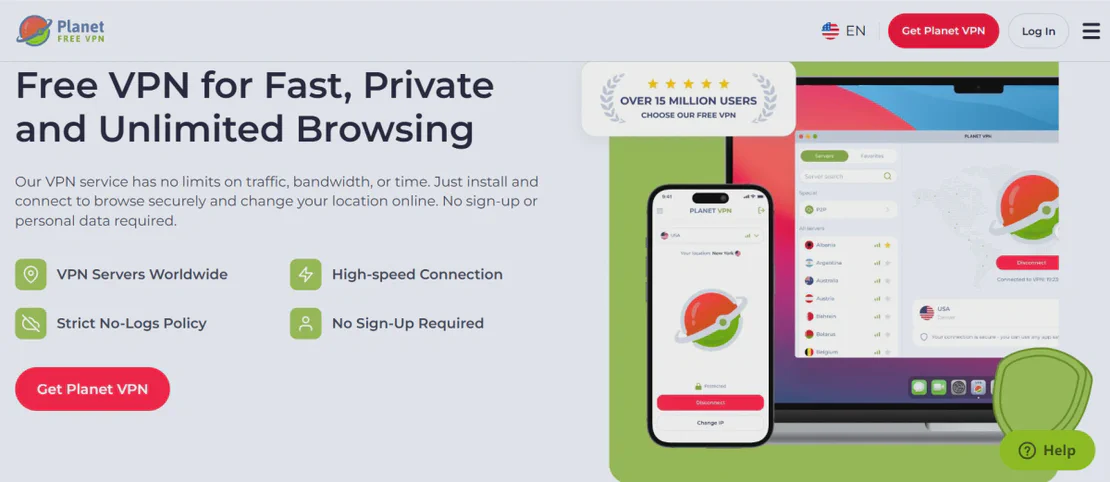
Planet VPN is a leading provider of high-speed, secure, and free VPN services accessible across multiple platforms. With over 1260+ servers in 60 countries, it offers military-grade encryption and a strict no-logs policy. Planet VPN Premium provides enhanced speeds and specialized servers for streaming and gaming, making it a vital tool for privacy-conscious teams.
Environment sharing for seamless VPN access
Log into your Planet VPN Premium account once within a FlashID environment. Share that environment with your remote team members via a simple link or team invite. They gain full access to the VPN-authenticated browser session without ever seeing your login credentials, ensuring maximum security for your master account.
Get Started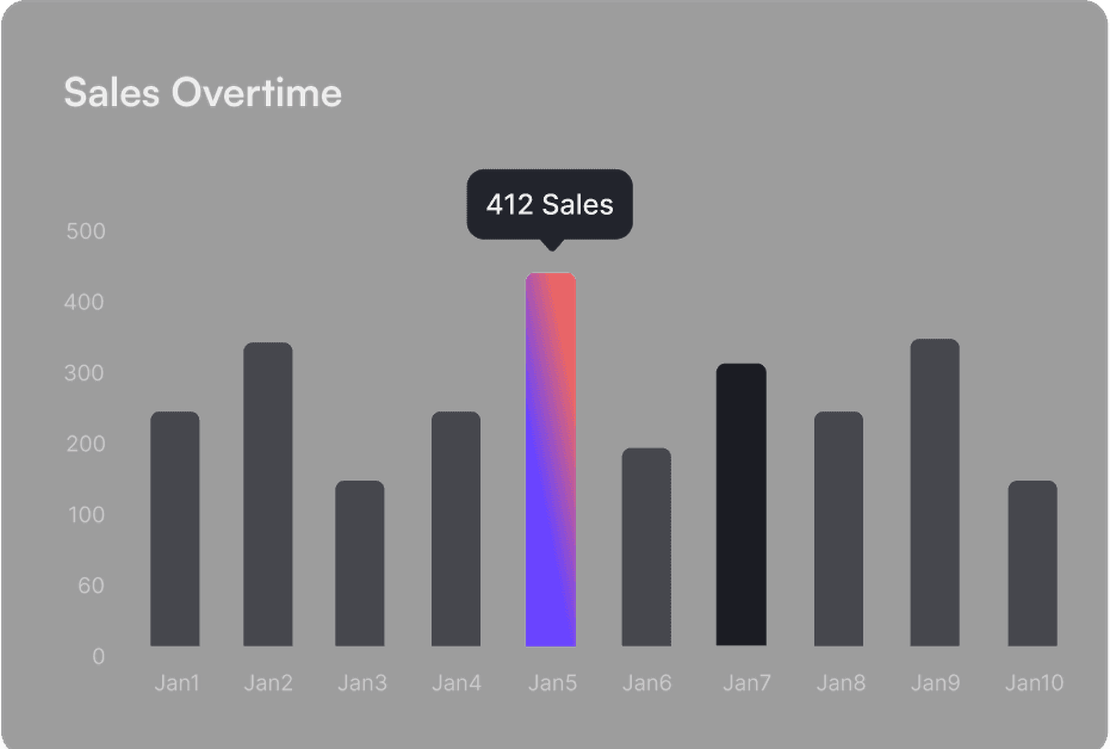
Unified fingerprints prevent account flagging
Most VPN providers monitor for suspicious login patterns across different devices. FlashID's environment sharing synchronizes browser fingerprints and device metadata. By presenting a unified digital identity to the Planet VPN web portal, you bypass security triggers and prevent account lockdowns or verification loops.
Get Started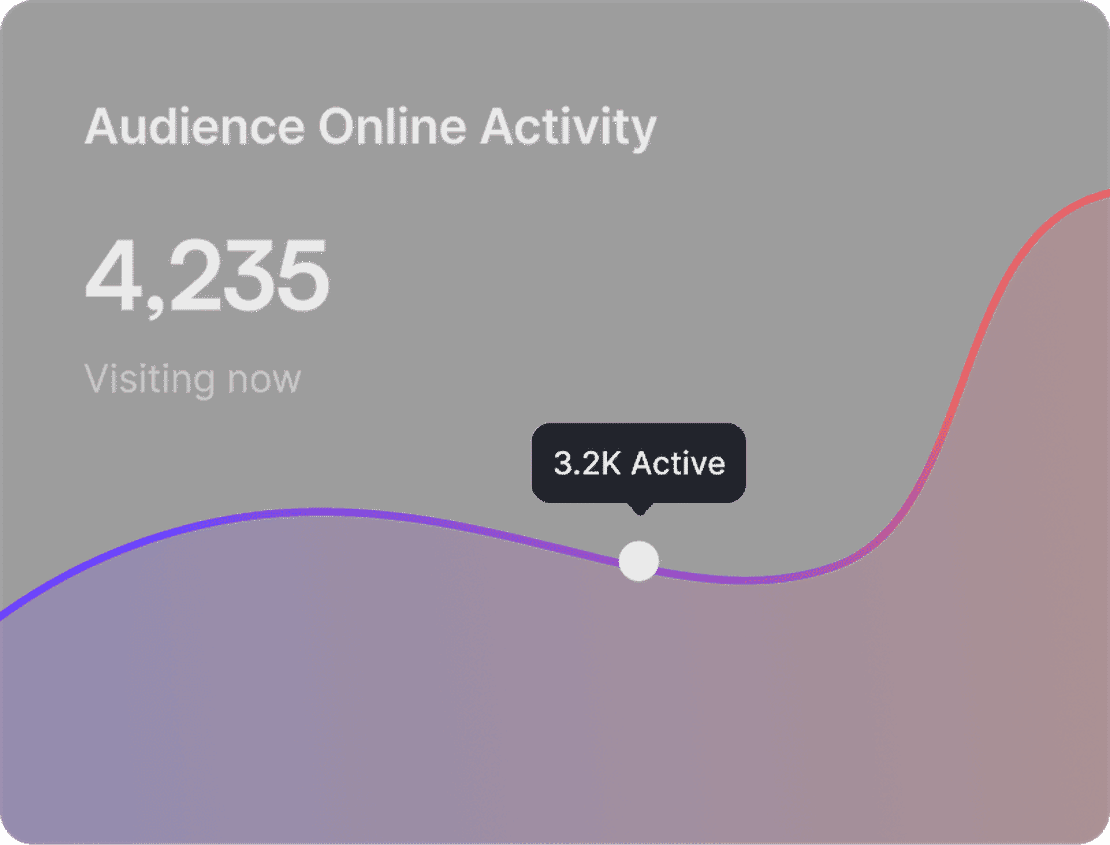
Granular control over VPN resources
Effortlessly manage who can access your Planet VPN subscription. Whether you are collaborating with internal staff or external contractors, you can revoke environment access instantly. Monitor active sessions and set specific permissions to maintain complete sovereignty over your premium security assets.
Get Started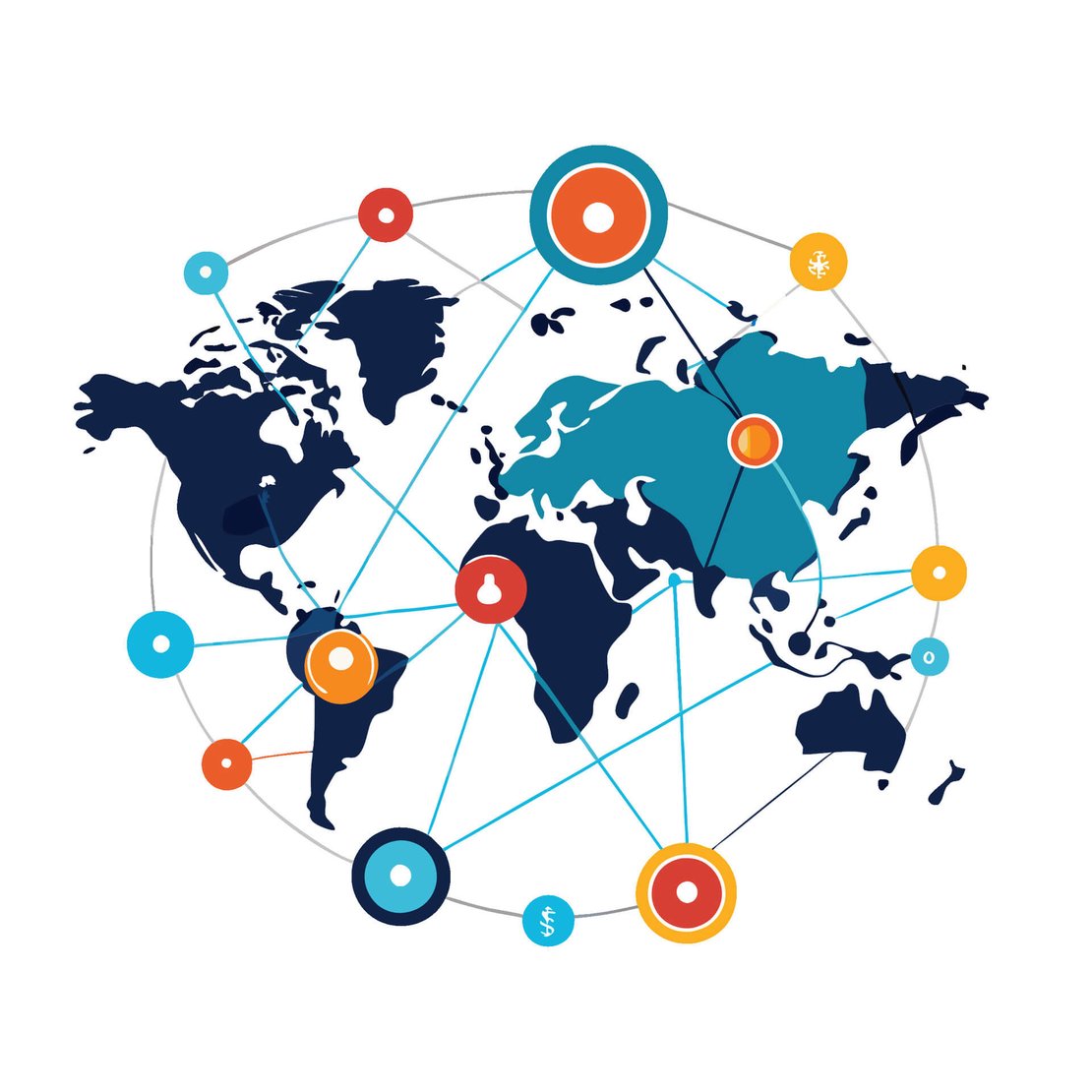

Unlimited Multiplicity
Multiple devices, no limits
No purchase limit, no multiplicity limit, no opening limit

Multi-Platform Control
Anytime, anywhere, just click
No client download required, accessible via PC and mobile browsers

Application Management
Application management so easy
Bulk install, uninstall, and launch applications

RPA
Leverage FlashID’s pre-built RPA templates for fast automation or custom workflows in secure cloud.

API
FlashID API handles account lifecycles and automates browser actions: batch social logins.

One-Click Sharing
Efficient management
Join a team with one click, share cloud devices among multiple users
Maximize Planet VPN Efficiency via FlashID
By leveraging FlashID’s advanced environment sharing technology, businesses can distribute Planet VPN Premium access across their entire organization safely. Our system maintains persistent browser sessions and unique fingerprints, meaning your account stays active and authenticated regardless of which team member is using it, all while protecting your primary credentials.
Planet VPN Sharing FAQ
How does 1-click sharing work for Planet VPN?
Is my Planet VPN password visible to others?
Can we use Planet VPN in different regions simultaneously?
Will my Planet VPN account get banned for sharing?
How do I stop sharing my Planet VPN account?
Does this work with the free version of Planet VPN?
Can I manage multiple VPN providers this way?
What is the primary benefit for a marketing agency?
More Recommended Platforms





NY Sports Day
Sports Platform
NY Sports Day is a premier sports news and community platform at https://www.nysportsday.com/, delivering real-time updates, analysis, …















Connect all your platform accounts
Thanks to our fingerprint technology, you no longer need to worry about your account being at risk, you just need to focus on your business.
What Our Users Say About Sharing VPNs
QA Director, Software Solutions Inc.
IT Security Manager, Global Dev Hub
Founder, Stealth Mode Startup