VPN Tunnel
Share your VPN Tunnel account securely with team members using FlashID. Prevent account bans by maintaining consistent browser fingerprints and eliminating the need for password sharing.
Share VPN Tunnel Without Revealing Passwords
Securely delegate access to your VPN Tunnel dashboard and configuration settings through environment sharing. Maintain complete control and prevent detection.
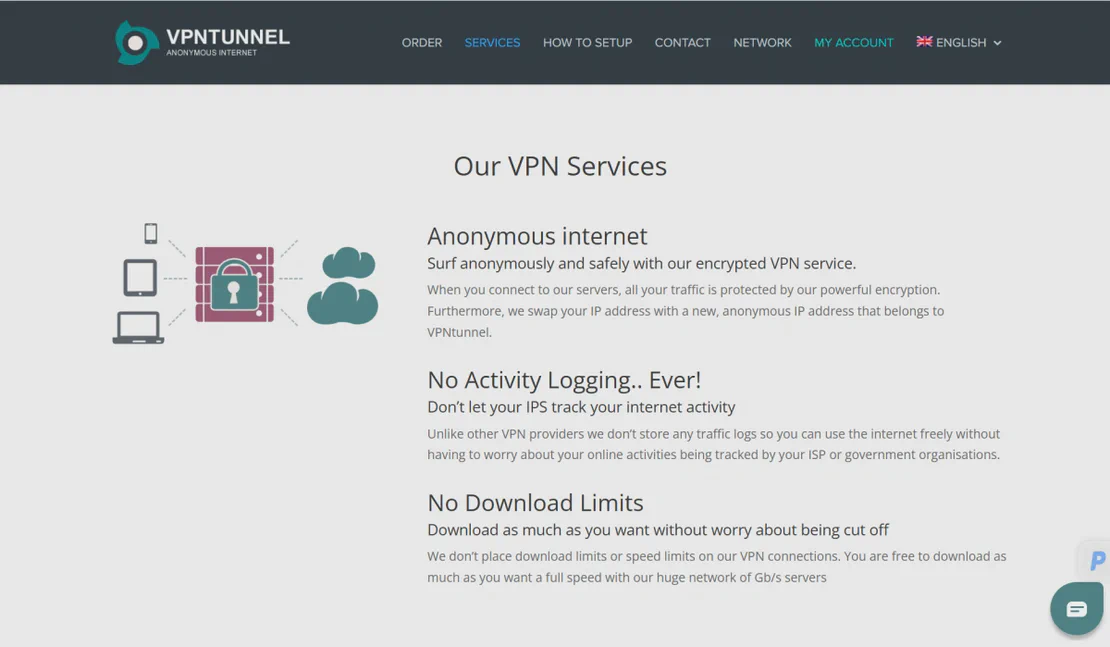
VPN Tunnel is a robust privacy service providing encrypted internet access and anonymous browsing across global servers. It offers high-speed connections and strict no-logs policies. By using FlashID with VPN Tunnel, organizations can manage shared access to security configurations and subscription settings without compromising administrative credentials.
Unified Session Sharing
Launch a FlashID browser environment, sign into your VPN Tunnel account, and share the session instantly. Team members enter the active session directly without ever seeing your master password, keeping your billing and security settings private.
Get Started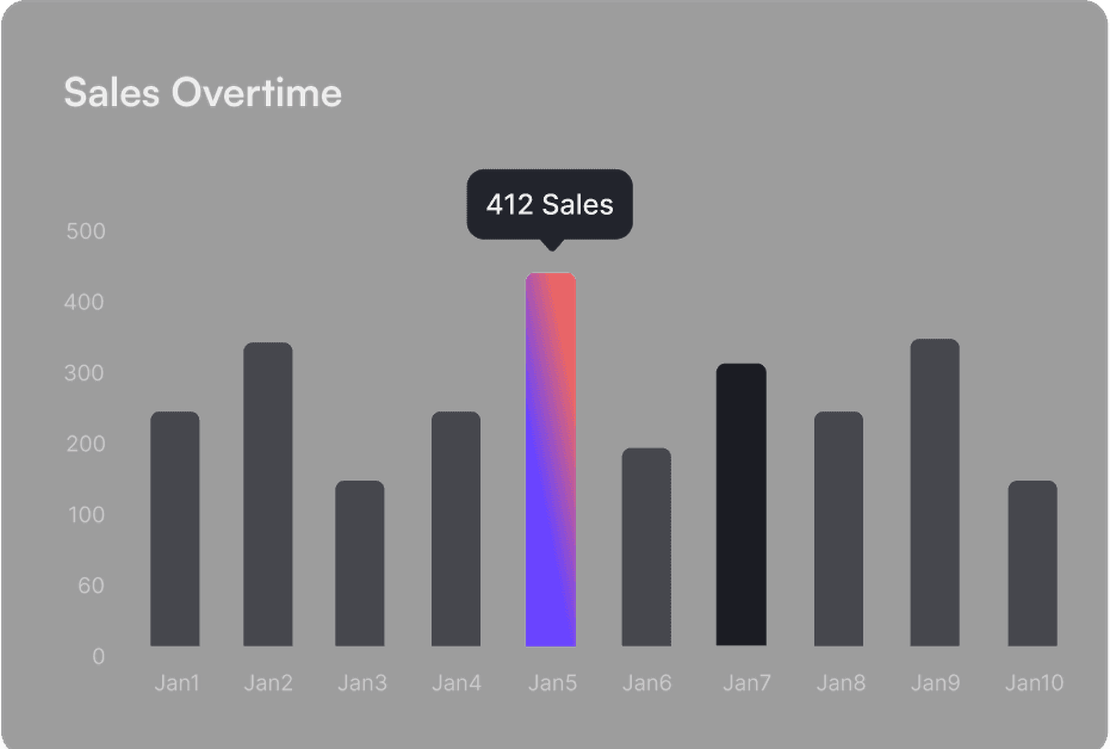
Fingerprint Masking Technology
Avoid 'suspicious activity' flags on VPN Tunnel. FlashID creates a consistent digital fingerprint for the environment. When multiple team members access the VPN management portal, it appears as a single, authorized device regardless of their physical location.
Get Started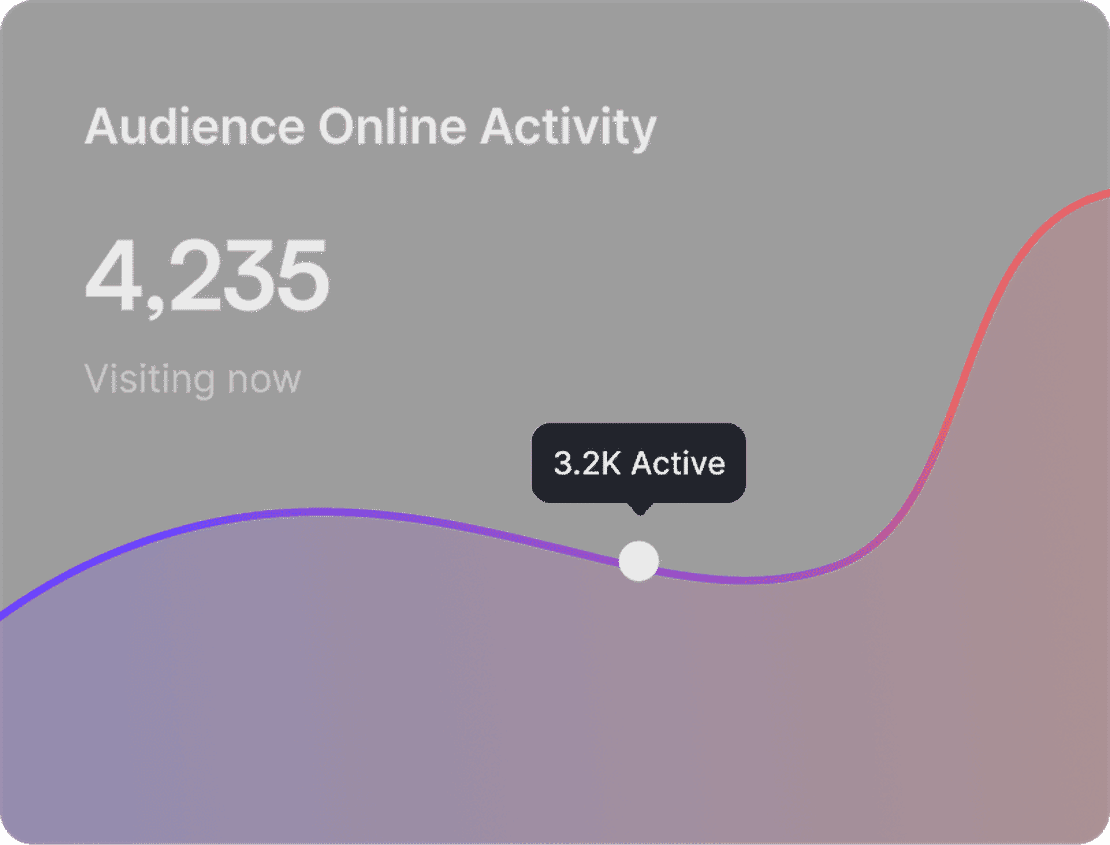
Granular Access & Revocation
Manage who can access your VPN Tunnel subscription with precision. Invite internal team members or share temporary links for contractors. Revoke access instantly with one click if a team member leaves, without the hassle of changing your VPN account password.
Get Started

Unlimited Multiplicity
Multiple devices, no limits
No purchase limit, no multiplicity limit, no opening limit

Multi-Platform Control
Anytime, anywhere, just click
No client download required, accessible via PC and mobile browsers

Application Management
Application management so easy
Bulk install, uninstall, and launch applications

RPA
Leverage FlashID’s pre-built RPA templates for fast automation or custom workflows in secure cloud.

API
FlashID API handles account lifecycles and automates browser actions: batch social logins.

One-Click Sharing
Efficient management
Join a team with one click, share cloud devices among multiple users
Stay Under the Radar with VPN Tunnel Sharing
Platform detection systems often flag multiple logins from different devices. FlashID’s environment sharing technology bypasses this by presenting a unified device identity. Every team member using the shared VPN Tunnel environment uses the same browser headers, canvas fingerprints, and hardware IDs, ensuring your account stays safe and operational.
VPN Tunnel Sharing FAQ
How does FlashID enable sharing for VPN Tunnel?
Is my VPN Tunnel password safe?
What is the benefit over just giving them the password?
Can I share VPN Tunnel with remote workers?
How do I stop sharing my VPN Tunnel environment?
Does this affect the actual VPN connection speed?
Can I manage multiple VPN Tunnel accounts?
What happens if VPN Tunnel updates their site?
Is there a limit to how many people I can share with?
Why is consistent fingerprinting important for VPN accounts?
More Recommended Platforms


















Connect all your platform accounts
Thanks to our fingerprint technology, you no longer need to worry about your account being at risk, you just need to focus on your business.
Trusted by IT Professionals Worldwide
Head of IT, CloudNet Solutions
QA Lead, Global App Testing
Founder, Secure Media Group