Waves Audio
Use FlashID's fingerprint technology to safely share Waves Audio accounts. Access VST plugins, licenses, and updates across teams without password exposure or platform detection.
Share Waves Licenses Without Sharing Passwords
Securely share your Waves Audio account with music producers and studio collaborators through environment sharing. Maintain license integrity, consistent browser fingerprints, and full access control.
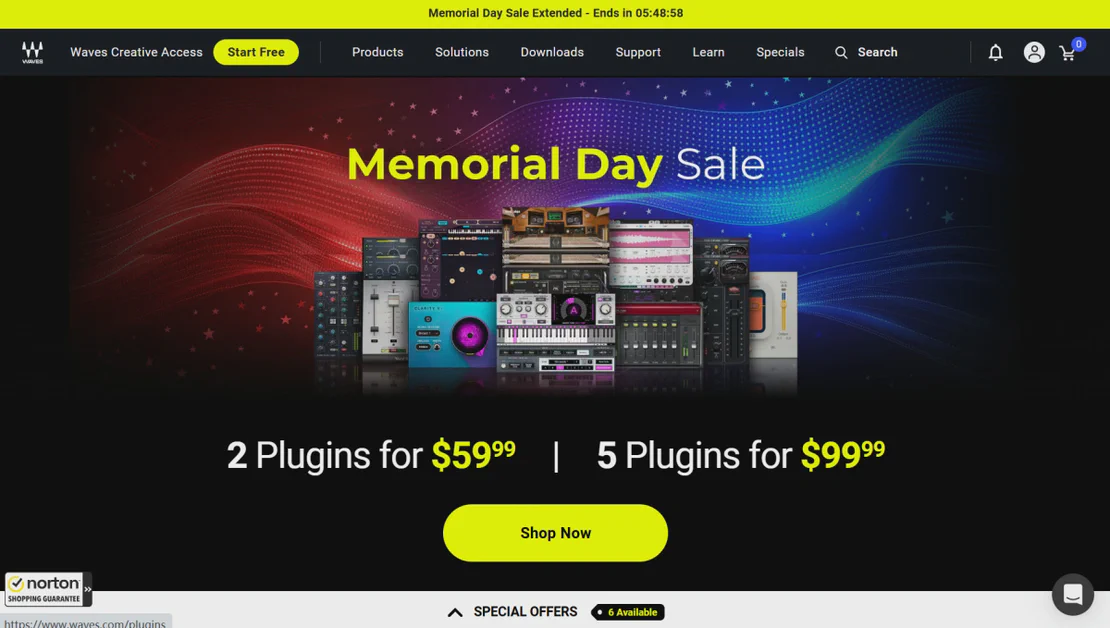
Waves Audio is the world’s leading developer of audio plugins and signal processors for the professional and consumer electronics audio markets. From studio classics to cutting-edge creative tools, Waves provides essential VSTs for mixing, mastering, and music production used by industry professionals worldwide.
Environment sharing for studio collaboration
Create a dedicated browser environment, log into your Waves Central account once, then share that environment with your production team. Every engineer accesses the same authenticated session without viewing the master password—perfect for recording studios, remote mixing teams, and educational institutions.
Get Started
Digital fingerprinting prevents security flags
Avoid account lockouts or security warnings. FlashID maintains consistent device identities and browser fingerprints. Waves sees legitimate, unified access from the shared environment rather than suspicious logins from multiple disparate devices, keeping your expensive plugin licenses secure.
Get Started
Manage license access with precision
Control who enters your Waves ecosystem. Invite team members for internal studio work or generate links for external session musicians. Set granular permissions, track active access, and revoke environment permissions instantly without ever having to reset your account password.
Get Started

Unlimited Multiplicity
Multiple devices, no limits
No purchase limit, no multiplicity limit, no opening limit

Multi-Platform Control
Anytime, anywhere, just click
No client download required, accessible via PC and mobile browsers

Application Management
Application management so easy
Bulk install, uninstall, and launch applications

RPA
Leverage FlashID’s pre-built RPA templates for fast automation or custom workflows in secure cloud.

API
FlashID API handles account lifecycles and automates browser actions: batch social logins.

One-Click Sharing
Efficient management
Join a team with one click, share cloud devices among multiple users
Protect Your Waves Licenses from Detection
FlashID’s environment sharing technology creates a unified browser identity for every team member accessing your Waves account. By presenting a consistent fingerprint to Waves’ security systems, you eliminate the risks associated with traditional password sharing, such as account flagging and IP-based restrictions.
Waves Account Sharing FAQ
How does FlashID facilitate Waves account sharing?
Do my team members see my Waves password?
What is the difference between team access and link sharing for Waves?
Can I use multiple Waves accounts in FlashID?
Will Waves ban my account for sharing via FlashID?
How do I stop someone from accessing my Waves account?
Can we use Waves plugins in different countries simultaneously?
What should I be careful about when sharing Waves via FlashID?
Is FlashID better than sharing my login via a password manager?
Can I share other audio plugin accounts with FlashID?
More Recommended Platforms




















Connect all your platform accounts
Thanks to our fingerprint technology, you no longer need to worry about your account being at risk, you just need to focus on your business.
Production Teams Trust FlashID
Head Engineer, Sonic Peak Studios
Independent Producer
Creative Director, MediaSync Agency