What Is a BrowserLeaks Test?
Overview of BrowserLeaks tools
BrowserLeaks is a collection of in-browser tests that reveal what websites can learn about you through your browser.
When you visit Browserleaks.com, you instantly see dozens of data points—your IP address, DNS servers, WebRTC leaks, canvas fingerprint, JA4 TLS fingerprint, and more. These tests simulate what tracking scripts and anti-fraud systems see.
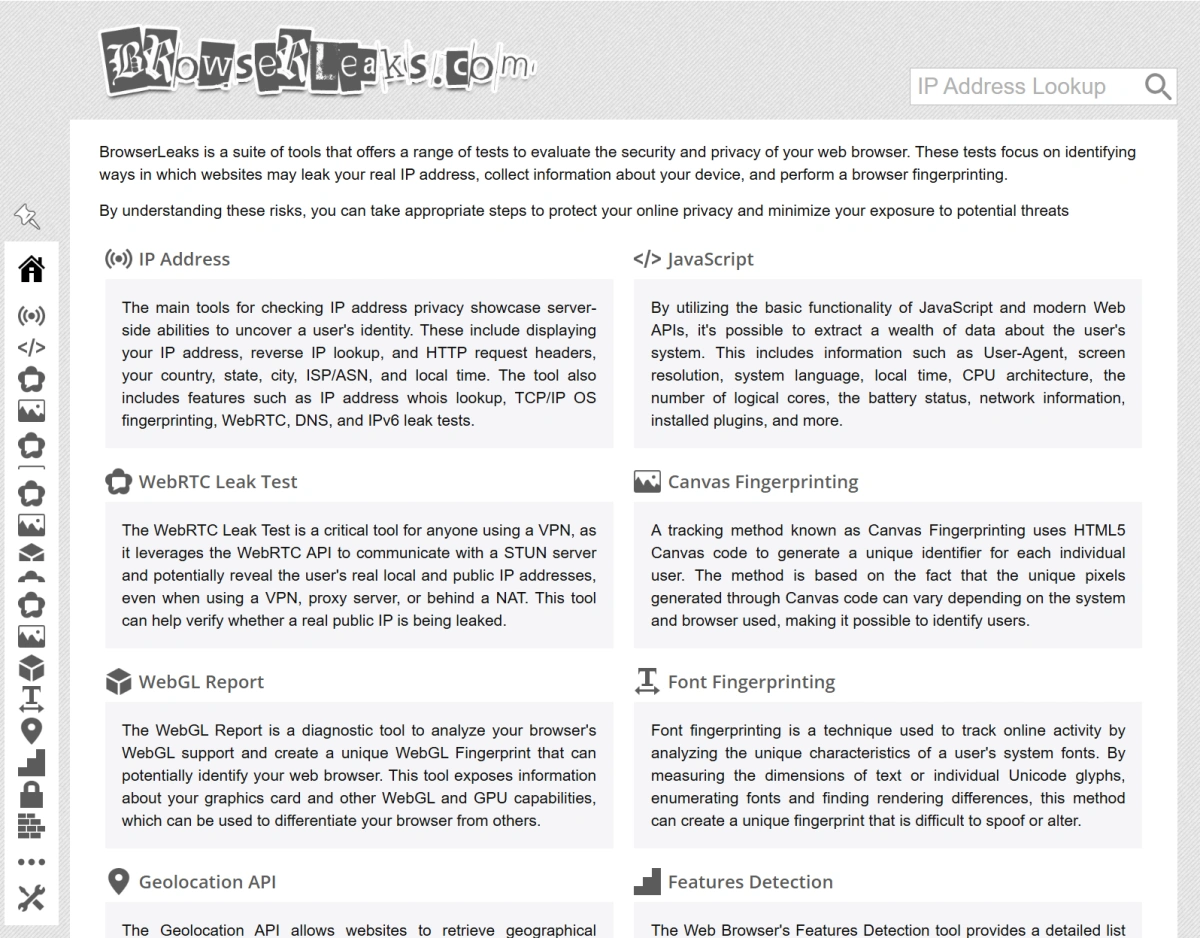
For privacy-conscious professionals managing multiple accounts, understanding your Browsearleaks results is the first step toward effective fingerprint management.
Why BrowserLeaks matters in 2026
In 2026, fingerprinting has become more sophisticated. Platforms like Google, Facebook, and Shopify use browser fingerprinting to detect shared or suspicious accounts. A single mismatch in your fingerprint can trigger a ban. BrowserLeaks helps you verify that your browser profile is consistent and that your privacy measures (VPNs, proxies, anti-detect browsers) are working as intended. If you’re running multiple e-commerce stores or social media accounts, passing a Browsearleaks scan is a baseline requirement.
If you’re new to the concept of browser fingerprinting, check out our guide: What is an Anti-Detect Browser?
Key Fingerprinting Surfaces Tested by BrowserLeaks
WebRTC Leak Test: Why Your IP Still Exposes You
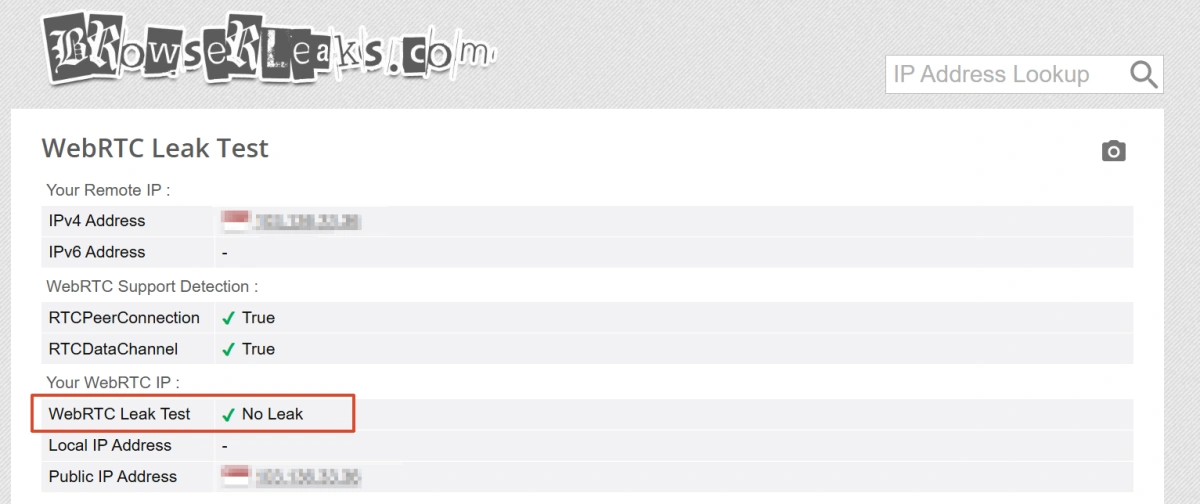
WebRTC is a protocol used for real-time communication (video calls, etc.), but it can bypass your VPN or proxy to reveal your real IP address.
BrowserLeaks’ WebRTC test shows whether your real IP is leaking. Even with a VPN active, WebRTC may still expose your true location. This is one of the most common leaks that anti-detect browsers aim to block.
Canvas and WebGL Fingerprints: Hardware Identification
Canvas fingerprinting works by asking the browser to render an image that is not directly visible to the user. Because different graphics cards, operating systems, drivers, and browser environments may render the image slightly differently, websites can convert the result into a hash and use it to distinguish between device environments.
WebGL fingerprinting goes further by exposing information about the graphics processor, renderer, and driver.
A VPN alone cannot change these browser- and hardware-level signals. Adjusting Canvas or WebGL output usually requires a tool that can manage browser fingerprints.
JA4 TLS Fingerprint: Socket-Level Detection
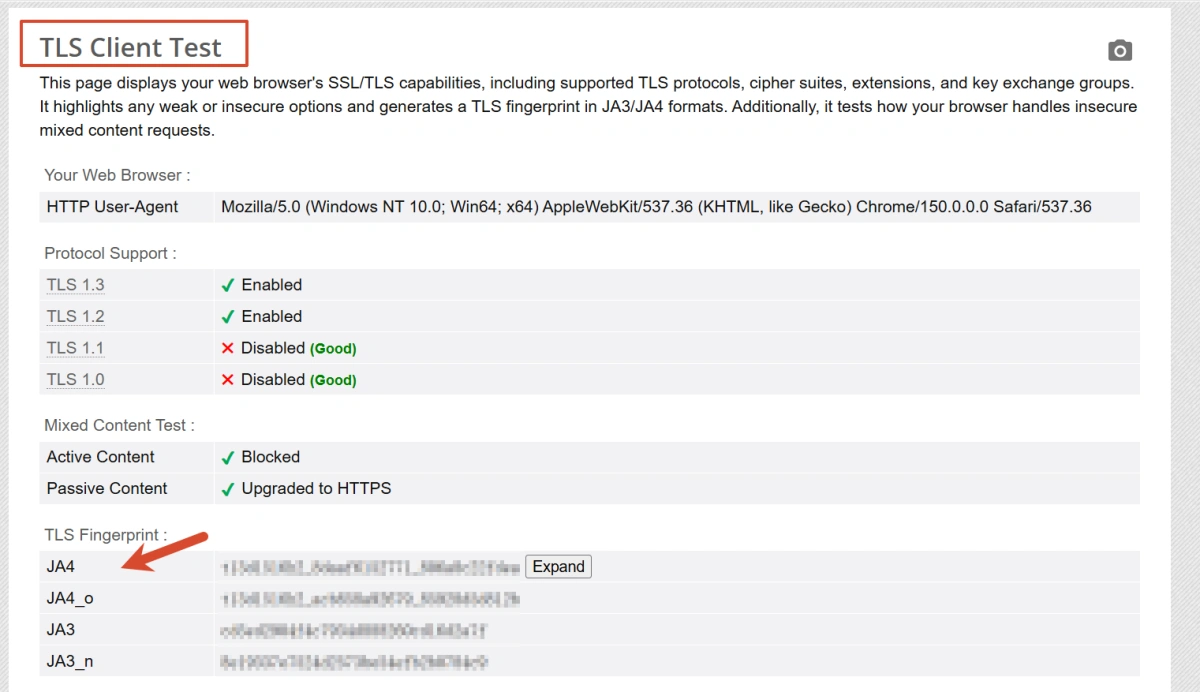
JA4 is a newer TLS fingerprinting technique that analyzes the way your browser negotiates encryption. It creates a hash based on TLS client hello message characteristics. Unlike older methods, JA4 is difficult to fake because it requires emulating a genuine browser’s TLS stack. BrowserLeaks includes JA4 test, which is particularly relevant for automated browsers.
Why VPNs and Simple IP Checkers Are Not Enough
VPNs Can’t Mask Browser API Leaks
A VPN encrypts your traffic and changes your IP, but it does nothing to hide browser APIs. Your canvas fingerprint, WebGL GPU details, installed fonts, and screen resolution remain the same. VPNs can’t prevent WebRTC leaks or mask browser fingerprints. This means even with a VPN, your Browsearleaks results will show inconsistencies if your browser profile is not spoofed.
GPU and Audio Fingerprints Are Out of VPN Scope
Your GPU’s rendering quirks and audio stack are hardware-specific. A VPN operates at the network level and has no influence over these. BrowserLeaks tests for audio fingerprinting and WebGL—both of which persist regardless of IP changes. To pass these tests, you need browser-level changes.
How Anti-Detect Browsers Help Pass BrowserLeaks
Consistent Fingerprint Profiles
Anti-detect browsers like FlashID create isolated browser environments, each with its own set of fingerprints.
They spoof WebRTC, canvas, WebGL, fonts, and even TLS parameters to generate a consistent, browser-like profile. When you r un a Browsearleaks test from one of these profiles, the results indicate a clean, unique identity with no leaks.
Built-in Proxy and IP Alignment
Many anti-detect browsers integrate proxy management directly, and FlashID is one of them.
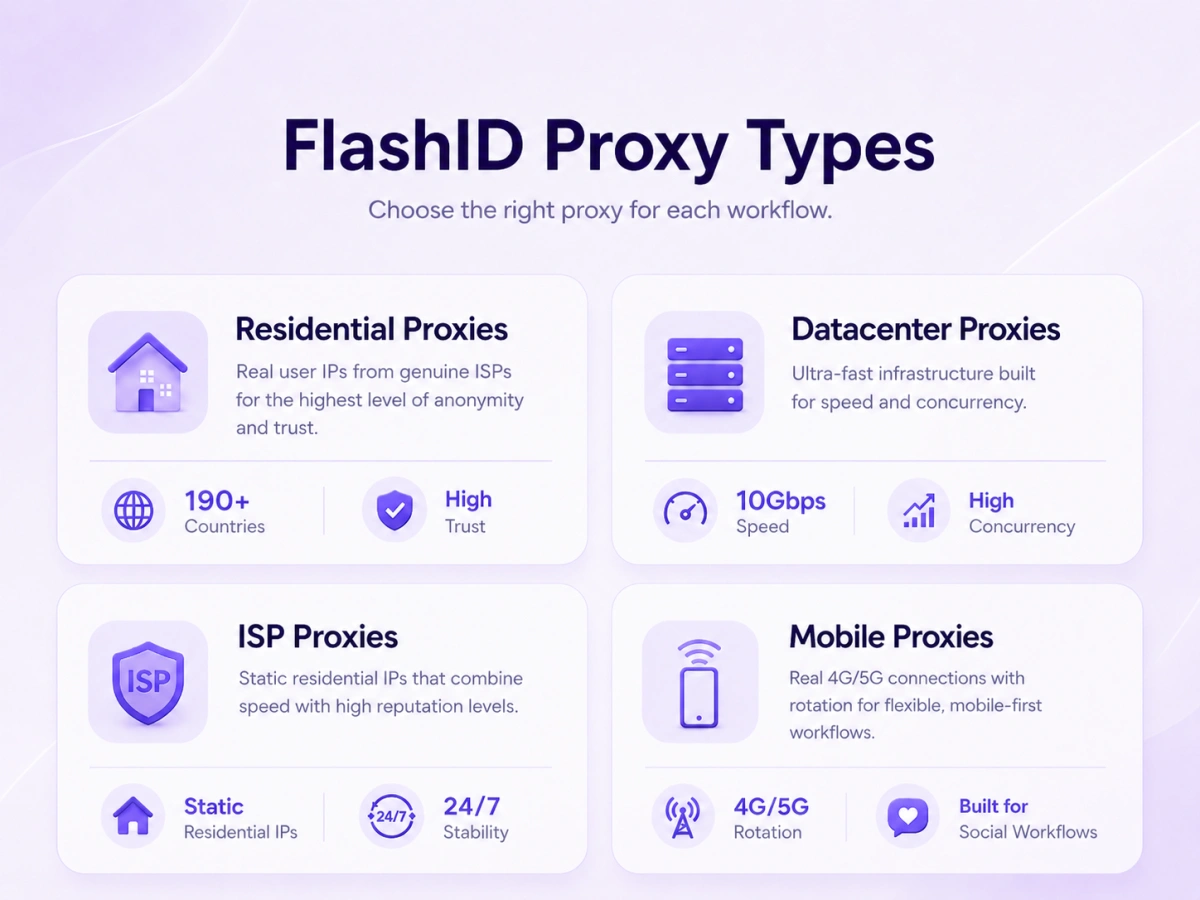
Users can purchase residential, mobile, ISP, or datacenter proxies within the platform, choose between static and rotating IPs, and bind them directly to specific browser profiles. This makes it easier to keep the IP address, time zone, geolocation, and fingerprint region aligned while reducing configuration errors caused by manual proxy setup.
If these signals conflict, BrowserLeaks may reveal unusual or inconsistent environment details.
How to Test Your Setup with BrowserLeaks
Step-by-Step Guide to Running a Full Scan
- Close all other browser windows to avoid cross-leaks.
- Open your target browser profile (e.g., a FlashID profile).
- Navigate to browserleaks.com (or browserleaks.io for an alternative tool).
- Click “Run Tests” or wait for the automatic scan.
- Note each section: IP, WebRTC, Canvas, WebGL, TLS, etc.
- Check for any red flags (leaks, mismatches, or unexpected values).
Interpreting Your Results
IP: Should match your proxy’s IP, not your real IP.
WebRTC: Should show the same proxy IP, not your local IP.
Canvas & WebGL: Should produce a hash that’s different from your real device’s—if it’s the same, your anti-detect browser isn’t working.
JA4: The hash should be consistent and match a known browser build.
If any test shows a leak, revisit your proxy binding and fingerprint settings.
Conclusion
If you’re managing multiple accounts for e-commerce, affiliate marketing, or social media, maintaining a unique and consistent browser fingerprint for each account is essential. BrowserLeaks gives you a clear dashboard to verify your setup. Passing its tests means your profiles are unlikely to be flagged by fingerprint checks.
Anti-detect browsers like FlashID offer a practical way to achieve this, but remember that fingerprinting is an arms race—regular testing and updates are part of the process. For more on managing multiple accounts safely, read our Multi-Account Management Best Practices.
If you want to see how a dedicated anti-detect browser improves your Browsearleaks results, try FlashID free for and see how your BrowserLeaks score improves.
FAQ
1.Can a VPN prevent WebRTC leaks during a BrowserLeaks test?
No, a standard VPN does not disable or spoof WebRTC. Even with a VPN, WebRTC can still reveal your real IP. Anti-detect browsers that patch WebRTC are needed.
2.Is BrowserLeaks safe to use; does it collect my data?
BrowserLeaks is a diagnostic tool that runs entirely in your browser. It does not store results or collect personal data. You can use it safely without privacy concerns.
3.What tests does BrowserLeaks include in 2026?
BrowserLeaks currently includes IP, DNS, WebRTC, canvas, WebGL, font, audio, TLS (JA4), and time zone tests. It’s regularly updated to match new fingerprinting techniques.
4.How can I fix leaks found by BrowserLeaks?
Leaks can be fixed by using an anti-detect browser that spoofs all fingerprint surfaces and by aligning your proxy IP with the spoofed location. Verify your setup after making changes.
You May Also Like


