What Is a Discord Token Extension?
A Discord token extension is a browser add-on that retrieves, copies, checks, or uses a Discord authentication token. A token is a unique string linked to an active account session. Anyone who obtains a valid token may be able to access the account without entering the email address and password again.
That is why a Discord token should be treated as carefully as a password. Token extensions may make account switching easier, but they also require access to highly sensitive authentication data.
Common types: login, copier, checker
These extensions usually fall into three categories:
- Token login extensions let users paste a token and access an account without completing the normal login process.
- Token copiers retrieve the token from an active session and copy it to the clipboard.
- Token checkers test whether a token is still valid, expired, or revoked.
Although their interfaces differ, they all interact with browser session data or authentication requests. A poorly designed, compromised, or malicious extension may copy or transmit the token without the user noticing.
Top Discord Token Extensions Reviewed
Several token extensions and open-source tools are frequently mentioned online. Their features may be convenient, but each one requires users to trust the developer and the code.
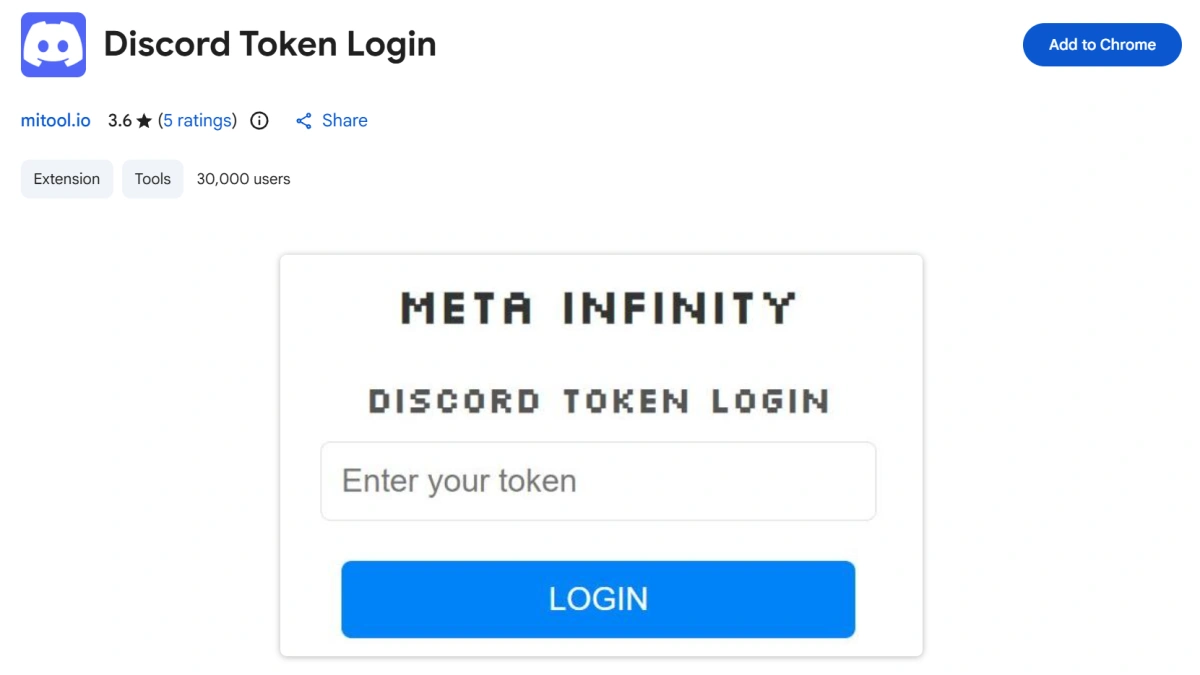
Discord Token Login
This extension includes a clear warning: “Anyone who gets your token can access your account, including private messages and payment methods.”
The warning explains the main risk. A token is not simply an account ID or shortcut; it is an authentication credential. If the extension can read and use it, malicious code may be able to do the same.
Discord Get User Token
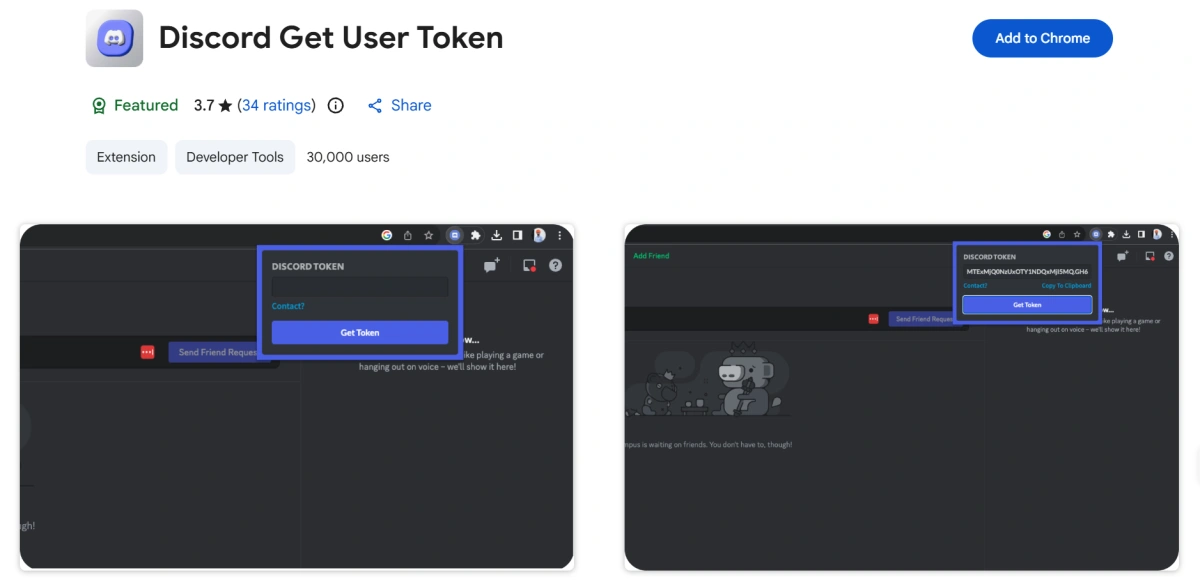
This extension retrieves the token connected to a current session. However, some users report a NULL token issue, where it returns an empty or unusable result.
Discord may change its browser client or authentication process, causing these tools to stop working. Repeated failures may also push users toward other unknown extensions or scripts.
Discord Token Copier
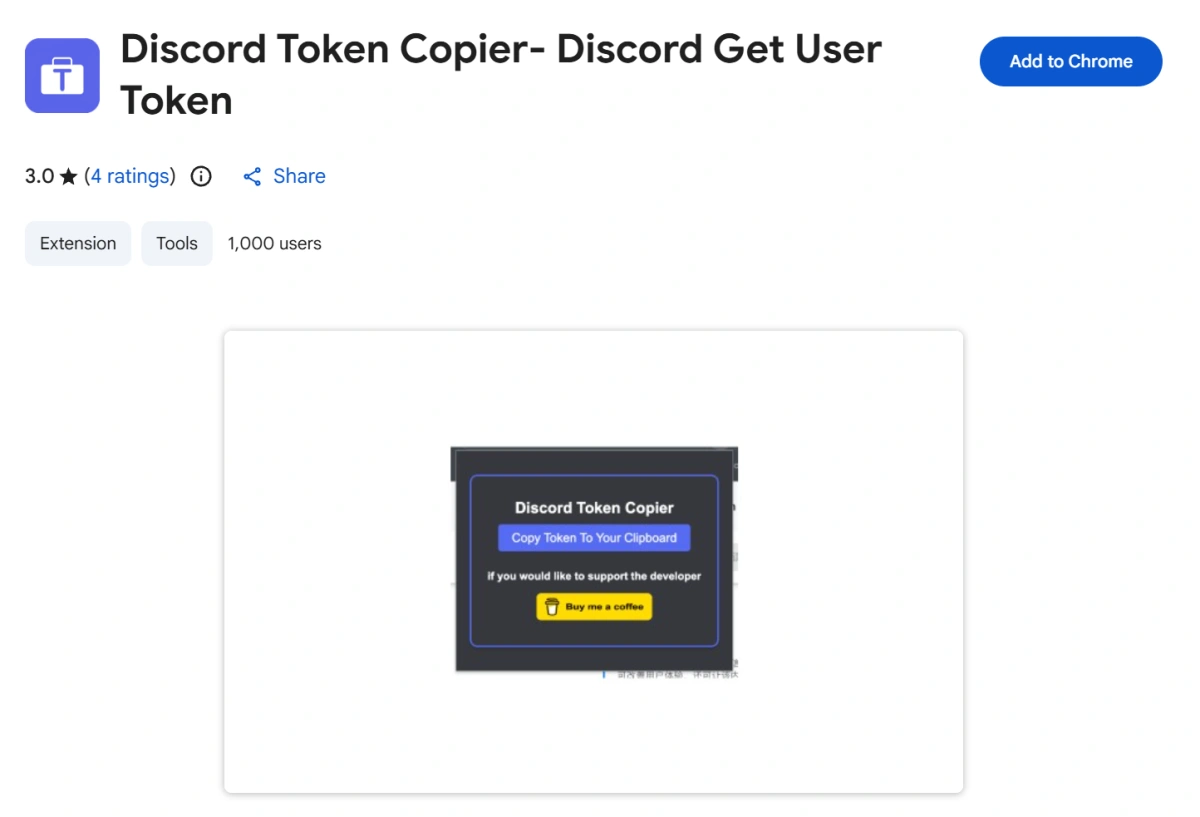
Discord Token Copier requests permission to access data on Discord-related websites. These permissions may be necessary for its functions, but they also give the extension access to sensitive session information.
Its privacy statements are provided by the developer and may not have been independently audited. Users therefore have to trust that it does not store the token, send it to an external server, or expose it through third-party services.
Critical Security Risks of Token Extensions
The risks of token extensions go beyond login problems. The main issue is that these tools operate close to one of the account’s most sensitive credentials.
1.Token Theft: Anyone With the Token May Control the Account
A valid token may allow an attacker to act through an authenticated session. They may be able to read or send messages, access servers, change settings, impersonate the user, or target the user’s contacts.
Tokens should never be pasted into unfamiliar websites, shared through chat, stored in documents, or given to someone claiming to offer verification or account recovery.
2.Malicious update risk: extension can switch to steal tokens
Browser extensions often update automatically. An extension that appears safe today may later be sold, compromised, or updated with malicious code.
A harmful update could collect tokens, messages, or browsing data without changing the visible interface.
3.Privacy concerns: self-reported data handling, no audit
Many extensions claim that they do not collect or transmit user data. These statements are usually based on information submitted by the developer.
Without an independent audit, users may not know whether it contacts external servers, records clipboard content, or uses vulnerable third-party code.
Why Token Extensions May Violate Discord Terms of Service
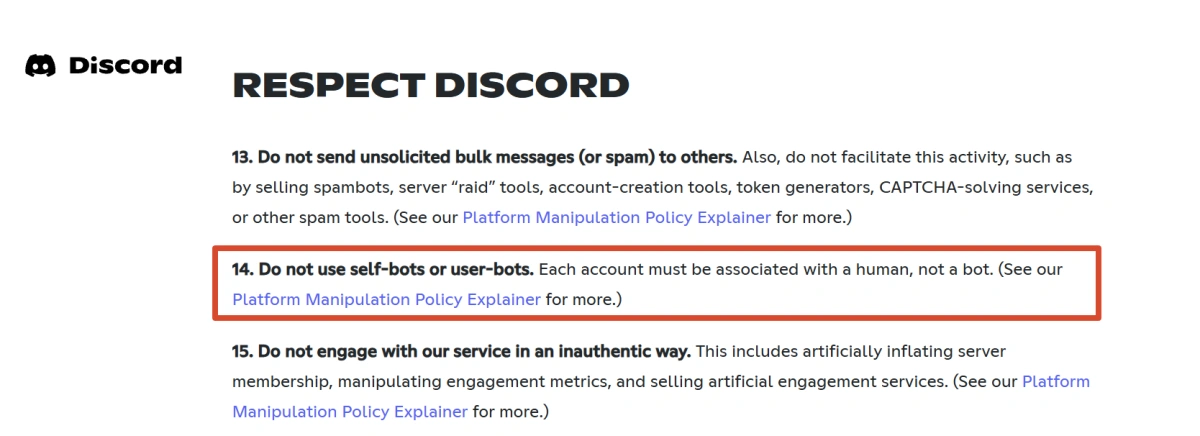
Discord restricts unauthorized automation and the use of normal user accounts through unofficial automated methods. Using a user token in external scripts, self-bots, or unofficial login tools may violate its rules, even when the user owns the account.
Account sharing, automated messaging, or large-scale operation may also trigger security systems or lead to restrictions.
Not every unusual login results in suspension, but token-based access is not an officially supported login method. The safer approach is to use Discord’s standard login process, official clients, and approved bot integrations.
Safer Alternative: Use an Anti-Detect Browser
For legitimate multi-account workflows, a safer approach is to keep each account inside a separate browser profile rather than extracting its token. An anti-detect browser such as FlashID can isolate cookies, local storage, login sessions, and browser fingerprint settings.
Users can log in normally with an email address and password, keep the session inside the relevant profile, and reopen that profile when needed. The token remains part of the normal session instead of being copied into an extension or external tool.
How Browser Fingerprint Isolation Reduces Account Association
Websites may examine Canvas output, WebGL data, fonts, language, timezone, screen settings, and other browser characteristics. When several accounts use the same environment, those shared signals may contribute to account association.
FlashID creates separate profiles with independent fingerprint configurations, cookies, and local storage. This helps reduce unnecessary overlap between account environments.
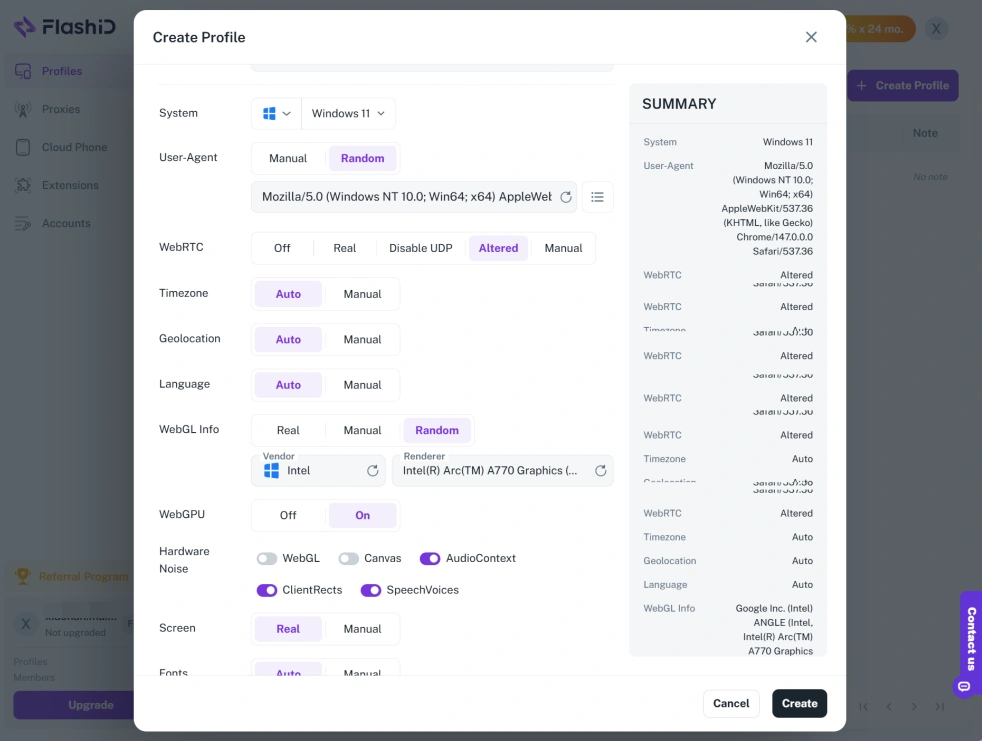
However, fingerprint isolation cannot guarantee that accounts will never be associated. Platforms may also evaluate IP addresses, login history, device changes, and user behavior.
Built-In Proxies Reduce the Need for Token Switching
FlashID includes built-in proxy options that can be purchased and assigned to individual profiles. This allows each profile to use a separate network route without repeatedly configuring external tools.
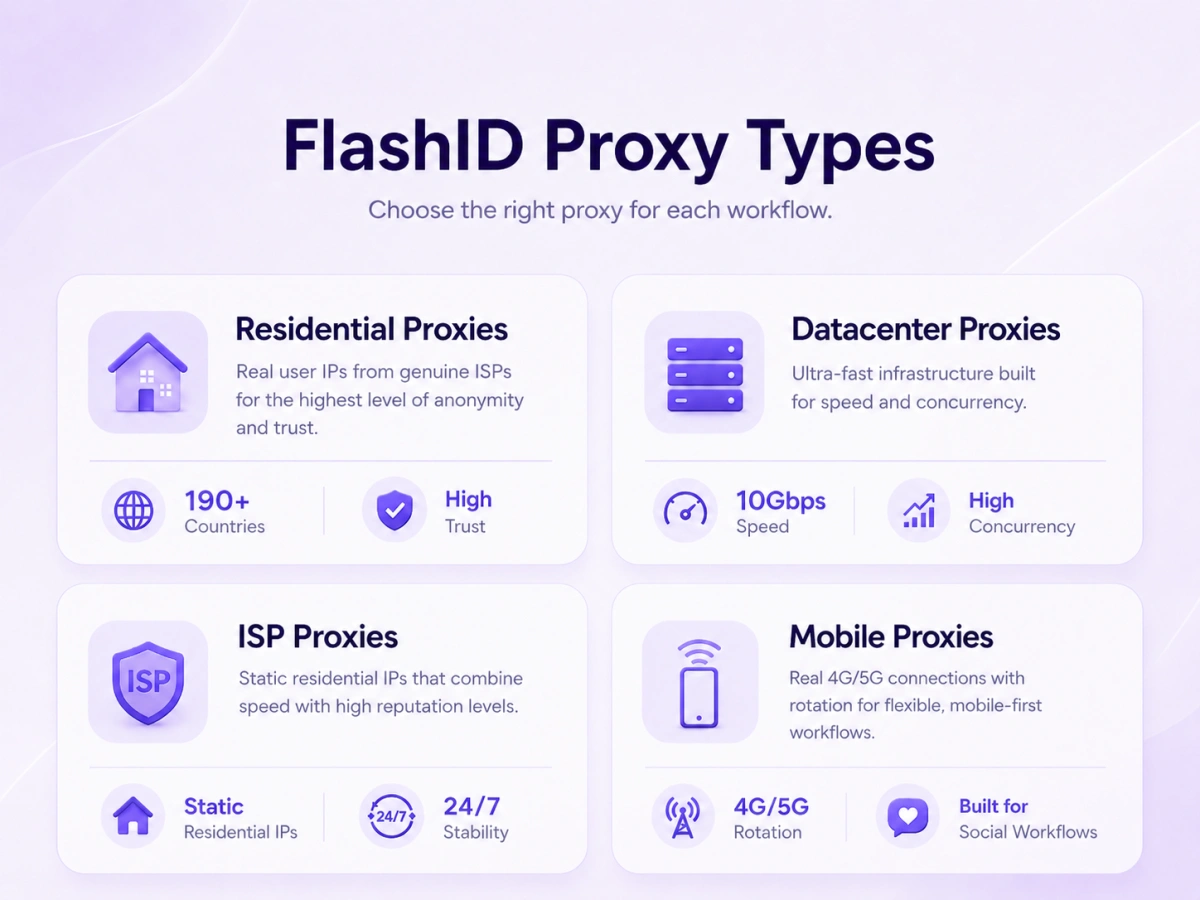
Combining a stable profile with a suitable proxy can make the environment more consistent and preserve separate sessions without token switching.
Proxies still need to be used carefully. Frequent location changes, low-quality shared IPs, or mismatched browser settings can create suspicious patterns.
Automation and RPA for Repetitive Tasks Without Token Risk
FlashID’s automation features can handle repetitive browser actions within isolated profiles without extracting account tokens.
Automation must still comply with Discord’s rules. High-volume invitations, unsolicited messages, spam, and bot-like behavior may trigger restrictions regardless of the browser tool.
FAQ
1.Are Discord Token Extensions Safe to Use?
Generally, they are not recommended. They require access to a credential that may provide control over the account. Even a well-intentioned extension can become vulnerable or compromised.
2.What Should I Do If My Token Is Stolen?
Change your Discord password immediately to invalidate existing sessions and tokens. Then enable two-factor authentication, review authorized apps and recent activity, and remove suspicious extensions or software.
3.Can I Use a Token Extension With an Anti-Detect Browser?
It may be technically possible, but it weakens the security benefit. The safer option is to log in normally inside each isolated profile and keep the session data contained there.
4.Does FlashID Work With Discord Without Detection?
FlashID can create separate and configurable browser environments, but no tool can guarantee complete avoidance of detection. Discord may still evaluate behavior, network consistency, account history, and other risk signals. Users should follow platform rules and avoid abusive automation.
5.What Is the Best Way to Manage Multiple Discord Accounts?
For legitimate use cases, place each account in a separate browser profile, use a stable and suitable proxy when necessary, log in through the normal authentication process, and keep activity consistent with Discord’s rules.
You May Also Like


