To help users better understand the features and operation of FlashID, we’ve specially compiled some of the most frequently asked questions in this edition and provided detailed answers to them. From browser fingerprint settings and proxy configuration to multi-account management and profile isolation, this guide will help users gain a clearer understanding of how FlashID works and enjoy a smoother, more efficient experience~
Browser Performance & Features
1.What Is an Antidetect Browser? What Is It Used For?
An antidetect browser is a tool designed to create isolated browser environments with unique fingerprints, cookies, and IP addresses, making each profile appear as a separate real user. FlashID goes beyond a standard antidetect browser by combining browser fingerprinting, proxy infrastructure, and automation into one unified system.
It is widely used for multi-account management, cross-border e-commerce, social media marketing, affiliate advertising, and testing environments while reducing detection risks and improving long-term account stability.
2.What Practical Features Does FlashID Offer, and What Value Can It Bring?
- Cloud Phone Environments: Provides isolated virtual mobile devices hosted on secure cloud servers, ensuring independent environments and preventing device fingerprint tracking.
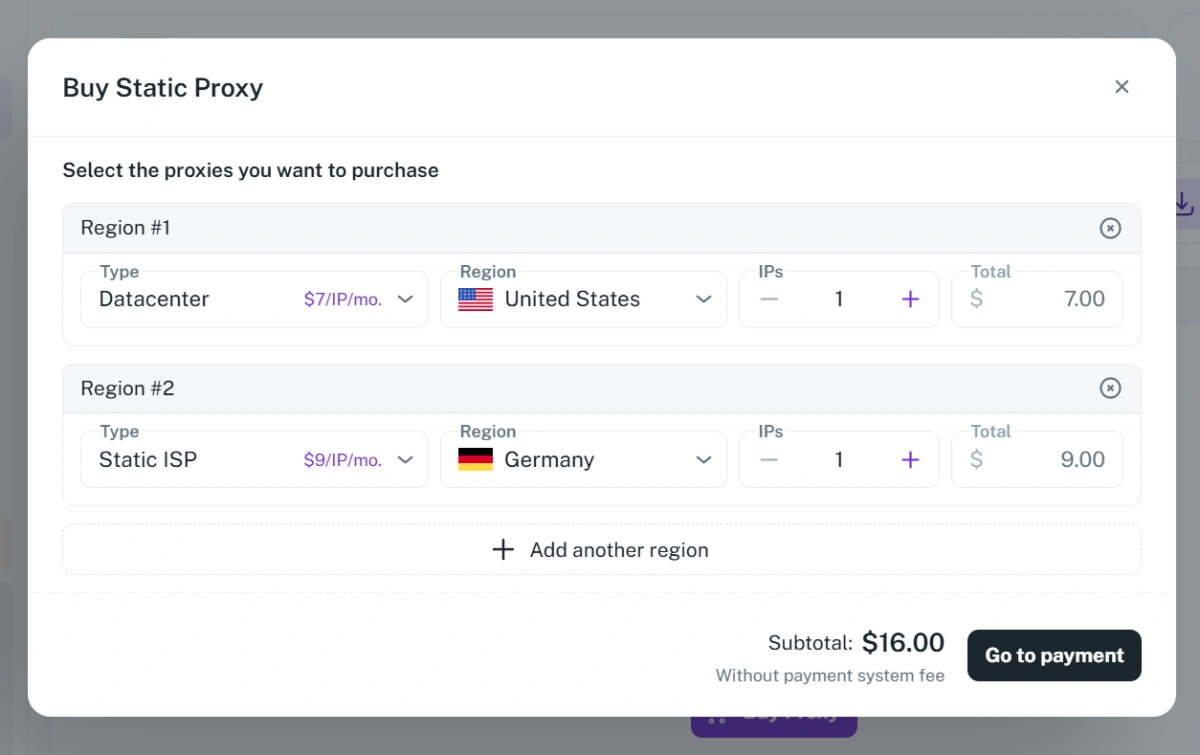
- Built-in Proxy Infrastructure: Offers integrated proxy services with support for multiple countries, static and dynamic IPs, datacenter proxies, and static ISP proxies — all managed directly within the platform.
- Automatic Environment Matching: Automatically aligns IP addresses, browser fingerprints, and device environments to reduce manual setup errors and improve long-term account stability.
- Automation & RPA Integration: Includes built-in automation tools for repetitive tasks such as logins, content posting, form submissions, and data scraping, improving operational efficiency.
- Open API Support: Allows developers to integrate FlashID with internal systems, CRM platforms, or automation workflows for scalable operations.
- Unified Antidetect Ecosystem: Combines browser environments, cloud devices, and proxy infrastructure into one complete system, helping users reduce detection risks and manage accounts more efficiently.
3.Which Browser Kernel Does FlashID Antidetect Browser Use?
FlashBrowser has been upgraded to Chrome 147 for improved compatibility with the latest websites.
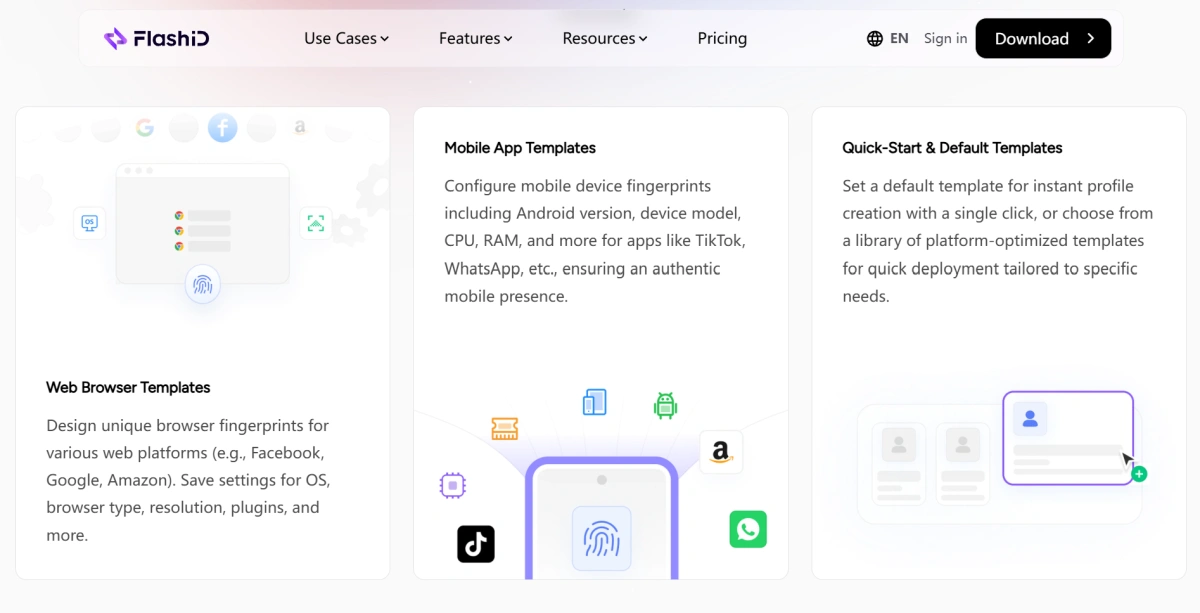
4.What Is a Profile Template in FlashID?
A Profile Template in FlashID is a pre-configured set of fingerprint parameters (e.g., operating system, browser version, screen resolution, mobile device model, Android version) that you can save and reuse. It allows you to quickly create new browser profiles or cloud phone instances with consistent, optimized settings, saving time and ensuring accurate digital identities.
Proxy & Network Configuration
1.Why Do You Need a Proxy? Do You Need to Configure It Yourself?
A proxy helps create an independent network identity for each account by assigning a separate IP address. When combined with isolated browser fingerprints or cloud phone environments, it provides stronger anonymity, reduces account association risks, and improves long-term account stability.
Proxies also allow users to:
- Access geo-restricted content
- Simulate real local network environments
- Reduce security checks and verification prompts
- Run multiple accounts safely with isolated IP environments
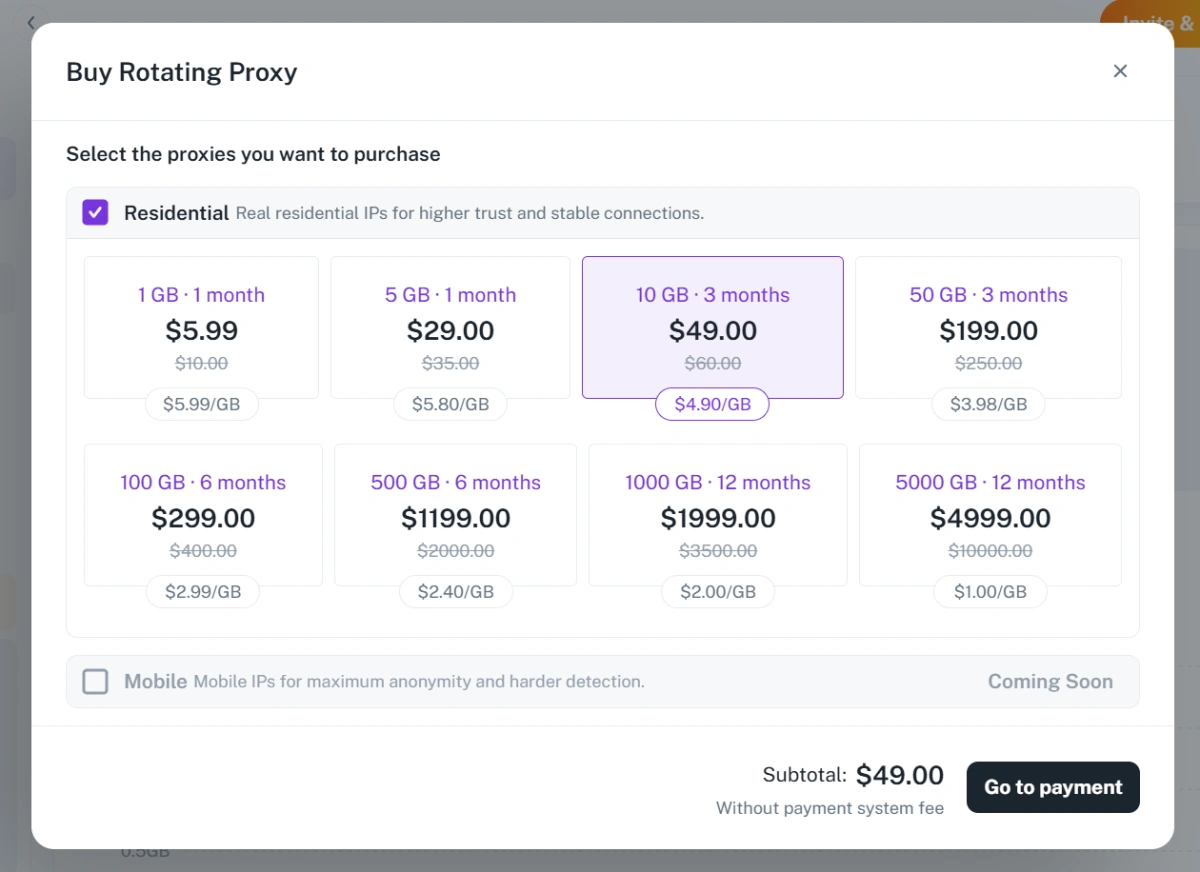
You don’t necessarily need to configure proxies yourself. FlashID provides built-in proxy infrastructure, allowing users to directly bind proxies to browser profiles or cloud environments without relying on third-party tools. The platform supports multiple proxy types, including Residential Proxies, Datacenter Proxies, ISP Proxies, and Rotating Proxies, helping users create stable and isolated network environments for multi-account management, geo-targeting, automation, and large-scale operations.
If you’d like to view detailed pricing, click here!💥 https://www.flashid.net/proxy/
2.How Do You Choose the Right Proxy?
Choosing the right proxy is not about finding the “best” proxy, but the one that fits your business scenario.
For long-term account management, ISP or Residential proxies are more stable and trustworthy.
For large-scale automation, ad testing, or scraping, Datacenter proxies offer better speed and lower cost.
Mobile proxies work best for mobile-focused platforms like TikTok or Instagram.
You should also consider IP quality, geo-location, stability, speed, and whether the proxy matches your browser fingerprint, timezone, and device environment.
Want to learn how to choose the right proxy for your specific business needs? Visit the **FlashID Blog **for a detailed guide on proxy types, use cases, account safety, and how to build a more reliable browser environment.
3.Does FlashID Support Custom Proxies?
FlashID supports configuration of your own HTTP/SOCKS5 proxies, giving you full control over your network identity for every profile.
Browser Usage & Team Management
1.What Bulk Operations Does FlashID Support?
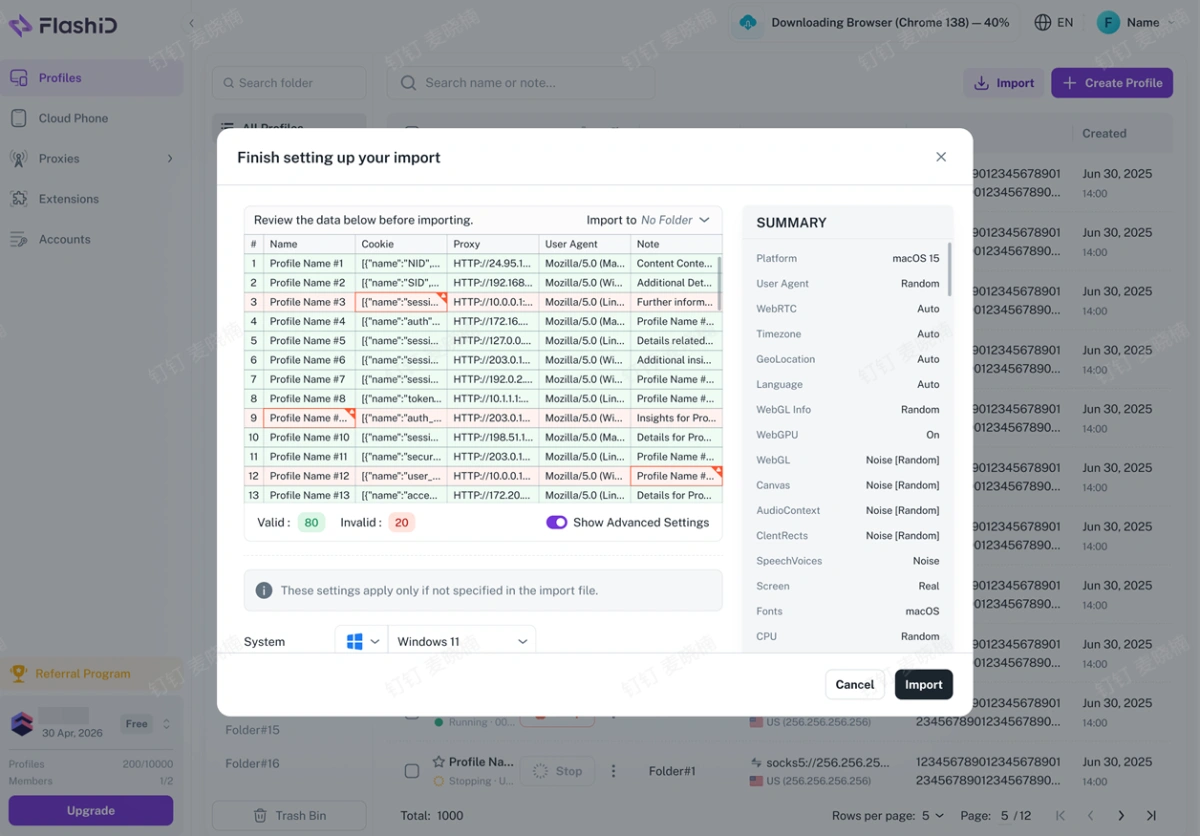
FlashID supports bulk profile import operations, allowing users to import multiple browser Profiles at once through an Excel file. You can batch import data such as Profile Names, Proxies, Cookies, User Agents, and Notes. This feature helps teams quickly create large numbers of Profiles, reduce repetitive manual work, simplify migration from other tools, and improve efficiency for large-scale operations.
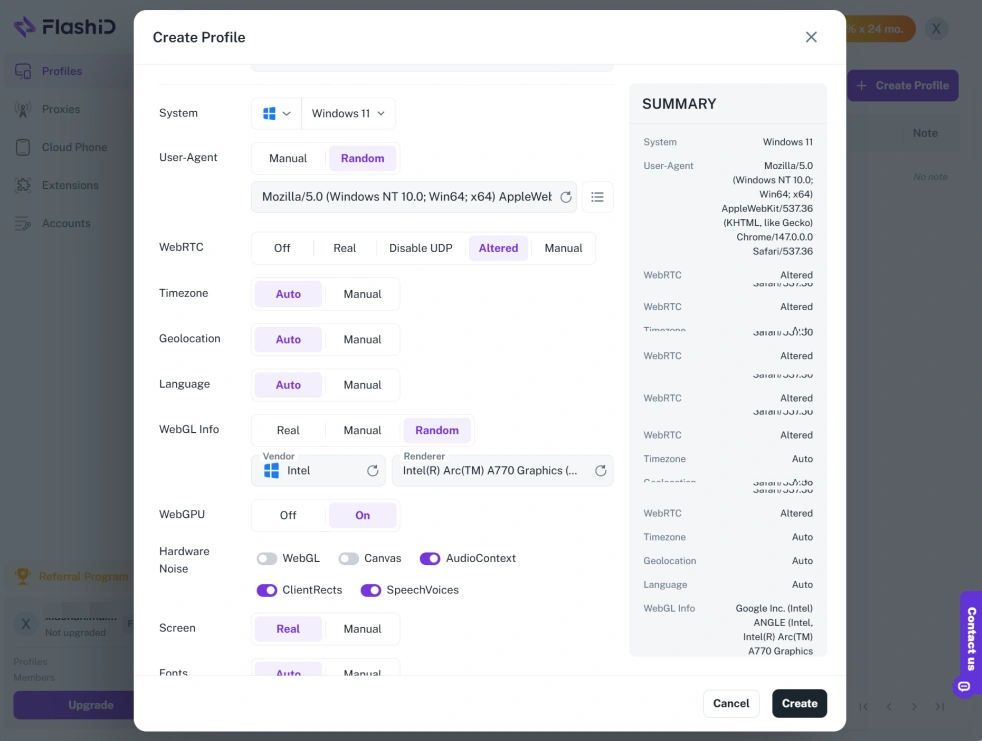
2.Which Elements Can Be Customized and Saved in FlashID Profile Templates?
You can customize and save a vast array of parameters, including: Operating System (Windows, MacOS, iOS, Android), Browser Type/Version, Screen Resolution, WebGL Renderer, Canvas Fingerprint, Audio Context, Timezone, Geolocation, User Agent, and many hardware parameters for mobile profiles like CPU, RAM, and specific Android versions (e.g., 15, 12, 11, 10)
3.Where Can You Add Team Members?
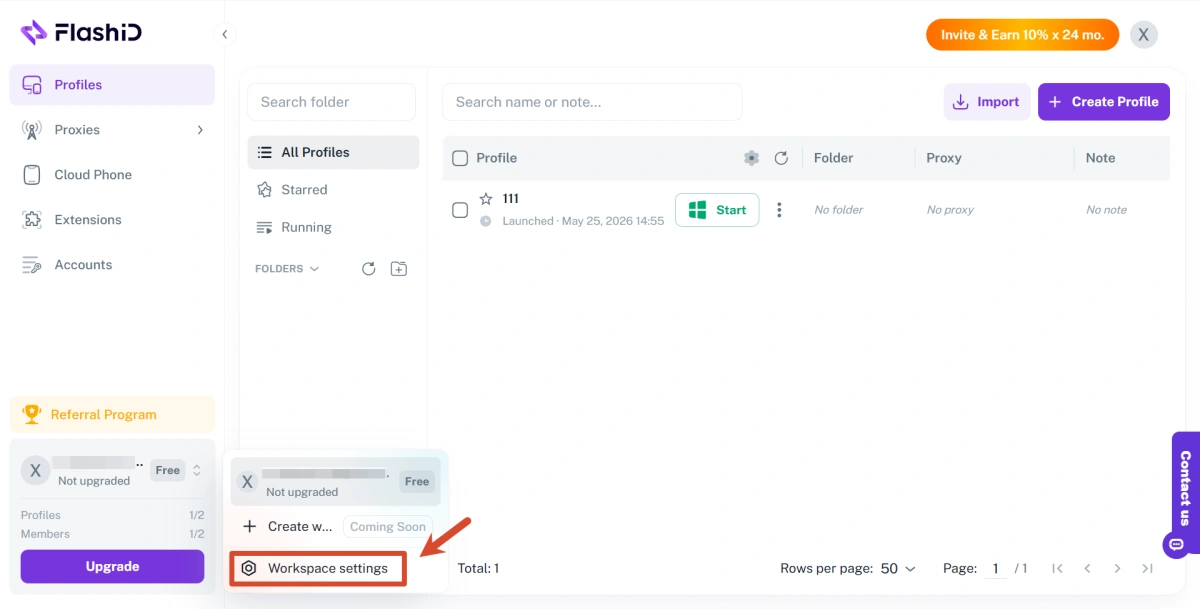
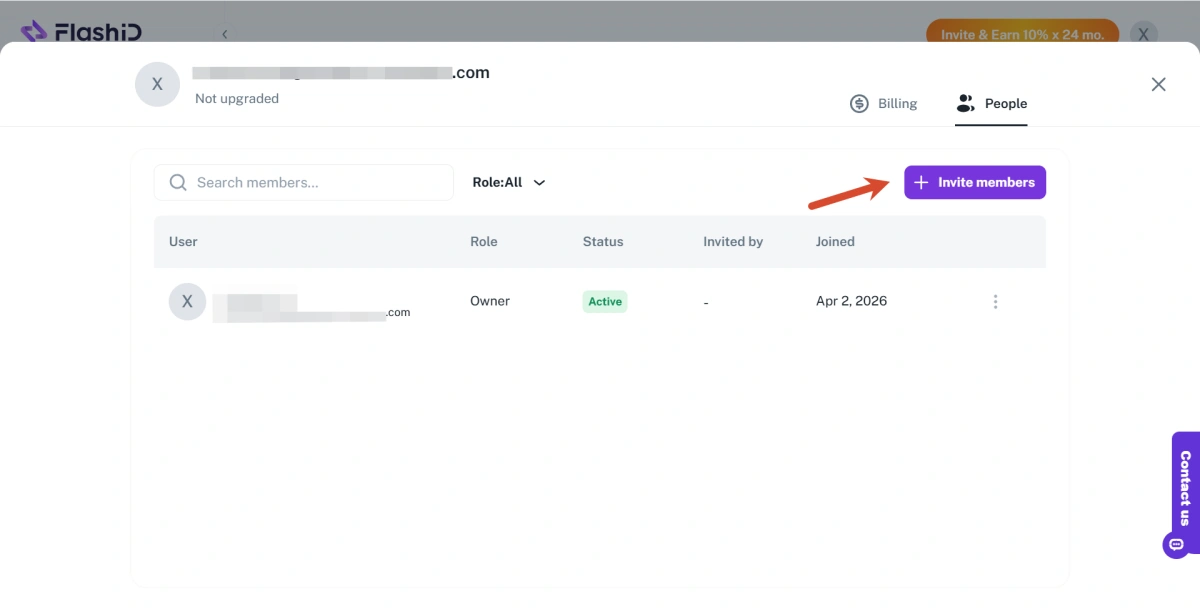
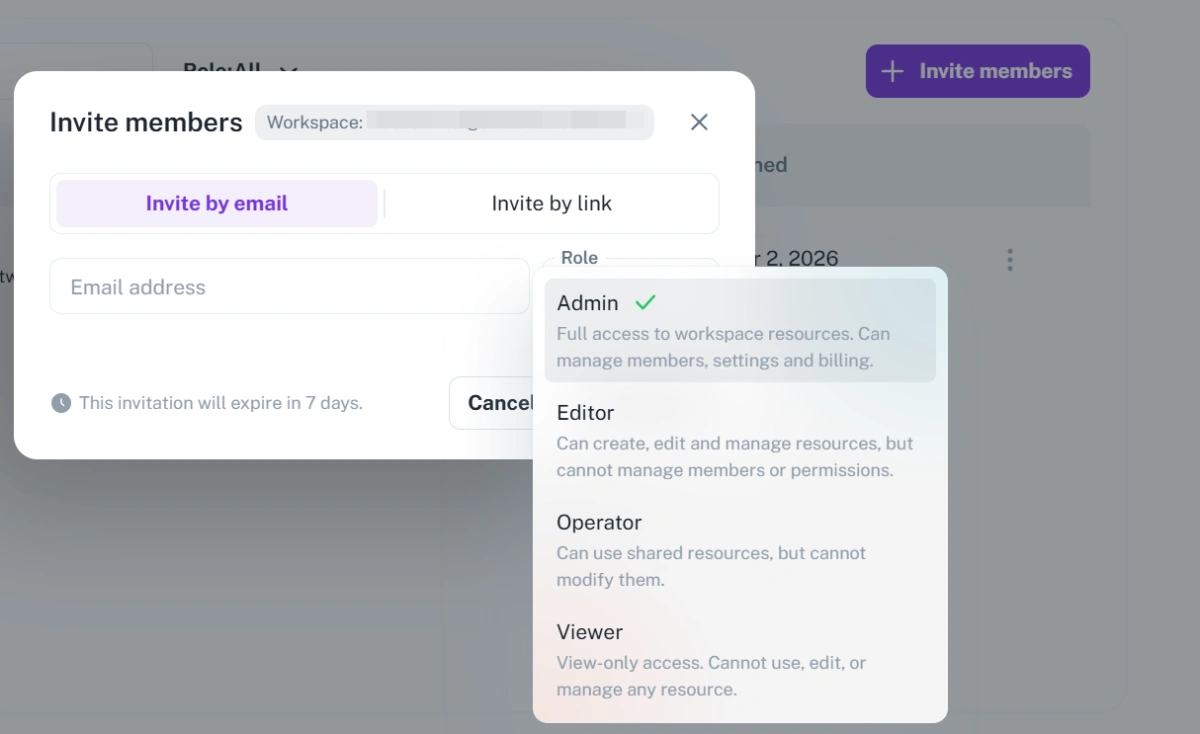
You can invite team members to specific workspaces and assign roles with custom permissions. Control access to profiles, cloud phones, and other resources, ensuring everyone has exactly what they need, and nothing more.
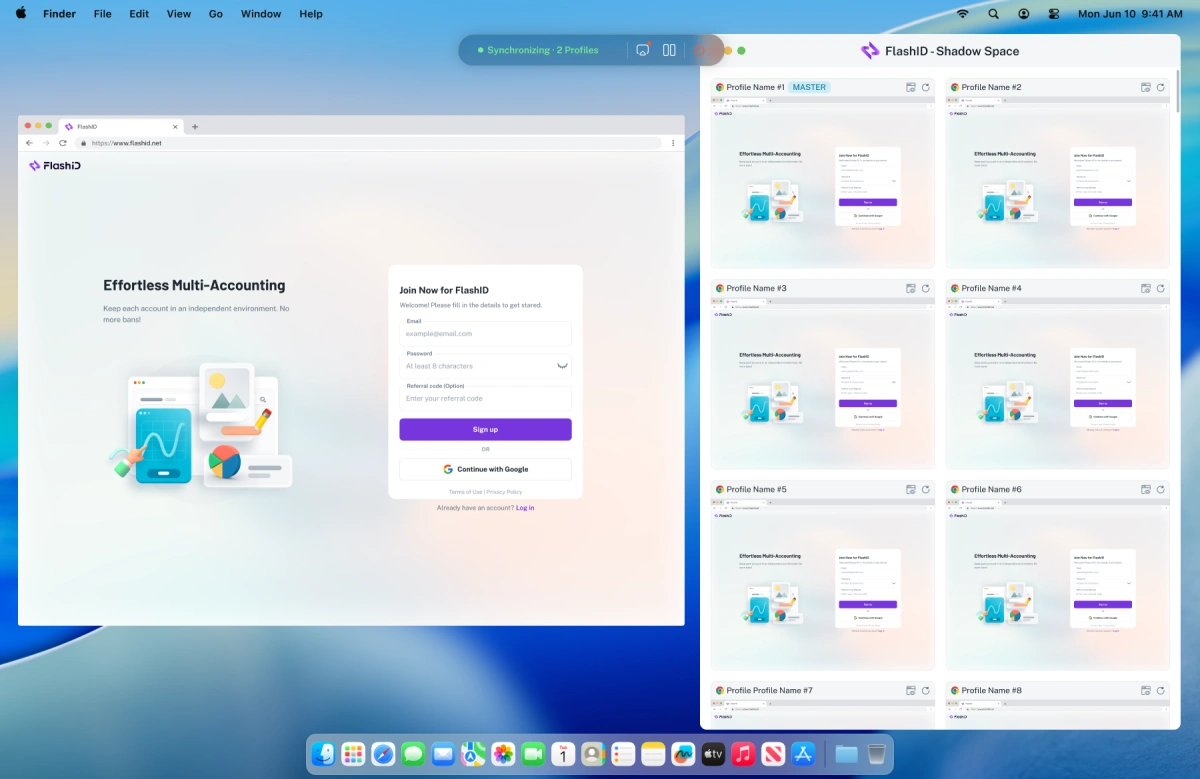
4.What Is Window Synchronization?
Window Synchronization in FlashID allows actions performed in one browser Profile—such as typing, clicking, or opening URLs—to be automatically replicated across multiple selected Profiles at the same time.
This helps users manage large numbers of accounts more efficiently, making it ideal for social media marketing, e-commerce, affiliate marketing, and other large-scale operations. While actions are synchronized, each Profile still maintains its own unique anti-detect browser fingerprint, helping keep bulk operations secure and less detectable.
5.Can FlashID Only Be Used on a Computer?
No. FlashID is not limited to computers. It supports both desktop browsers and mobile environments, allowing users to manage accounts across Windows, macOS, iOS, and Android. Besides browser fingerprints, FlashID also supports mobile app and hardware fingerprint management through Android cloud phones. This makes it possible to securely operate accounts on platforms that rely heavily on mobile apps, such as TikTok or WhatsApp, while maintaining isolated and undetectable environments across both PC and mobile devices.
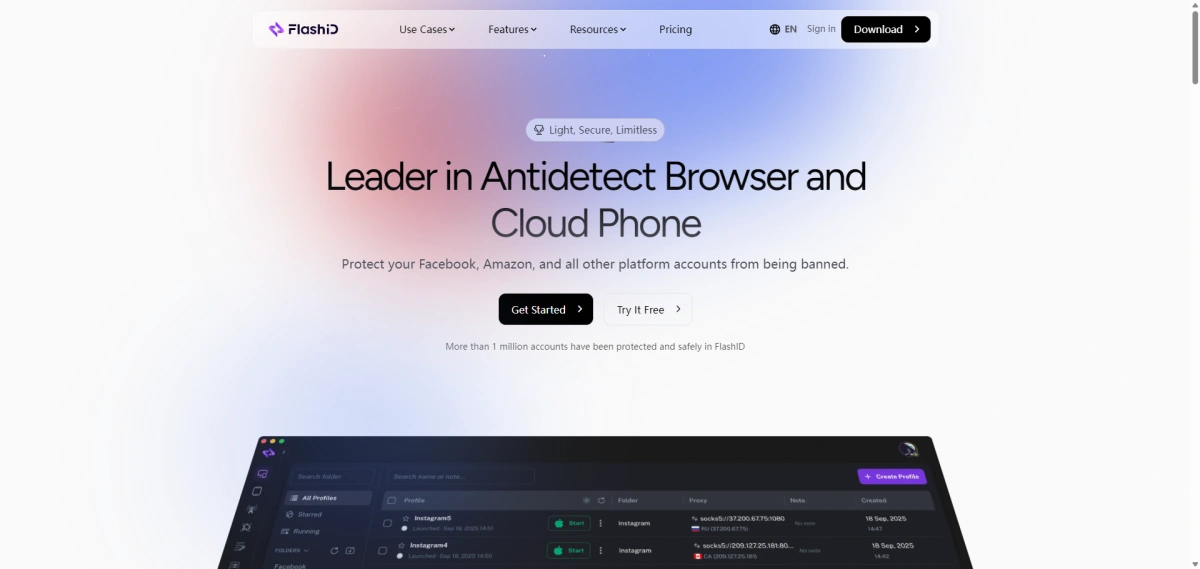
Ready to scale your accounts more safely and efficiently?Join FlashID and build secure, isolated browser and mobile environments for your business today.
You can also earn with the FlashID Affiliate Program — invite new users and receive 10% commission for up to 24 months from every successful referral.
You May Also Like


