A suspended Gmail account can interrupt more than email. It may affect your work messages, Android device access, Google Drive files, YouTube account, business communication, and daily operations. For many users, the suspension feels sudden. One day the account works normally, and the next day it is locked, disabled, or unavailable.
But Gmail suspensions are usually not random. Google may evaluate many signals around your account, including your device, IP address, login location, recovery information, sending behavior, and account history. A simple way to understand this is the idea of an “account trust score.” The more stable and normal your account looks, the more trust it may build. The more risky signals it shows, the faster it may be restricted.
This guide explains the most common Gmail suspension reasons, how to judge the severity of your case, and how to write a better Gmail appeal.
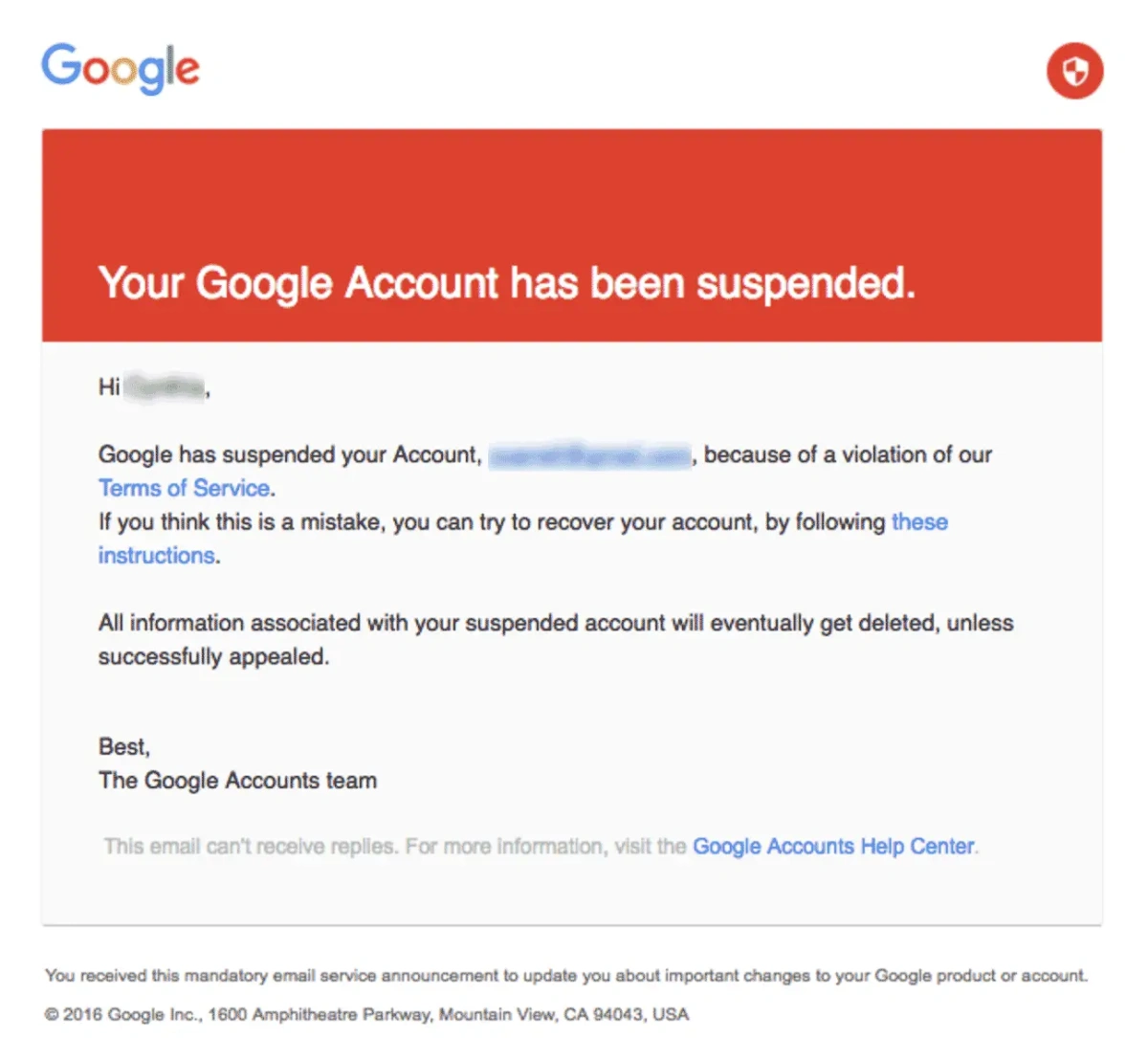
Why Gmail Accounts Get Suspended
Before you submit an appeal, it helps to understand what may have triggered the suspension. Below are six common situations.
1.Spam or Bulk Marketing Emails
Imagine a small business uploads a list of 10,000 email addresses and sends the same message to everyone at once. To the business owner, this may feel like marketing. To Google, it may look very similar to a spam operation.
2.Suspicious Login Activity
Another common trigger is an unusual login. For example, you are traveling abroad and log into Gmail from a hotel computer. Google sees a new device, a new location, and a new network environment. The system may think someone has stolen your password and lock the account for security reasons.
3.Device Identity Association
If an old Gmail account was banned, creating a new one from the same laptop and the same browser may not solve the problem. Google may still recognize the device fingerprint, browser environment, or other signals connected to the previous account.
In other words, changing the email address does not always create a clean digital identity. If the same device environment has already been associated with risky behavior, a new account may be reviewed more closely.
4.Serious Policy Violations
Some suspensions happen because of serious policy violations, such as illegal content, harassment, phishing, malware, impersonation, or criminal use. These cases are much harder to recover.
5.Using Unstable VPNs or Risky Proxy IPs
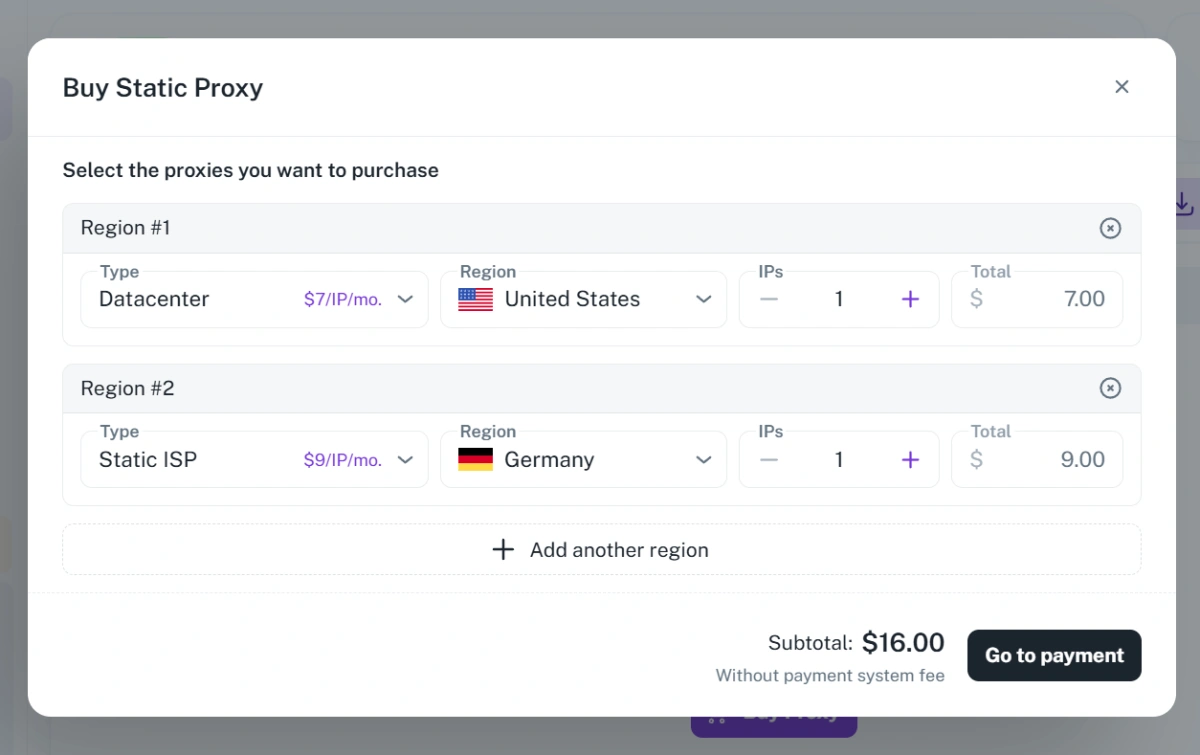
Frequent IP changes, low-quality proxy networks, or mismatched locations can make normal activity look risky. To reduce this risk, try to keep the login location consistent and avoid switching between too many IP addresses in a short period. If you need to use a proxy, choose a stable and reliable IP source, and make sure the IP region matches the account’s usual timezone and language settings. For users who manage multiple Gmail accounts, tools like FlashID can also help by offering proxy purchase options and allowing users to bind proxy settings to separate browser profiles, making the login environment more organized and consistent.
6.Clearly Linked Multiple Accounts
If you manage four Gmail accounts on the same laptop, same browser, same IP address, and the same recovery email or phone number, those accounts may appear connected. If one account sends spam and gets restricted, the other accounts may also be reviewed.
This is one of the most overlooked risks for users who manage multiple Gmail accounts. Account association does not always cause immediate suspension, but it can increase the risk when one related account has a problem.
Gmail Suspension Levels Explained
Not all Gmail suspension cases are the same. Before submitting an appeal, try to understand which level your case belongs to.
❇️Green Light: Temporary Lock or Security Check
This is the least serious situation. It may happen because of a new device login, travel, password issue, VPN flag, or temporary sending limit. Google may only need to confirm that you are the account owner.
Recovery chances are usually high. In many cases, users can restore access by completing verification steps. Some sending limits may also resolve automatically after a short period.
⚠️Yellow Light: Disabled Gmail Account
This is more serious. A disabled account means Google has decided to restrict access because the account may have violated policies or shown risky behavior.
Appeals can still work, but your explanation needs to be clear, honest, and specific. You should explain what the account is used for, prove that you are the owner, and describe the possible reason if you know it.
‼️Red Light: Permanently Disabled Account
This is the hardest situation. Permanently disabled accounts are often connected to severe violations, such as phishing, malware, illegal activity, or repeated spam behavior.
The appeal process may still exist, but the chance of recovery is low. If you are in this category, you should focus on protecting your other accounts and improving your account management habits going forward.
How to Appeal a Suspended Gmail Account
Use Google’s official account recovery or appeal page. Avoid unofficial “Gmail recovery services” or suspicious websites that claim they can restore your account.
In the appeal form, you may need to provide:
- The suspended Gmail address
- An alternate contact email
- Recovery phone number or recovery email
- Identity verification if requested
- A short written explanation
A strong appeal does not need to be long. Three to five clear sentences are usually enough. Focus on account purpose, proof of ownership, the possible trigger, and your willingness to follow Google’s policies.
Gmail Appeal Tips: The Four Don’ts
A poor appeal can reduce your chance of recovery. Avoid these four mistakes.
1.Don’t Be Vague
Do not simply write, “Please give me my account back.” This does not explain who you are, what the account is used for, or why the issue may have happened.
2.Don’t Lie or Guess Randomly
Google can review account activity. If your explanation does not match the account history, it may hurt your credibility. If you do not know the cause, say that clearly.
3.Don’t Be Emotional
Angry or emotional complaints may be understandable, but they do not help the review. Keep the tone calm, factual, and respectful.
4.Don’t Write Too Much
A long appeal is not necessarily better. Avoid writing a full-page explanation. Keep it short, clear, and easy to review.
Gmail Appeal Template
You can use this structure:
“I use this Gmail account for [account purpose].
I am the legitimate owner and can verify it with my recovery email and phone number.
I believe the issue may have been triggered by [possible reason, such as a new device login, travel, VPN use, or unusual sending activity].
I did not intend to violate Google’s policies and will avoid suspicious activity in the future. Please review my account.”
If you do not know the reason, do not invent one. You can write:
“I am not sure what triggered the suspension, but I can verify that I am the account owner.”
The key is to be honest, specific, and concise.
How to Reduce the Risk of Future Gmail Suspension
After recovering your account, improve your account habits. Avoid sudden bulk sending from new accounts. Do not frequently switch between many devices, browsers, or unstable IP addresses. Keep recovery information updated. Avoid using the same recovery email or phone number across too many accounts.
If you manage multiple Gmail accounts for business, marketing, or team workflows, separate account environments can also help reduce confusion and account overlap. Anti-detect browser allows users to create independent profiles for different accounts. Each profile can keep cookies, browser fingerprint, login session, and proxy settings separated. It is not a tool for bypassing Google’s rules, but a way to manage Gmail account environments in a more organized and consistent way.
LEARN MORE ABOUT ANTI-DETECT BROWSER
For a more practical walkthrough, you can also refer to our detailed article, where we use FlashID as an example to explain how to set up separate browser profiles and manage multiple Gmail accounts with a more stable workflow.
Curious how it works in practice? Give it a click and take a look.
Conclusion
Gmail suspension usually has a clear trigger. It may be caused by spam-like sending, suspicious login activity, device identity association, serious policy violations, cold automation, or clearly linked accounts. Before submitting an appeal, identify whether your account is temporarily locked, disabled, or permanently restricted. Then write a short, honest, and specific appeal that explains your account purpose, possible cause, and proof of ownership.
For long-term account safety, focus on normal usage behavior, stable login environments, updated recovery information, and better account organization. If you manage multiple Gmail accounts, keeping each account in a separate and consistent environment can help reduce unnecessary risks and make account management more reliable.
If you’d like to stay updated with practical insights and industry trends, feel free to join our community.


