What Is an Online Port Scanner and How Does It Work?
An online port scanner is a web-based tool that checks which TCP or UDP ports are open on a target IP address. By sending packets to a range of ports and analyzing the responses, it can determine whether services like web servers, SSH, or databases are accessible.
These tools are commonly used for network troubleshooting, security auditing, and verifying firewall rules. Popular examples include pentest-tools.com, dnschecker.org, and hackertarget.com, all of which offer free scans powered by Nmap or similar engines.
Common Use Cases: Network Troubleshooting, Security Auditing
System administrators use port scanners to diagnose connectivity issues or verify that only intended services are exposed. Security professionals perform external scans to assess the attack surface of their infrastructure. Even casual users may check if a port is open to test a VPN or proxy connection.
Examples of Top Tools
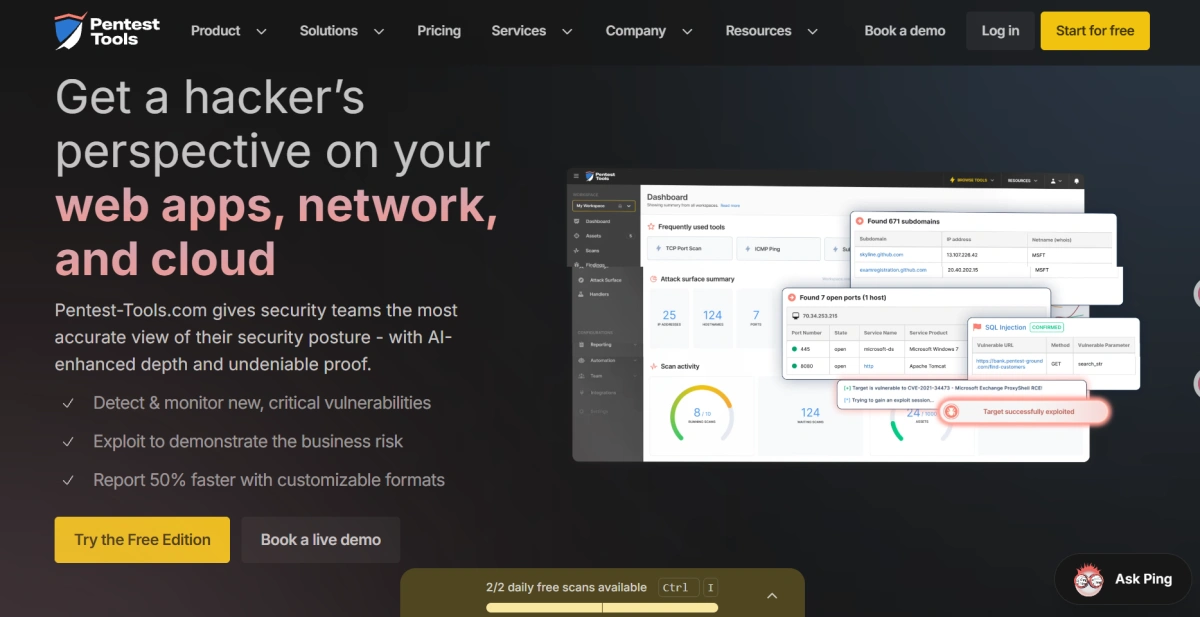
**pentest-tools.com **– a comprehensive online cybersecurity platform that offers free Nmap-based port scanning alongside a variety of penetration testing and security assessment tools. Users can customize scan options, check open TCP ports, identify running services, and perform basic network reconnaissance directly from a web browser. In addition to port scanning, the platform also provides vulnerability scanning, website security checks, DNS analysis, and other security testing features, making it a popular choice for IT administrators, security professionals, and penetration testers.
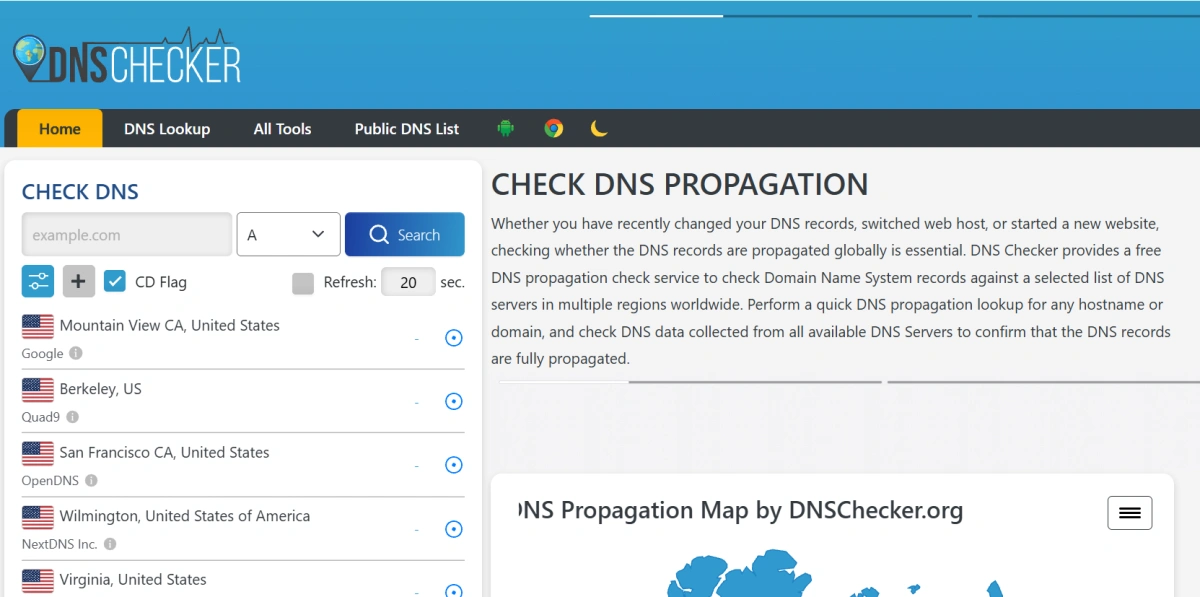
dnschecker.org – provide a simple and beginner-friendly online port checker that allows users to quickly verify whether a specific TCP port is open on a public IP address or domain. Its clean interface requires no installation or technical setup, making it easy for users to test services such as web servers, mail servers, VPNs, or remote desktop connections. In addition to port checking, DNSChecker also offers a wide range of DNS lookup, propagation, and network diagnostic tools, making it a convenient resource for website owners, developers, and network administrators.
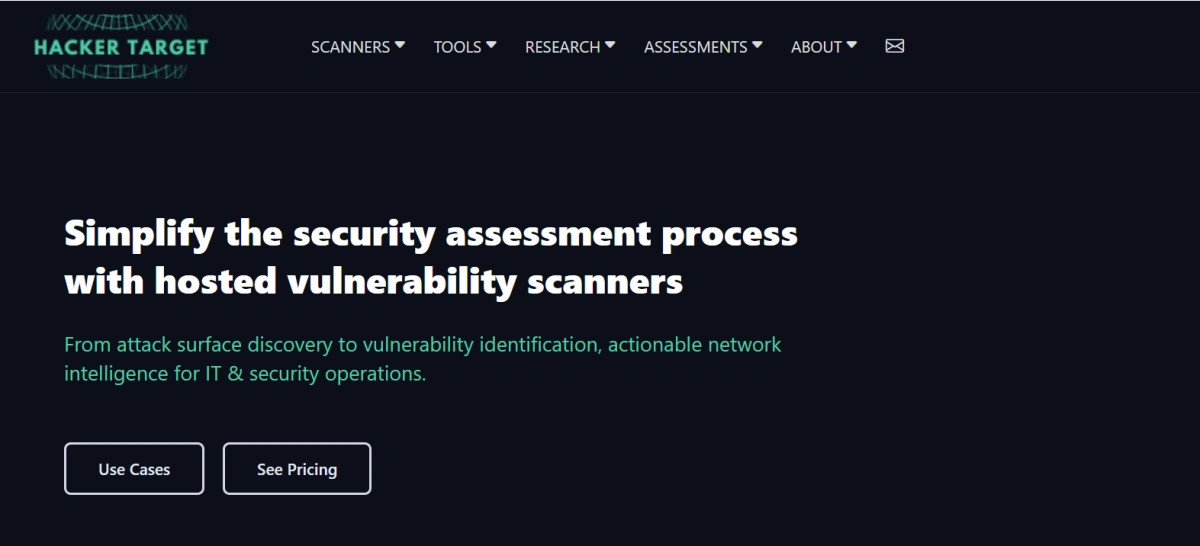
**hackertarget.com **– offer a lightweight online Nmap scanner that enables users to perform quick external port scans without installing any software. Simply enter a public IP address or domain name to identify open ports and commonly exposed network services. Besides port scanning, HackerTarget provides a range of free network and security utilities, including DNS lookups, traceroute, reverse IP lookup, WHOIS queries, and HTTP header analysis. Its straightforward interface makes it a popular choice for quick diagnostics, security checks, and basic reconnaissance.
The Hidden Privacy Risks of Using Public Port Scanners
When you use a free online port scanner, you are sending your request to the scanner’s server. This exposes your real IP address and your browser fingerprint to that third party. Many users are unaware that while they scan a target, the scanner service can also log their own identity information.
1.Your Real IP Is Exposed to the Scanner Service
The scanner must know where to send the scan results, so your IP address is transmitted and often stored in server logs. This creates a permanent record of your activity, which could be linked to your other online actions.
2.Your Browser Fingerprint and Device Info May Be Captured
Online port scanners run in your browser, meaning they can collect data such as your operating system, browser version, screen resolution, installed fonts, and more. This digital fingerprint is unique enough to identify you across different sessions.
3.Potential for Logging and Data Misuse by Third Parties
Free tools often rely on advertising or data monetization. There is a risk that your scan metadata—including your IP, target addresses, and timestamps—could be sold or used for tracking. While no verified cases of widespread abuse have been publicly documented, the possibility exists, especially with lesser-known services.
Why Traditional Port Scanning Tools Are Not Designed for Privacy
Most online port scanners are built for a single purpose: checking ports. They lack features to protect the user’s identity or prevent data collection.
- No Fingerprint Masking or Isolation
These tools run directly in your browser with your real profile. There is no sandboxing or anonymization layer, so your device information is fully exposed.
- Designed for One-Time Scans, Not Multi-Account Security
If you manage multiple accounts—such as e-commerce seller profiles or social media pages—using the same browser for port scans and account logins creates a link between all your activities. A single scan could expose your entire network of accounts.
- No Protection Against Correlation of Your Activities
The scanner service (or any third party that compromises its logs) can correlate your scan history with other browsing sessions. This can reveal patterns like which proxies you use or which servers you administer.
How an Anti-Detect Browser Like FlashID Keeps You Safe
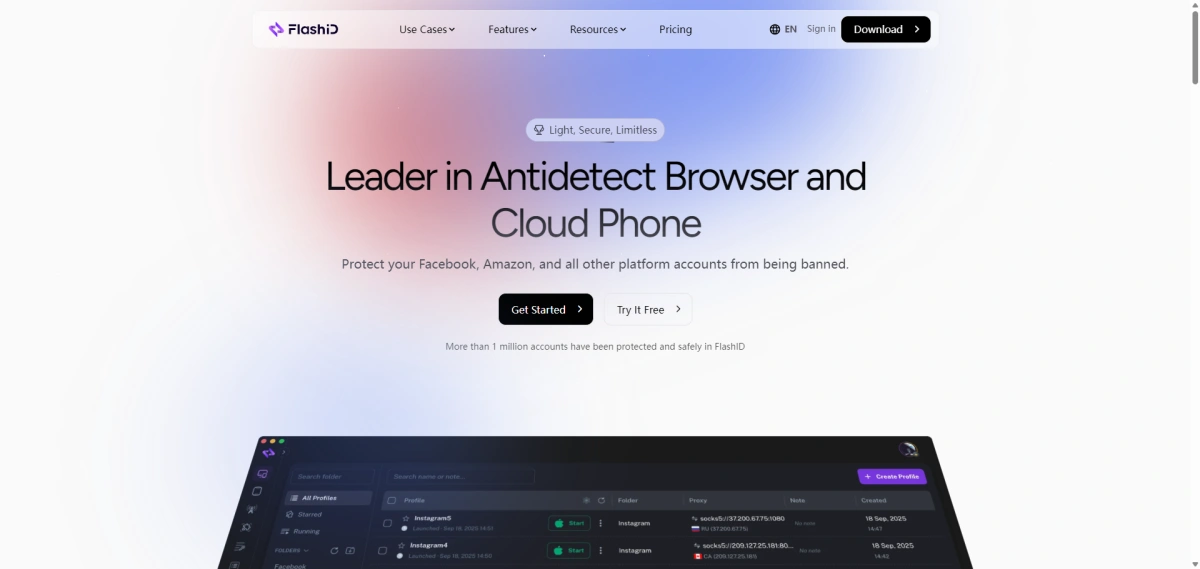
An anti-detect browser is designed to mask your digital fingerprint and provide isolated environments for different tasks. FlashID Antidetect Browser goes a step further by offering a cloud phone environment that simulates a complete virtual device.
1.Cloud Phone Environment Provides Isolated Virtual Devices
With FlashID, you can create separate cloud-based phone profiles. Each profile has its own IP, browser fingerprint, and storage. Running a port scan from within a FlashID profile ensures that your real device information is never exposed.
2.Advanced Fingerprint Spoofing Hides Your Real Identity
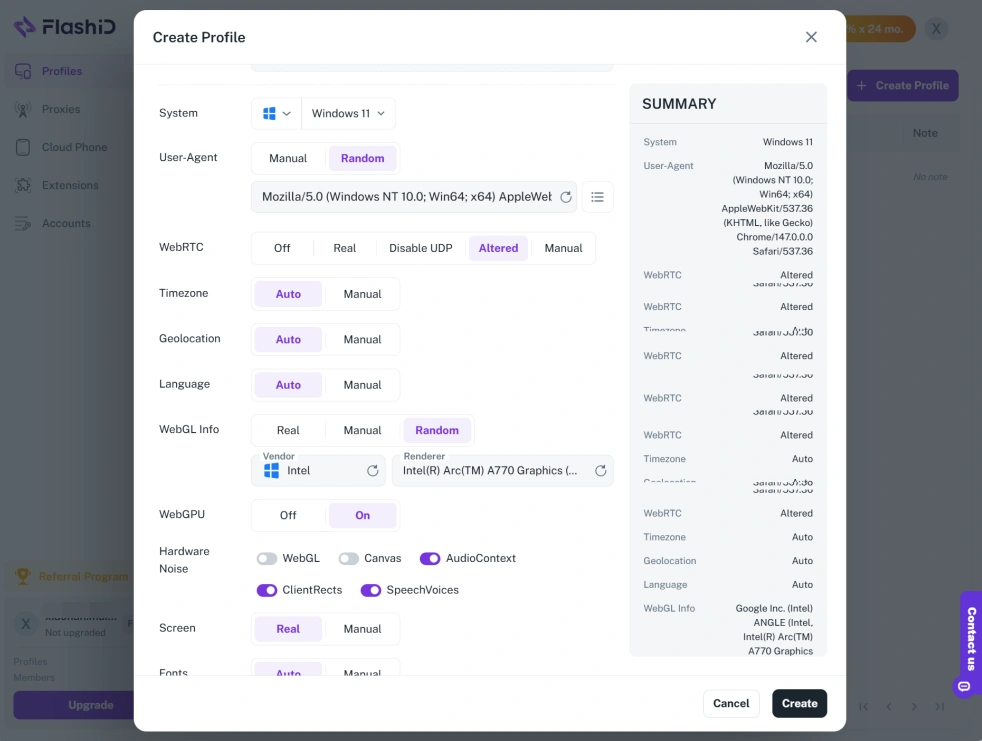
FlashID spoofs browser parameters such as user agent, screen resolution, timezone, and even hardware concurrency. This makes it much harder for any online service—including port scanners—to build a unique profile of you.
3.Built-in RPA for Automated Scanning Without Personal Exposure
FlashID includes robotic process automation (RPA) capabilities. You can automate port scans within a cloud phone profile, so the scanning activity is performed by the virtual device, not your personal machine. This further reduces the risk of your identity being associated with the scan.
Can FlashID Replace an Online Port Scanner?
No, FlashID is not a port scanner. It does not perform network scanning itself. However, you can use a regular port scanner website within a FlashID browser session with significantly less privacy risk.
- FlashID Is Not a Port Scanner, but You Can Use Its Browser for Safe Network Checks
Fire up a FlashID cloud phone profile, open your favorite online port scanner, and run the scan. The target will see the cloud phone’s IP, and the scanner service will fingerprint the virtual device, not your real one. This gives you the same scanning capability without the exposure.
- Compare: Direct Scan vs. Scan from a Spoofed Fingerprint Profile
Direct scan – Your real IP and browser fingerprint are logged. Activity can be traced back to you.
Scan via FlashID – The cloud phone’s IP and spoofed fingerprint are used. Your real identity remains hidden.
- Step-by-Step: Perform a Private Port Check Using FlashID
- Sign up for a FlashID account (free trial available).
- Launch a new cloud phone profile.
- Open the built-in browser (or any port scanner website).
- Enter the target IP or domain and run the scan.
- Review results as usual—your real device stays protected.
Secure Your Network Testing with FlashID
Online port scanners are convenient but come with privacy trade-offs. If you regularly perform network checks while managing sensitive accounts, using a dedicated privacy layer like FlashID can reduce the risk of fingerprint exposure and activity correlation. Its cloud phone environment and advanced fingerprint spoofing make it a safer alternative to running scans directly from your personal device.
If you’d like to stay updated with practical insights and industry trends, feel free to join our community.
FAQ
1.Is it safe to use an online port scanner?
Using an online port scanner exposes your IP and browser fingerprint to the scanner’s operator. While many tools claim not to log data, there is no guarantee. For better privacy, run scans from an isolated environment like FlashID.
2.What information can an online port scanner see about me?
The scanner sees your public IP address, browser version, operating system, screen resolution, and other fingerprintable attributes. It may also record the target you scanned and the time of the scan.
3.Can I use FlashID to scan ports on my server?
Yes. You can open a port scanner website inside a FlashID cloud phone profile and scan your own server. The IP that appears in your server logs will be the cloud phone’s IP, not your real one.
4.Does FlashID offer a free port scanning feature?
No, FlashID is a privacy tool, not a port scanner. It provides a secure environment to run third-party scanning tools without compromising your identity.
You May Also Like


