In 2026, text-to-video has moved beyond being a “showcase AI application” and has truly become a core tool in content production. From short video platforms and brand marketing to corporate training and cross-border e-commerce displays, quickly converting text into usable video content is becoming a necessity. However, the reality is challenging: the number of tools has exploded, with a huge gap in capabilities, and many seemingly usable tools are not suitable for long-term production. This article systematically reviews the top 10 text-to-video tools worth using in 2026, based on maturity, stability, commercial usability, and real-world application scenarios.
TOP 10 Text-to-Video Tools Ranking
1. Magic Hour
Magic Hour is one of the most favored comprehensive text-to-video platforms in 2026. It covers animation, realistic, commercial, and short video styles, supports direct text-to-video generation, and provides a wide range of style and quality options. For advertising teams, brand content creators, and social media operators, Magic Hour’s stability and production quality make it suitable for long-term use.
Core Advantages
- High video quality and generation stability
- Supports multiple styles, balancing commercial and creative needs
- Suitable as a main tool for long-term video generation
Pricing / Subscription
- Free trial available
- Tiered subscription based on duration and resolution
Target Users
Content creators, advertising and marketing teams, brand operators
2. Runway(Gen-4)
Runway Gen-4 targets professional creators, enhancing understanding of text semantics, shot continuity, and visual details. Compared with lightweight tools, it allows creators to have more precise control over videos, suitable for narrative videos, commercials, and creative experiments.
Core Advantages
- Excellent shot control and motion continuity
- Supports professional video production workflows
- High creative freedom, suitable for in-depth creation
Pricing / Subscription
- Monthly subscription
- Team and enterprise plans
Target Users
Professional video producers, visual designers, creative teams

3. Synthesia
Synthesia focuses on AI avatar videos, specializing in corporate training, product demos, presentations, and multilingual video production. It emphasizes standardized and low-cost output, allowing companies to quickly produce professional explanatory videos in multiple languages.
Core Advantages
- Mature and stable AI avatar narration
- Supports rapid multilingual video generation
- High degree of enterprise content standardization
Pricing / Subscription
- Seat-based subscription
- Enterprise custom plans
Target Users
Corporate training departments, HR, B2B marketing teams
4. Seedance 2.0
Seedance 2.0, launched by ByteDance, is a multimodal video generation tool supporting combined input of text, images, and audio. It excels at high-frequency, batch video production, making it ideal for social media content matrices, ad distribution, and large-scale production scenarios.
Core Advantages
- Strong multimodal input capability
- High adaptability to complex scenarios
- More suitable for large-scale content production
Pricing / Subscription
- Charged by output duration or volume
- Primarily API/platform-based solutions
Target Users
Social media operators, content production teams
5. Kling AI
Kling AI is optimized for short video platforms, emphasizing fast generation and easy operation. It is more suitable for quickly producing everyday social content or short video ads rather than complex narrative videos.
Core Advantages
- Fast short video generation
- Low operational threshold
- Fits social media content rhythm
Pricing / Subscription
- Free quota
- Monthly or credit-based plans
Target Users
Short video creators, content matrix operators
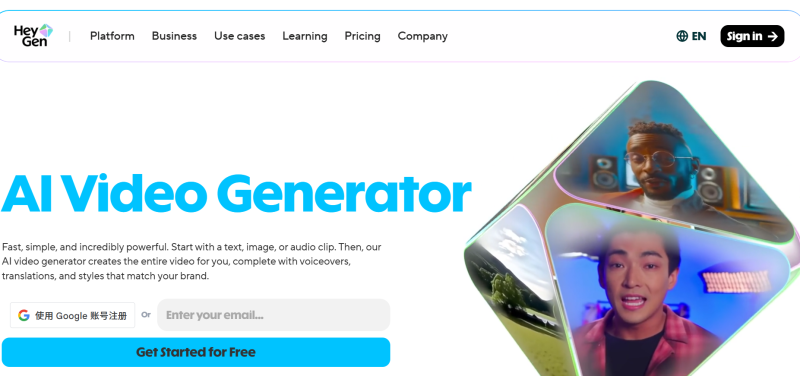
6. HeyGen
HeyGen provides a templated video generation workflow, suitable for batch production of marketing videos and standardized content. By simplifying the process and ensuring stable output, it effectively reduces production costs.
Core Advantages
- Clear templated workflow
- Stable output results
- Suitable for batch video production
Pricing / Subscription
- Monthly subscription
- Charged by template tier
Target Users
Marketing teams, small and medium enterprises
7.Pika Labs
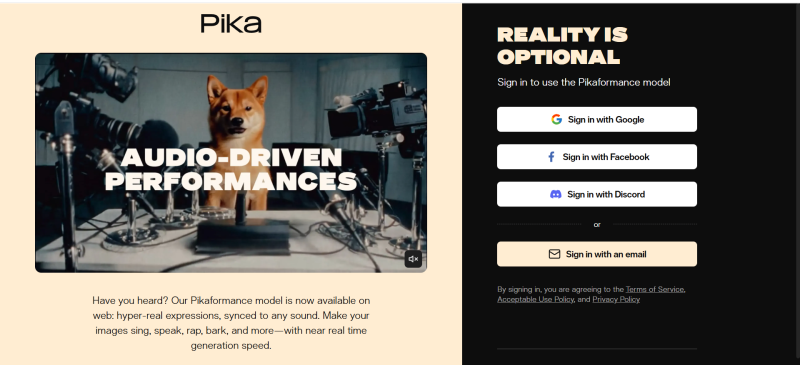
Pika Labs focuses on creative experimentation and rapid generation, suitable for testing ideas and content styles. It is flexible and low-cost, making it ideal for beginners and creators exploring different styles.
Core Advantages
- High creative expression freedom
- Suitable for low-cost testing
- Beginner-friendly
Pricing / Subscription
- Free version
- Paid advanced features
Target Users
Beginner creators, creative testing users
8. Lumen5
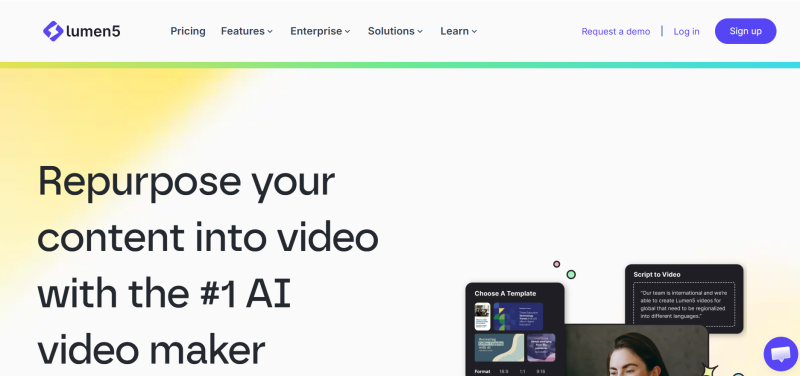
Lumen5 excels at quickly converting articles, blogs, or scripts into social videos, emphasizing content distribution efficiency. It is ideal for marketers or social media teams to quickly generate short videos for promotion and dissemination.
Core Advantages
- High efficiency from text to video
- Very suitable for social media distribution
- Simple operational workflow
Pricing / Subscription
- Function-based subscription
Target Users
Content marketers, social media operators
9. Veo
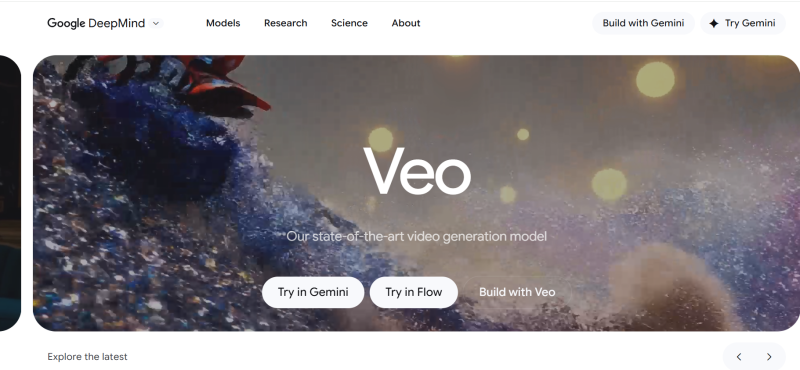
Veo is a high-quality text-to-video model developed by Google DeepMind, emphasizing realism and high-resolution output. It is suitable for creators with high visual standards and premium brand teams exploring content.
Core Advantages
- Strong understanding of text semantics and complex scenes
- High-resolution and realistic potential
- Suitable for high-quality visual content exploration
Pricing / Subscription
- Internal testing / beta phase
- Commercial pricing depends on region and volume
Target Users
High-end content creators, visual effects teams, brand marketing teams
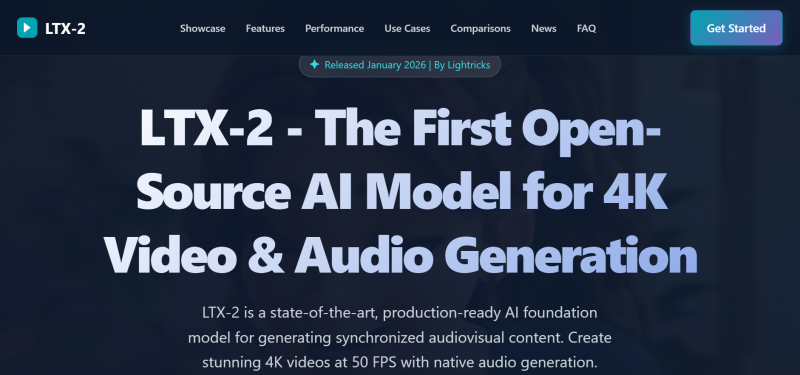
10.LTX-2
LTX-2 is an open-source text-to-video model, aimed at technical teams and researchers. It supports deep customization and private deployment, suitable for secondary development or model experimentation rather than instant-use tools.
Core Advantages
- Highly controllable and customizable
- Supports private deployment
- Suitable for secondary development and research
Pricing / Subscription
- Open-source and free
- Deployment and computing costs borne by the user
Target Users
Technical teams, AI developers, research institutions
Quick Comparison Table
| Tool | Positioning | Commercial Use |
|---|---|---|
| Magic Hour | Comprehensive main tool | ✅ |
| Runway | Professional creation | ✅ |
| Synthesia | Enterprise video | ✅ |
| Seedance | Large-scale production | ✅ |
| Kling AI | Short video | ✅ |
| HeyGen | Template batch production | ✅ |
| Pika Labs | Creative testing | ⚠️ |
| Lumen5 | Content distribution | ✅ |
| Veo | High-quality exploration | ⚠️ |
| LTX-2 | Open-source development | ⚠️ |
FlashID Anti-detect Browser for Multi-Account Management and Advanced Strategies
In practice, many creators and teams use multiple text-to-video tools simultaneously to cover different content needs. However, multi-account operations carry potential risks, such as account conflicts, generation frequency limits, or triggering platform safeguards.
Multi-Account Usage Recommendations
- Assign different platform accounts to specific tasks to avoid high-frequency use of a single account
- Separate commercial and test accounts to protect core accounts
- Pay attention to platform generation limits and commercial authorization rules, and plan output accordingly
Advantages of FlashID Anti-detect Browser
Using FlashID anti-detect browser to manage multiple accounts can significantly improve efficiency and security:
- Multi-environment isolation: safely run multiple accounts on the same device, reducing conflicts
- High controllability: customize fingerprints and browser environments to reduce risk of detection
- Convenient operation: quickly switch accounts, support batch management, save time
- Long-term stability: reduce account bans and anomalies, ensuring continuous content production
By leveraging FlashID’s multi-environment capabilities, creators can improve account management efficiency while maintaining safety and stability across multiple platforms, achieving more effective video content production.
Conclusion
In 2026, text-to-video tools cover a wide range of needs, from rapid short video generation and corporate training to creative experimentation and high-end visual exploration. Creators can choose the right platform based on generation quality, ease of use, cost, and customizability, and leverage multi-account management tools like FlashID anti-detect browser to enhance operational efficiency and account safety, achieving stable and efficient video content production.
FAQ (Frequently Asked Questions)
1.Q: What is text-to-video?
A: It converts text into video, enabling fast content creation for social media, marketing, and training.
2.Q: Which tools are best for professionals?
A: Runway (Gen-4) and Veo, for high-quality visuals and precise control.
3.Q: Can these tools be used commercially?
A: Yes, most tools like Magic Hour, Runway, Synthesia, Seedance, Kling AI, HeyGen, and Lumen5 support commercial use.
4.Q: How to manage multiple accounts safely?
A: Use tools like FlashID anti-detect browser for environment isolation, fingerprint control, and efficient account switching.
5.Q: Which tools suit beginners or experiments?
A: Pika Labs and Lumen5, for low-cost testing and easy content generation.
6.Q: How to choose the right tool?
A: Consider video quality, ease of use, cost, scalability, and multi-account needs.
You May Also Like


