In the North American market, email remains the most stable and indispensable tool for business communication. Whether for cross-border e-commerce, international trade teams, overseas entrepreneurs, or remote-working companies, email is not only used for daily communication but also plays an essential role in customer support, account registration, contract exchanges, and system notifications.
With numerous email service providers available, choosing the right solution is not easy. Price, stability, delivery success rate, privacy protection, and team collaboration features are all key considerations. For users who need to manage multiple email accounts, maintaining security and avoiding login risks are additional challenges.
This article reviews eight cost-effective email services in North America, comparing their functionality, reliability, target users, and pricing. It also provides advanced multi-account management recommendations using FlashID anti-detect browser, helping businesses and individuals improve efficiency and security while controlling costs.
1. Google Workspace
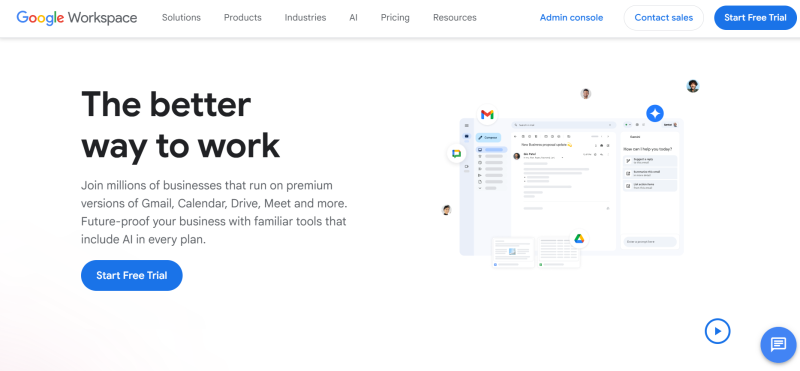
Google Workspace is the leading enterprise email and office solution in North America. Built on the Gmail architecture, it consistently ranks high in stability and email delivery success. The platform integrates email, documents, calendar, cloud storage, and video conferencing into a unified system, suitable for businesses with growing teams.
Key Advantages:
- Gmail-native architecture ensures globally stable email delivery
- Mature anti-spam and security mechanisms
- Deep integration of email, documents, cloud storage, and meetings
- Supports scalable team growth
Target Users: Cross-border e-commerce teams, remote collaboration companies, growing enterprises
Pricing & Subscription: Starting at $6/user/month
2.Microsoft 365
Microsoft 365 centers on Outlook email and combines Office and Teams to form a mature enterprise communication and collaboration ecosystem. It is widely adopted by medium to large businesses and traditional organizations in North America.
Key Advantages:
- Mature Outlook enterprise email system
- Deep integration with Office and Teams
- Supports complex permissions and compliance management
- Comprehensive enterprise-level security policies
Target Users: Medium to large enterprises, administrative and finance teams
Pricing & Subscription: Starting at $6/user/month
3. Zoho Mail
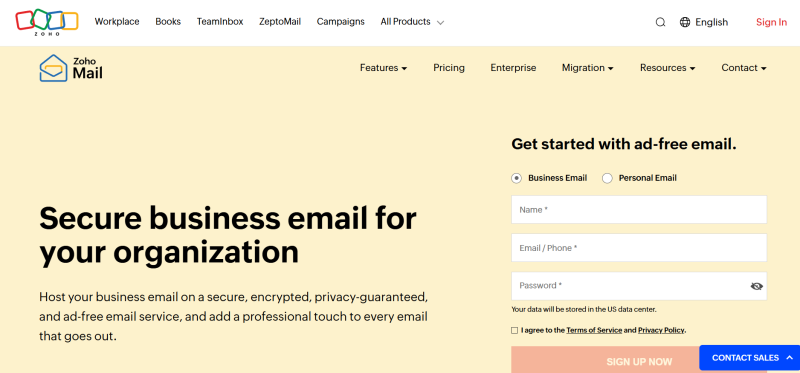
Zoho Mail focuses on low cost and basic but complete functionality, offering a clean interface without ads. It is suitable for startups or small businesses that require professional email but have limited budgets.
Key Advantages:
- Low cost, easy to start
- Supports custom domain email addresses
- Ad-free environment
- Complete basic email functions
Target Users: Startups, individual website owners, small businesses
Pricing & Subscription: $1–$4/user/month
4. Proton Mail
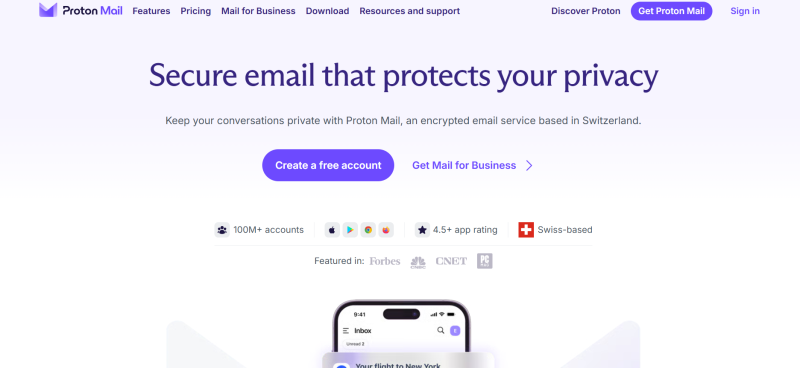
Proton Mail prioritizes privacy, providing end-to-end encrypted email services. User data is not scanned or used for advertising, making it an ideal choice for privacy-conscious users in North America.
Key Advantages:
- End-to-end encrypted email content
- Service provider cannot access user emails
- Privacy-friendly legal environment
- Supports anonymous registration and usage
Target Users: Privacy-sensitive users, technical personnel
Pricing & Subscription: Free / Paid from $4+/month
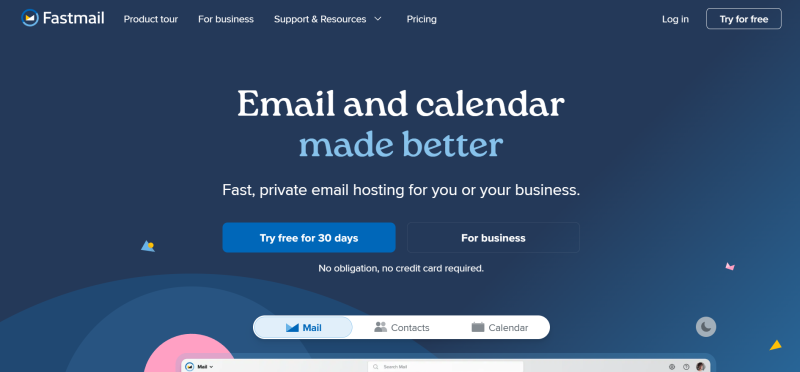
5. Fastmail
Fastmail focuses solely on email, emphasizing speed, stability, and flexible rule systems. It does not offer complex office suites, making it suitable for users who need high-efficiency handling of large volumes of emails.
Key Advantages:
- Fast email synchronization
- Flexible rules and filtering system
- Ad-free, clean interface
- Long-term operational stability
Target Users: Heavy email users, developers
Pricing & Subscription: Approximately $5/month
6.Rackspace Email
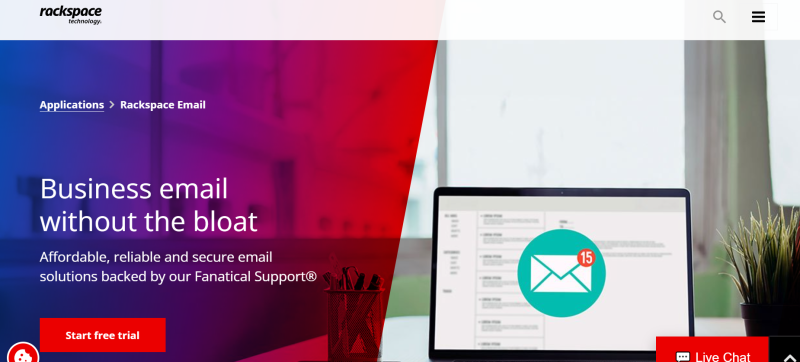
Rackspace Email is a long-established enterprise email hosting service in North America, emphasizing stable operation and enterprise-level support. It is a traditional and reliable email solution.
Key Advantages:
- Long-term stable email system
- Low cost, suitable for bulk deployment
- Mature enterprise-level technical support
- Clear management structure
Target Users: Traditional enterprises, IT outsourcing teams
Pricing & Subscription: Approximately $2–$3/user/month
7. Amazon WorkMail
Amazon WorkMail is built on AWS infrastructure, emphasizing security, permission control, and integration with AWS services. It is suitable for technical teams and businesses with mature cloud architecture.
Key Advantages:
- AWS-level stability and security
- Supports IAM permission management
- Easy integration with AWS services
- Strong enterprise control
Target Users: Technical teams, AWS users
Pricing & Subscription: Approximately $4/user/month
8.iCloud Mail
iCloud Mail is Apple’s email service, more suitable for personal or light business use. Its advantages include deep integration with Apple devices and low cost.
Key Advantages:
- Deep integration with Apple devices
- Supports custom domains (iCloud+)
- Low cost, simple maintenance
- Low usage barrier
Target Users: Individual users, Apple device users
Pricing & Subscription: iCloud+ starting at $0.99/month
Quick Comparison of Email Services
| Service | Starting Price | Stability | Privacy | Team Collaboration |
|---|---|---|---|---|
| Google Workspace | $6 | High | Medium | High |
| Microsoft 365 | $6 | High | Medium | High |
| Zoho Mail | $1 | Medium | Medium | Medium |
| Proton Mail | $0 | Medium | High | Low |
| Fastmail | $5 | High | Medium-High | Low |
| Rackspace Email | $2 | Medium-High | Medium | Medium |
| Amazon WorkMail | $4 | High | Medium-High | Medium |
| iCloud Mail | $1 | Medium | Medium | Low |
FlashID Anti-Detect Browser and Multi-Account Management Recommendations
In practice, many users need to manage multiple email accounts simultaneously, such as customer service emails, business emails, advertising accounts, or regional business emails. Frequently switching accounts in the same browser environment can trigger abnormal logins or security controls, potentially locking accounts or requiring verification. This issue is especially common for cross-border e-commerce, international trade teams, or multi-business operations.
In such scenarios, FlashID anti-detect browser provides an efficient solution. It can create isolated browser environments for each email account, ensuring consistent login fingerprints, cookies, and IP settings over time, which reduces the risk of abnormal login detection. Using FlashID anti-detect browser, businesses and individuals can safely and efficiently manage multiple accounts, improving overall operational efficiency.
Key Advantages:
- Independent browser environments: Each email account runs in a separate environment, preventing interference and avoiding detection of frequent switching
- Consistent login fingerprints: Maintains stable account environments, reducing the chance of triggering security controls
- Supports multi-business line management: Suitable for multi-region, multi-business, or multi-team account operations
- Optimized team collaboration: Multiple members can safely manage shared emails or business accounts while maintaining isolation
- Reduces operational risks: Prevents account suspension or restrictions without violating platform rules
With these features, teams or individuals using FlashID anti-detect browser can significantly improve multi-account management efficiency while ensuring account security, especially suitable for cross-border businesses, advertising operations, and multi-region e-commerce teams.
Conclusion
Choosing an email service essentially means selecting a long-term communication infrastructure. While price is important, stability, scalability, and long-term management costs are the true factors that determine value. By combining multi-account management strategies with FlashID anti-detect browser, businesses and individuals can operate multiple email accounts efficiently and safely, achieving both cost savings and operational efficiency.
FAQ (Frequently Asked Questions)
1.Q: Which email service is most cost-effective in North America?
A: Zoho Mail ($1–$4/month) is best for startups, while Google Workspace ($6/month) and Microsoft 365 ($6/month) suit growing teams needing full collaboration features.
2.Q: Can I safely manage multiple email accounts?
A: Yes. Using FlashID anti-detect browser, each account runs in an independent environment, keeping login fingerprints and cookies stable to reduce security risks.
3.Q: How to choose between Gmail, Outlook, and other services?
A: Consider priorities: Gmail for stability and Google integration, Outlook for Office/Teams integration, Zoho for low cost, Proton Mail for privacy.
4.Q: Are Rackspace Email and Amazon WorkMail suitable for small businesses?
A: Yes. Rackspace provides reliable business email hosting, Amazon WorkMail offers cloud-based security and AWS integration.
5.Q: What are the benefits of FlashID anti-detect browser?
A: Independent browser environments, consistent login fingerprints, multi-business support, team collaboration safety, and reduced account risk.
6.Q: Are there big pricing differences among these email services?
A: Yes. Entry-level plans range from $1/month (Zoho Mail) to $6/month (Google Workspace / Microsoft 365). High-tier plans with extra features cost more.
You May Also Like


