Quick Answer
To track Instagram followers, use Instagram Insights for your own account, a spreadsheet to keep a long-term follower history, or third-party follower tracker tools such as Social Blade to monitor public accounts. Analytics platforms can also track follower growth alongside audience, content, and competitor data.
How to Track Your Instagram Followers for Free
1. Use Instagram Insights
Instagram Insights is the most direct way to track follower growth on an account you manage. You need an Instagram Business or Creator account to access professional analytics.
To find your follower data:
- Open the Instagram app.
- Go to your profile.
- Tap Professional Dashboard.
- Open Insights.
- Find Total followers or the follower-related section.
- Select the available reporting period.
Depending on your account and Instagram’s current interface, the menu names may vary slightly.
What Instagram Insights Shows
Instagram Insights provides more than your current follower count. You can use it to check how your audience changed during the selected period.
| Data | What You Can Check |
|---|---|
| Total followers | Current number of followers |
| Followers gained | Number of new followers |
| Followers lost | Number of people who unfollowed |
| Top locations | Countries and cities where followers are located |
| Age range | Age distribution of followers |
| Gender breakdown | Gender distribution |
| Most active times | When followers are most active |
The follower data is particularly useful when you want to compare your account before and after a content change. For example, if you started publishing more Reels, you can check whether follower gains increased during the same period.
Instagram Insights Limitations
Instagram Insights is mainly useful for monitoring your own account and reviewing relatively recent performance. If you need to keep follower records for a longer period, start saving the numbers in a spreadsheet or use a third-party analytics platform.
2. Track Instagram Followers with a Spreadsheet
If you want to keep your own historical follower data, a spreadsheet is a simple option and does not require a paid tool.
Create four columns:
| Date | Follower | CountDaily | ChangeNotes |
|---|---|---|---|
| Jan 1 | 10,000 | — | Starting point |
| Jan 2 | 10,045 | +45 | Viral Reel |
| Jan 3 | 10,052 | +7 | No post |
| Jan 4 | 10,089 | +37 | Collab post |
The Notes column is important because follower growth is easier to analyze when you know what happened on the same day.
Record events such as:
- A Reel was published
- A post received unusually high reach
- A collaboration went live
- A giveaway started
- A paid campaign launched
- Another account mentioned your profile
- Your posting frequency changed
Best Instagram Follower Tracker Tools
Instagram Insights is mainly designed for accounts you manage. If you want to track competitors, influencers, brands, or other public Instagram accounts, third-party tools can provide additional follower, audience, content, and competitor data.
The best options include:
| Tool | Best For | Key Features | Free Option |
|---|---|---|---|
| Social Blade | Public account tracking | Daily Statistics, Detailed Charts, Future Projections | Yes |
| Iconosquare | Detailed Instagram analytics | 100+ Metrics, Competitor Benchmarking, Automated Reporting | Trial |
| NapoleonCat | Social media management | Social Inbox, Auto-Moderation, AI Assistant, Analytics | Trial |
| Later | Content and follower analytics | Audience Analytics, Post Performance, Best Time to Post | Limited |
| HypeAuditor | Audience quality analysis | Audience Quality Score, Follower Growth, Audience Types | Free tools |
| Sprout Social | Competitor and multi-profile reporting | Instagram Competitors Report, Profiles Report, Audience Growth | Trial |
For users tracking several Instagram accounts, keeping each account in a separate browser environment can simplify long-term monitoring. Tools such as FlashID Antidetect Browser combine isolated browser profiles with proxy integration, allowing different accounts to maintain separate browser fingerprints and network environments.
Social Blade
Social Blade provides public Instagram account statistics through features such as Daily Statistics, Detailed Charts, Future Projections, and Live Follower Count. An account page can show follower count, following, media count, engagement rate, average likes, and average comments, along with recent follower changes.
Its historical data can be used to compare follower growth across different periods. Social Blade also provides daily and weekly charts, Top Lists, and a Business API for accessing its data programmatically.
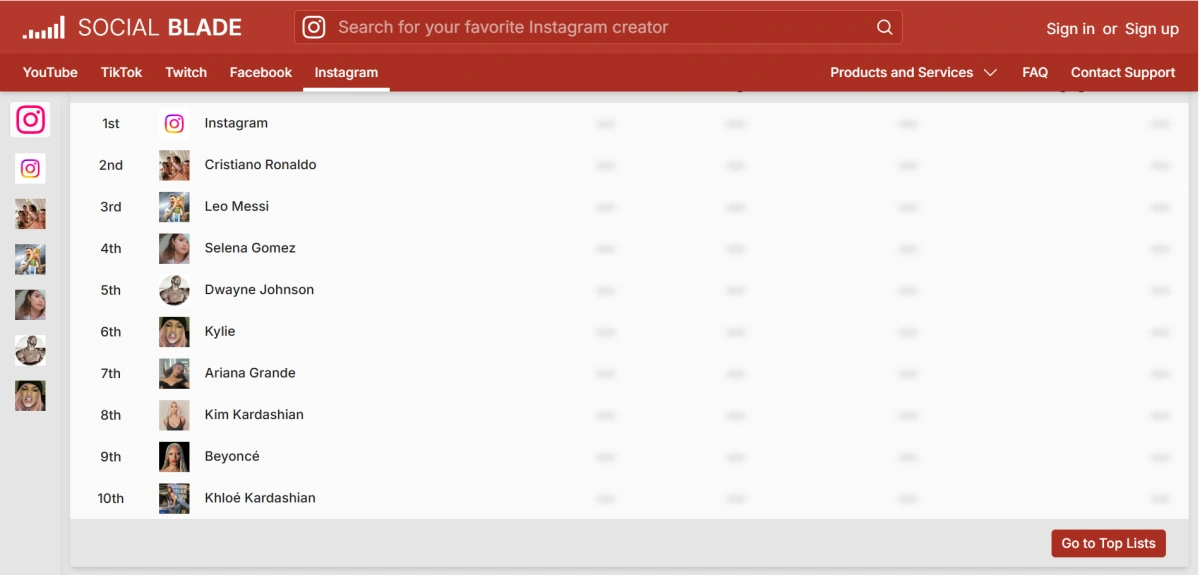
How to use it: Search for an Instagram username and open the corresponding account page. Check the historical follower chart to identify periods of rapid growth or decline, then compare those dates with the account’s public posts, collaborations, campaigns, or other visible activity. This can help determine what may have contributed to a change in follower growth.
Iconosquare
Iconosquare provides 100+ metrics covering reach, impressions, conversions, post-level performance, and page-level performance. Its Competitive Listening & Benchmarking feature tracks competitors’ engagement rates, content performance, and audience growth.
For reporting, Automated Reporting lets users create dashboards with selected metrics and charts, schedule reports, and export them as PDF or XLS files. Data Exports also allow specific datasets and date ranges to be downloaded for further analysis.
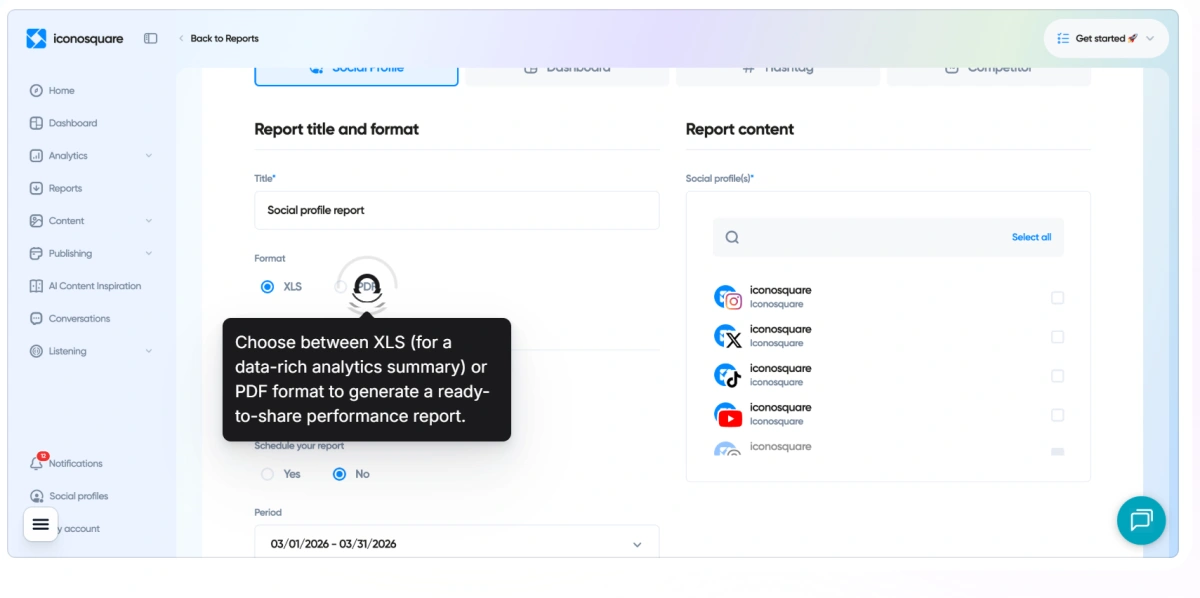
How to use it: Connect an Instagram account and select a reporting period to compare follower growth with content performance and engagement. Use Competitive Benchmarking to compare the account with competitors, then check which content types, posting periods, or engagement levels coincide with stronger follower growth.
NapoleonCat
NapoleonCat combines Instagram analytics with social media management through Social Inbox, Auto-Moderation, and AI Assistant. Social Inbox brings Instagram comments, private messages, mentions, and ad interactions into one workspace, where teams can assign conversations, filter interactions, and monitor response activity.
Auto-Moderation can automatically hide, delete, reply to, or assign interactions based on keywords, links, user tags, or AI-generated labels. AI Assistant can detect spam, hate speech, and sentiment and generate reply suggestions based on predefined brand rules.
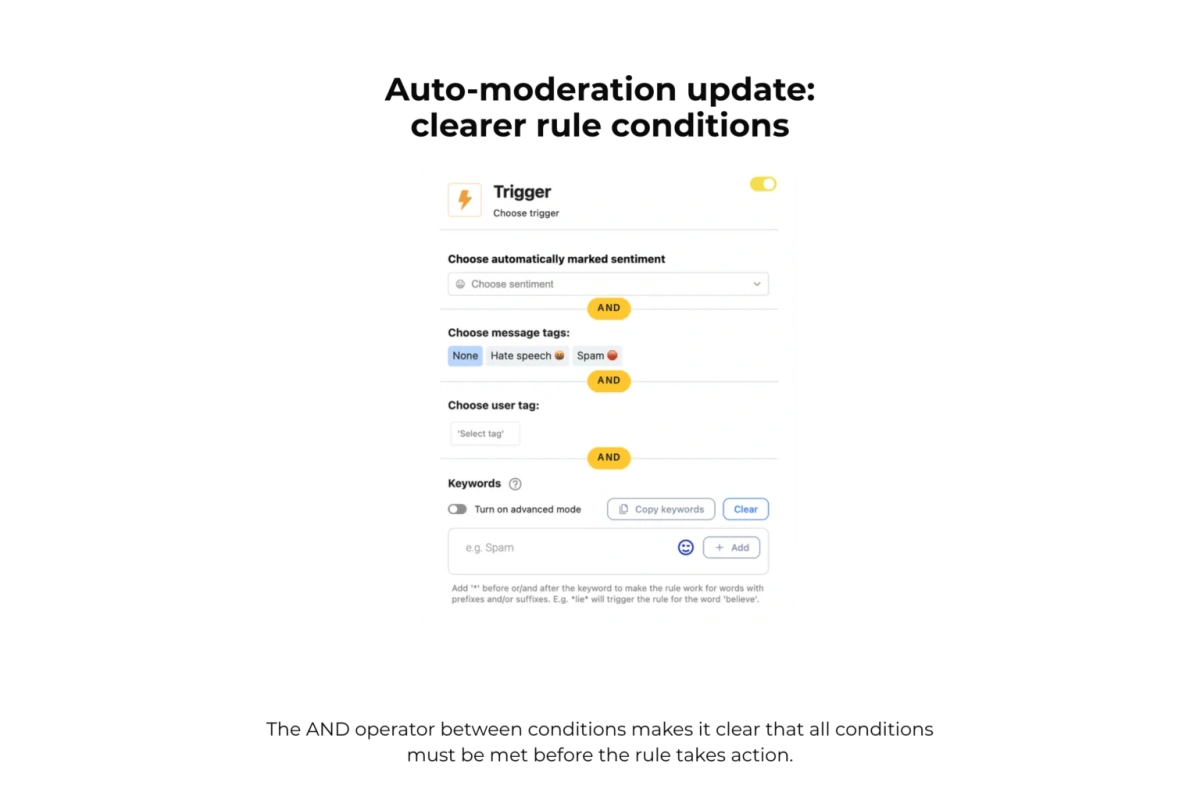
How to use it: Connect multiple Instagram profiles and use the analytics section to monitor account performance while handling comments and messages through Social Inbox. Set moderation rules for repetitive or unwanted interactions, so the team can spend less time manually managing comments while continuing to monitor follower and engagement changes.
Later
Later combines Instagram scheduling with built-in analytics. Its Instagram analytics include Audience Analytics, Post Performance, and Engagement Rate, while Best Time to Post uses follower activity to identify suitable publishing times.
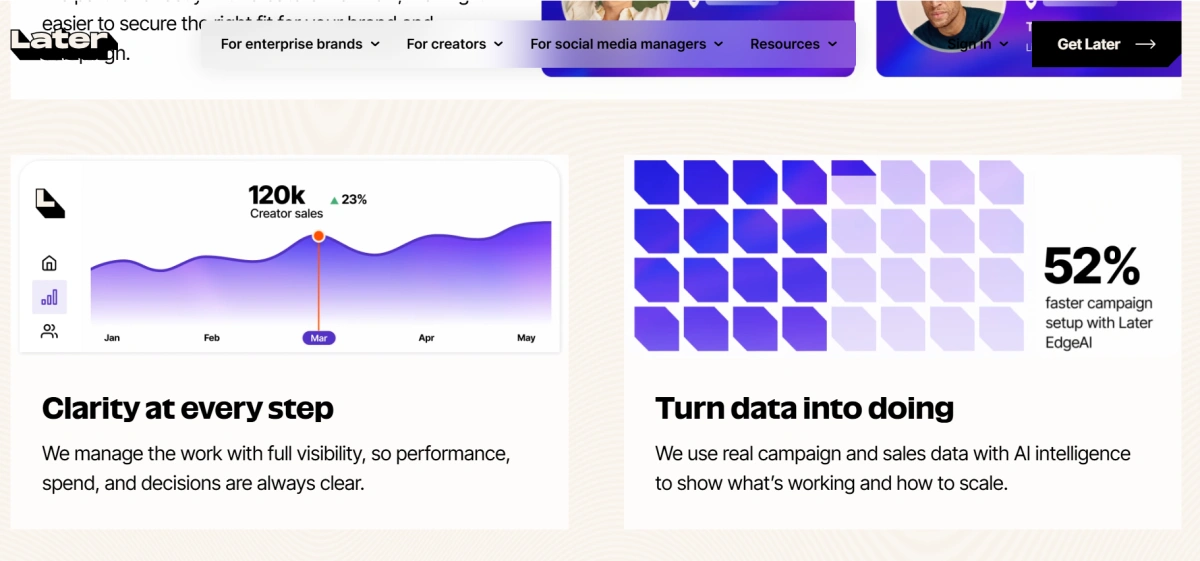
Later can also show follower growth alongside content performance, making it possible to compare changes in followers with published posts and other account activity. Analytics data retention varies by plan, with some plans providing three months and higher plans providing up to one year of data.
How to use it: Schedule Instagram posts through Later, then review Post Performance and Audience Analytics after publication. Compare follower changes with individual posts, content types, and posting times to identify which content is associated with stronger follower growth.
HypeAuditor
HypeAuditor focuses on Instagram audience and influencer analysis. Its platform includes Audience Quality Score, Audience Types, Follower Growth, and Authentic Engagement, as well as tools such as Instagram Follower Count Checker, Fake Followers Checker, and Instagram Audit Tool.
These features go beyond total follower numbers by examining audience quality, follower changes, and engagement authenticity. HypeAuditor also provides influencer discovery, competitor analysis, campaign management, and audience analytics.
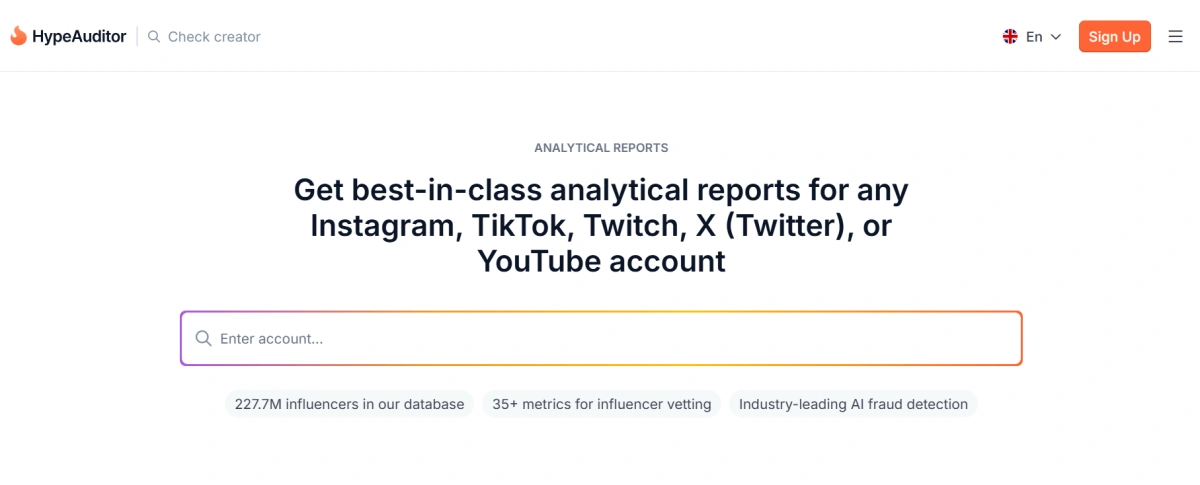
How to use it: Enter an Instagram account into the audit or analysis tool and check its Audience Quality Score, follower growth, audience types, and authentic engagement. When evaluating an influencer, compare these metrics with the account’s total followers to determine whether a large audience is supported by genuine followers and meaningful engagement.
Sprout Social
Sprout Social provides dedicated Instagram reports including Instagram Profiles Report, Instagram Competitors Report, Tag Report, Sent Message Report, and Team Report. These reports can compare follower growth, engagement, publishing activity, and other performance data across multiple profiles.
The Instagram Competitors Report tracks public Instagram Business Profiles and provides metrics such as Followers, Net Follower Growth, Follower Growth Rate, Engagement, Publishing Behavior, Top Posts. Reports can be filtered by time period and exported as PDF or CSV.
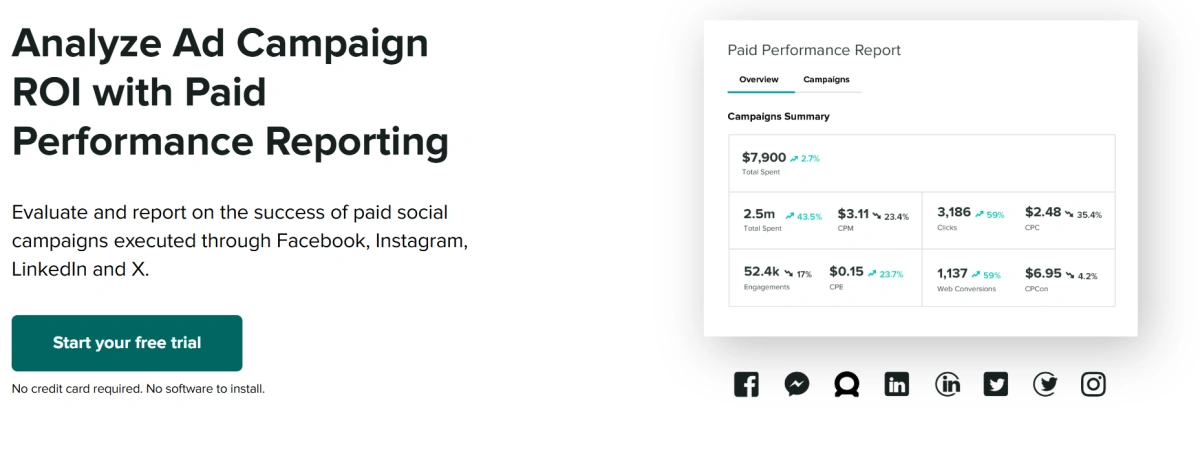
How to use it: Add the Instagram profiles that need to be monitored and select a reporting period. Use Instagram Competitors Report to compare follower growth and engagement with competing accounts, then review Publishing Behavior and Top Posts to see whether differences in posting activity or content performance correspond with differences in follower growth.
Which Instagram Follower Tracker Should You Use?
For your own Instagram account
Start with Instagram Insights. It provides follower gains, losses, audience information, and activity data without requiring another analytics platform.
For long-term manual tracking
Use Instagram Insights + a spreadsheet. Save the follower count regularly and add notes whenever you publish important content or run campaigns.
For competitors or other public accounts
Use Social Blade to examine publicly available follower trends and historical growth.
For detailed audience and competitor analysis
Use Iconosquare when you need audience demographics, content analytics, and competitor benchmarking in addition to follower numbers.
For influencer and fake follower analysis
Use HypeAuditor when follower quality matters as much as follower quantity.
For social media teams
Use NapoleonCat for team-based social media management or Sprout Social when you need broader cross-platform reporting and enterprise-level workflows.
How to Detect Fake Instagram Followers
A follower count can look impressive while containing a large number of low-quality or inactive accounts.
Signs of Fake Followers
Check for several of these signs together:
- No profile picture: The account uses a blank or default avatar.
- Random usernames: Usernames contain long strings of random numbers or letters.
- No posts: The account has no content or very little activity.
- Extreme following ratios: The account follows thousands of users but has very few followers.
- Generic bios: The bio contains unrelated keywords, promotional links, or spam-like text.
- No engagement: The account never appears to like or comment on content.
Why Fake Followers Hurt Your Account
Fake followers can affect more than just your follower count. They can distort your engagement data, reduce the quality of your audience, and make it harder to evaluate your account accurately.
- Weaker engagement rate — Fake accounts rarely interact with your content, so a large number of inactive followers can bring down your overall engagement rate.
- Reduced content reach — When a large follower base generates little engagement, your content may receive weaker engagement signals, which can limit its reach.
- Problems with brand partnerships — Brands and agencies often review an influencer’s audience quality before working with them. A high percentage of suspicious followers can affect partnership opportunities.
- Unreliable audience data — Fake or inactive followers can distort demographic and audience insights, making it harder to understand who is actually interested in your content.
Tools to Detect Fake Followers
Several tools can help identify suspicious follower patterns on public Instagram accounts:
- HypeAuditor — Use its audience quality analysis to check metrics such as audience quality, engagement authenticity, and follower growth.
- Social Blade — Review historical follower data and look for unusual spikes or drops that do not match the account’s content activity.
- Instagram’s built-in tools — Instagram may remove fake or inactive accounts during platform-wide cleanups. An unexpected follower drop does not always mean users are manually unfollowing the account.
If suspicious followers are found on your own account, Instagram also allows them to be removed manually from the follower list. Open the follower’s profile, tap the options next to their name, and select Remove follower.
Conclusion
The simplest way to track your own Instagram followers is to use Instagram Insights and a spreadsheet. If you need to monitor a competitor or another public account, Social Blade can provide historical follower data. For deeper analysis, choose a tool based on the specific task: Iconosquare for analytics and competitors, HypeAuditor for audience quality, NapoleonCat for teams, Later for content scheduling and analytics, and Sprout Social for larger multi-platform operations.
If you’d like to learn more about facebook and stay updated with practical insights, feel free to join our community.
Frequently Asked Questions
1.Can I track Instagram followers for free?
Yes. Instagram Insights can track follower gains and losses for eligible professional accounts. A spreadsheet can also be used to maintain your own historical records, while Social Blade provides public-account tracking.
2.Can I see who unfollowed me on Instagram?
Instagram can show how many followers you lost, but it does not normally provide a complete built-in list identifying every person who unfollowed you. Be careful with third-party apps that ask for your Instagram password or login credentials.
3.Can I track someone else’s Instagram followers?
Yes, you can track any public Instagram account’s followers using tools like Social Blade, which displays historical follower data for public profiles. However, private accounts cannot be tracked by external tools. Instagram Insights only shows data for your own account.
4.Why did my Instagram followers suddenly drop?
Sudden follower drops usually result from Instagram removing fake/bot accounts, people unfollowing after you follow them, or changes in your content. Check if the drop correlates with any specific posts or Instagram-wide bot purges.
5.Does Instagram Insights show follower growth?
Yes. Eligible professional accounts can use Insights to view follower-related information such as followers gained and followers lost during available reporting periods.
6.How can I tell if an Instagram account has fake followers?
Check for repeated signs such as empty profiles, random usernames, little activity, unusual follower-to-following ratios, and sudden unexplained follower spikes. For larger accounts, use an audience analysis tool such as HypeAuditor for a more systematic check.


