In 2026, social media management has entered a new era of high-intensity, multi-platform, AI-driven operations. Simply posting on each platform is no longer enough—professional social media managers need to efficiently manage accounts, create high-quality content, analyze data, track trends, and ensure account security. This article lists the top ten tools every social media professional should use in 2026, helping you improve efficiency and effectiveness in your daily operations.
Top 10 Tools Every Social Media Professional Needs
1. Hootsuite
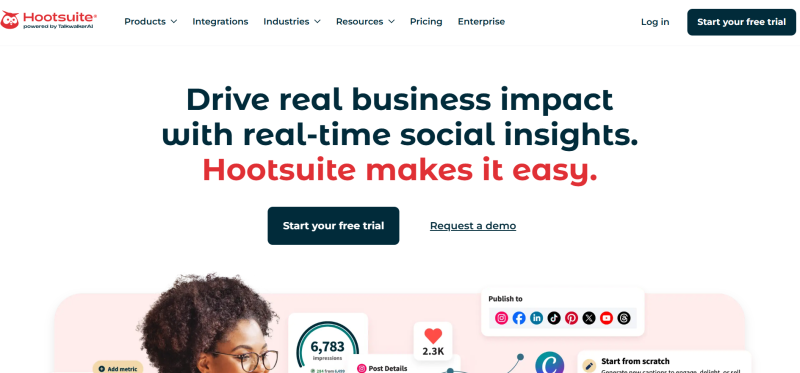
Hootsuite is a cross-platform social media management tool that supports major platforms including Facebook, Instagram, TikTok, Twitter, and LinkedIn. Managers can schedule and publish content from a single interface while managing messages and comments in one place. Its built-in AI assistant provides content suggestions and optimal posting time analysis, making it ideal for medium to large teams.
Core Advantages:
- Unified management across multiple platforms
- Automated scheduling and bulk publishing
- Team collaboration and permission management
- Data analysis and engagement reporting
Pricing / Subscription: Free basic version;paid subscriptions based on team size and feature level; enterprise plan includes advanced reports and additional accounts
Suitable For: Medium to large teams, corporate social media managers
2. Later
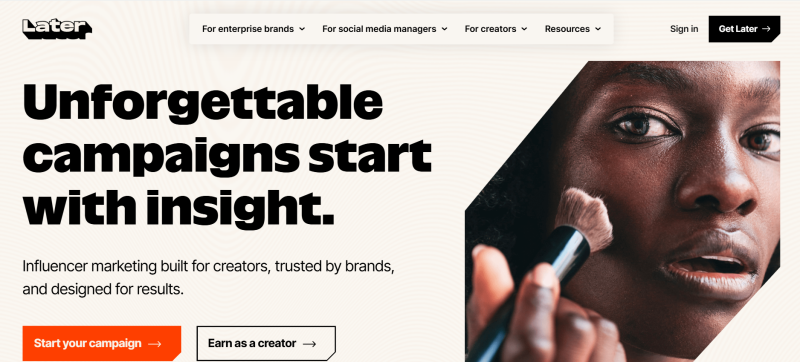
Later offers a visual drag-and-drop calendar that supports Instagram, TikTok, Pinterest, and other platforms. Managers can plan content for the entire month and centrally manage media libraries. It is ideal for visually-driven accounts such as e-commerce, photography, or creative bloggers.
Core Advantages:
- Visual scheduling and content preview
- Media library management with link page integration
- Automated publishing and reminders
Pricing / Subscription: Free basic plan; professional plan based on account count
Suitable For: Small teams, visual content creators
3. Sendible
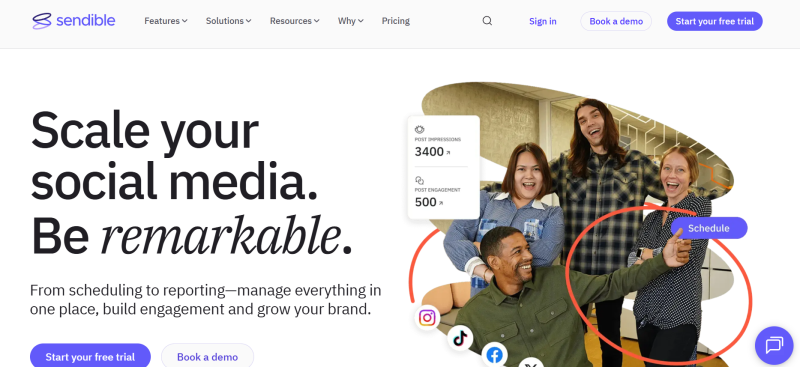
Sendible is designed for agencies and multi-brand teams, supporting unified management of multiple brand accounts. It provides a team workspace, content approval workflow, and customizable reporting features, helping agencies manage client accounts efficiently.
Core Advantages:
- Multi-brand account management
- Team permission levels and approval workflows
- Custom white-label reports
Pricing / Subscription: Based on user count and feature package
Suitable For: Marketing agencies, multi-brand teams
4. Metricool
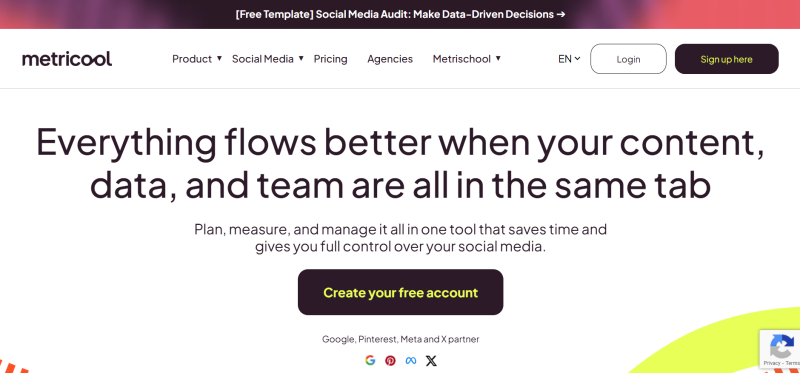
Metricool provides an all-in-one solution from content scheduling to data analytics, supporting platforms like Facebook, Instagram, TikTok, LinkedIn, and YouTube. It can generate reports, analyze engagement metrics and optimal posting times, and integrates with Adobe Express for seamless design-to-publishing workflows.
Core Advantages:
- Cross-platform content scheduling
- Real-time data monitoring and audience analysis
- Automated report generation and sharing
Pricing / Subscription: Free version with basic features; paid version offers multi-account support and advanced analytics
Suitable For: Data-focused social media managers seeking efficiency
5.SocialBee
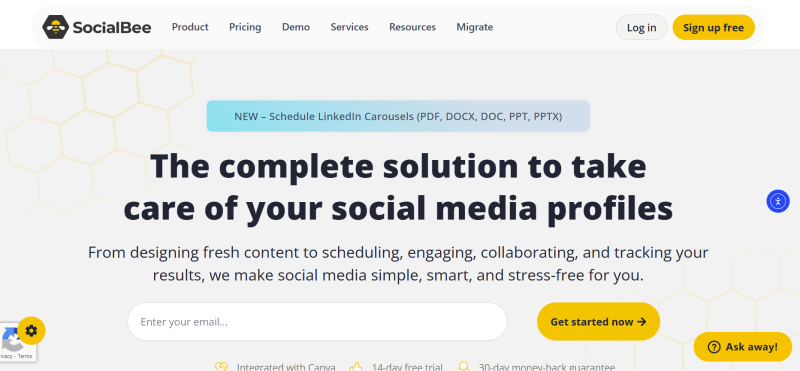
SocialBee specializes in content categorization and recurring scheduling, helping accounts stay active over the long term. Content can be classified by theme or type and published automatically in cycles, improving efficiency and content reuse.
Core Advantages:
- Content categorization management
- Automated recurring scheduling
- Multi-platform support
Pricing / Subscription: Based on feature packages
Suitable For: Content managers, long-term account management
6. Iconosquare
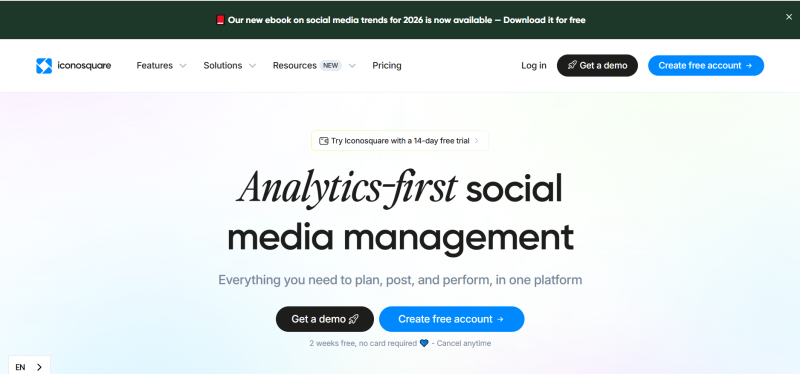
Iconosquare provides data analysis and trend insights for Instagram, TikTok, and Facebook. It tracks audience behavior, engagement rates, and content performance, providing data support for content strategies.
Core Advantages:
- Audience behavior and engagement analysis
- Competitor account comparison
- Trend insights and visualized reports
Pricing / Subscription: Subscription-based; basic and enterprise plans available
Suitable For: Data-driven social media managers
7. Meta Business Suite
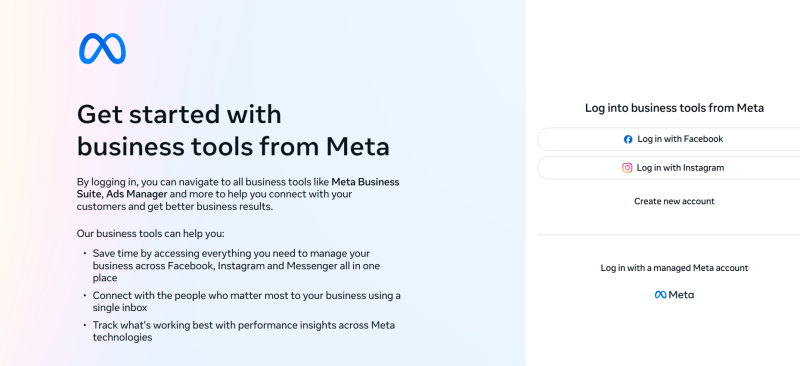
The official tool from Meta supports content scheduling, ad management, integrated messaging, and analytics. It is free and fully compatible with Meta platforms, making it ideal for both corporate and individual account management.
Core Advantages:
- Official platform support, stable and reliable
- Integration of content scheduling and ad campaigns
- Unified message management
- Analytics and report generation
Pricing / Subscription: Free
Suitable For: Social media managers focused on Meta platforms
8. Canva
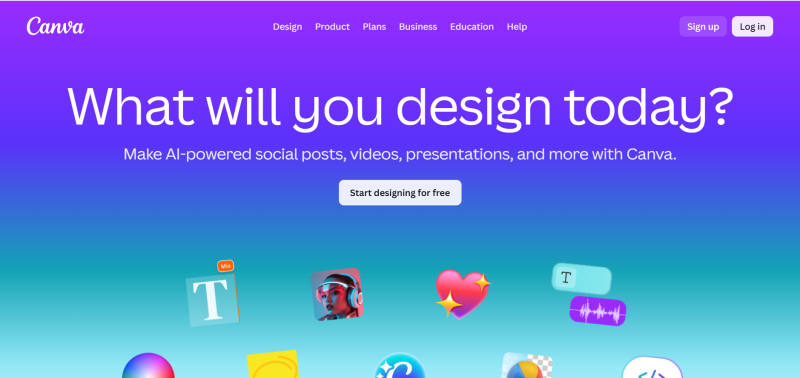
Canva provides a graphic and short-video design platform with built-in templates, fonts, images, and animations, allowing quick production of social media visuals. Suitable for both individual and team content creation.
Core Advantages:
- Rich templates, easy to use
- Supports short videos, GIFs, and posters
- Team collaboration features
Pricing / Subscription: Free basic plan; Pro version offers additional assets and team collaboration
Suitable For: Creative content creators, visual content managers
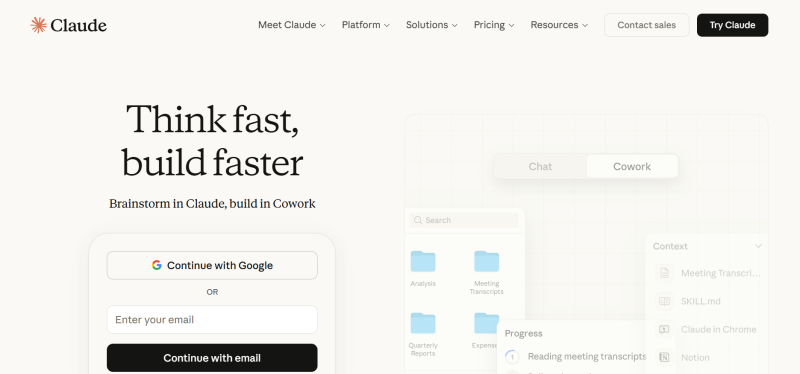
9. AI-Assisted Tools (ChatGPT / Claude / Gemini)
AI tools quickly generate copy, engagement scripts, and content drafts, while leveraging data analysis to optimize social media performance and improve content output efficiency.
Core Advantages:
- Efficient generation of copy and creative scripts
- Adjust content strategies based on data
- Improve content production efficiency
Pricing / Subscription: Free trial or usage-based subscription
Suitable For: Content creators, strategy planners
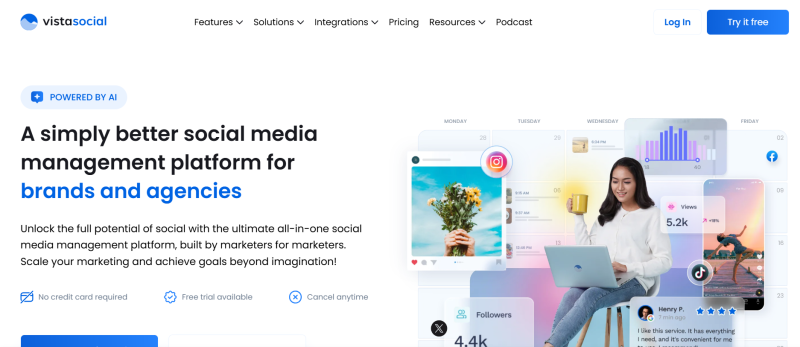
10. Comprehensive Matrix Management Platforms (Vista Social / Planable / Publer)
These platforms focus on multi-account matrix management, supporting scheduling, approval workflows, collaboration, and unified analytics. They are ideal replacements for traditional scheduling tools in team-based multi-account management.
Core Advantages:
- Multi-account matrix scheduling
- Team collaboration and approval features
- Analytics and report generation
Pricing / Subscription: Based on feature packages
Suitable For: Multi-account matrix teams
Quick Comparison Table
| Tool | Core Use | Multi-Account Support | Price Level | Suitable For |
|---|---|---|---|---|
| Hootsuite | All-in-one management | ✅ | Medium | Enterprise / Large Teams |
| Later | Visual calendar | ✅ | Low | Small Teams / Creators |
| Sendible | Multi-brand collaboration | ✅ | Medium | Agencies |
| Metricool | Data+ Scheduling | ⚠️ | Low | Individual / Small Teams |
| SocialBee | Content cycling | ✅ | Medium | Content managers |
| Iconosquare | Data analysis | ✅ | Medium | Data-driven managers |
| Meta Business Suite | Official management | ✅ | Free | Meta platform users |
| Canva | Visual content creation | ⚠️ | Low | Creative managers |
| ChatGPT / Claude / Gemini | AI copywriting | ✅ | Low | Content creators |
| Vista Social / Planable / Publer | Multi-account matrix | ✅ | Medium | Multi- account teams |
FlashID Anti-detect Browser: Multi-Account and Advanced Usage
In daily social media operations, teams or individuals often need to manage multiple accounts simultaneously, such as cross-brand, cross-region, or matrix operations. This multi-account management can significantly improve efficiency but also carries certain risks: frequently switching accounts on the same device or browser environment may be flagged as unusual activity, and excessive account linking can trigger bans, feature restrictions, or platform risk controls, potentially affecting overall operational stability.
To address these security and efficiency concerns, FlashID anti-detect browser offers targeted solutions:
- Creates independent browsing environments for each account, ensuring complete isolation
- Reduces platform risk and mistaken bans through anti-linkage mechanisms
- Supports parallel operation of multiple environments, improving multi-account management efficiency
- Suitable for team collaboration and long-term matrix operations
By using FlashID anti-detect browser, social media professionals can manage multiple accounts more efficiently while ensuring account security, providing a stable foundation for scalable and long-term operations.
Conclusion
Social media management in 2026 is no longer limited to single-platform or single-account operations. It now forms a complete ecosystem: creative content → data analysis → multi-account collaboration → trend insights. Properly combining these tools can significantly improve operational efficiency and content output quality:
- Individual creators: Canva + Metricool + AI writing tools for fast content generation and performance analysis
- Small teams: Later + SocialBee + Iconosquare for visual scheduling and data-driven optimization
- Large matrix / agency teams: Hootsuite + Sendible + Vista Social / FlashID anti-detect browser for multi-account matrix management while ensuring account security
By effectively using these tools, social media professionals can efficiently manage multi-platform operations while maintaining account security and content quality, laying a solid foundation for social media work in 2026.
FAQ (Frequently Asked Questions)
1.Q: Which social media management tool is best for large teams?
A: Hootsuite is ideal for medium to large teams due to its cross-platform management, automated scheduling, team permissions, and advanced analytics. For agencies managing multiple brands, Sendible is also a strong choice.
2.Q: Can I manage multiple accounts safely without risking bans?
A: Yes. Using tools like FlashID anti-detect browser, each account operates in an isolated environment, reducing platform risk, avoiding mistaken bans, and supporting multi-account operations safely.
3.Q: Which tool is best for visual content creation?
A: Canva is perfect for quickly creating graphics, short videos, GIFs, and posters, with templates, animations, and team collaboration features. Later is also useful for planning visual content calendars.
4.Q: Are AI tools suitable for social media content creation?
A: Absolutely. AI tools like ChatGPT, Claude, or Gemini can quickly generate copy, engagement scripts, and content drafts, and help optimize content strategies based on data.
5.Q: How do I choose the right tools for my team size?
A: Individual creators: Canva + Metricool + AI writing tools; Small teams: Later + SocialBee + Iconosquare; Large matrix / agency teams: Hootsuite + Sendible + Vista Social / FlashID anti-detect browser.
6.Q: Do these tools provide analytics and reporting?
A: Yes. Most tools like Metricool, Iconosquare, Hootsuite, and Meta Business Suite provide in-depth analytics, audience insights, engagement reports, and trend tracking to optimize social media strategies.
You May Also Like


