Managing multiple online accounts has become increasingly common in recent years. From social media management to e-commerce operations, many users need to maintain separate identities across platforms. However, modern websites use advanced tracking technologies to identify users, making account separation more challenging than ever. This is where anti-detect browsers come into play.
What Is an Anti-Detect Browser?
An anti-detect browser is a specialized browser designed to create multiple independent browsing environments. Each environment, called a profile, behaves like a separate device with its own digital identity.
To understand how anti-detect browsers work, it is important to first understand browser fingerprinting.
When a browser visits a website, it automatically shares many technical details about the device and environment, including the User-Agent, screen resolution, timezone, language settings, installed fonts, Canvas and WebGL rendering data, as well as hardware-related information.
When combined, these parameters form a browser fingerprint, which can uniquely identify a device—even if cookies are cleared.
Many users test their browser environments using tools such as Pixelscan, which helps analyze browser fingerprints and detect configuration mismatches. Similarly, tools like IPhey are often used to evaluate IP quality and determine whether an IP address appears trustworthy. Some users also rely on services such as Scamalytics to check fraud risk scores associated with specific IP addresses. These tools demonstrate how websites analyze both fingerprint and IP-level data to identify users.

How Anti-Detect Browsers Work
The core function of an anti-detect browser is to simulate and isolate browser fingerprints,creating stable and separate browser identities for each account. This is usually achieved through four key mechanisms.
1.Environment Isolation
Each account is assigned a separate browser profile, which functions like a virtual browser with its own cookies, cache, and local storage fully isolated from others.
2.Fingerprint Customization
Each profile is assigned a unique and realistic fingerprint. For example, a profile may simulate a Chrome browser running on Windows with specific device settings.
3.Fingerprint Masking
Anti-detect browsers modify browser behavior so that websites see the simulated fingerprint instead of the real hardware information.
4.Persistent Storage
Each profile keeps its login state and settings saved, allowing users to reopen the same environment without losing session data.
Together, these mechanisms allow anti-detect browsers to maintain multiple independent identities in a more stable and controlled way.
Key Features and Common Use Cases of Anti-Detect Browsers
Anti-detect browsers are widely used across industries where multiple accounts must remain separate. Their functionality is not limited to technical users; many marketers, sellers, and developers rely on them daily.
Core Features of Anti-Detect Browsers
Most anti-detect browsers provide several essential capabilities:
Fingerprint Customization
Each profile can simulate different devices by modifying parameters such as the operating system, screen resolution, browser version, and hardware information, allowing every profile to appear as a unique user to websites.
Profile Isolation
Every profile runs independently. This means:
- Cookies do not overlap
- Sessions remain separate
- Login states are isolated
Without profile isolation, accounts could easily be linked.
Proxy Integration
Proxies allow each profile to use a different IP address. When combined with fingerprint isolation, this creates a more realistic browsing environment.
Automation Support
Many anti-detect browsers include automation features that allow users to launch multiple profiles, perform repetitive tasks, and manage large numbers of accounts more efficiently.
Common Use Cases of Anti-Detect Browsers
Anti-detect browsers create independent and persistent browser identities, making them useful in scenarios where multiple accounts must remain separate.
Cross-Border E-commerce Operations
Anti-detect browsers are widely used in cross-border e-commerce, where sellers manage multiple stores on platforms such as TikTok Shop, RedShop, and Amazon. These platforms monitor browser fingerprints and cookies to detect linked accounts. By assigning each store a fully isolated browser profile, anti-detect browsers make it appear as if every account is operated from a different device, reducing the risk of account restrictions.
Social Media Account Management
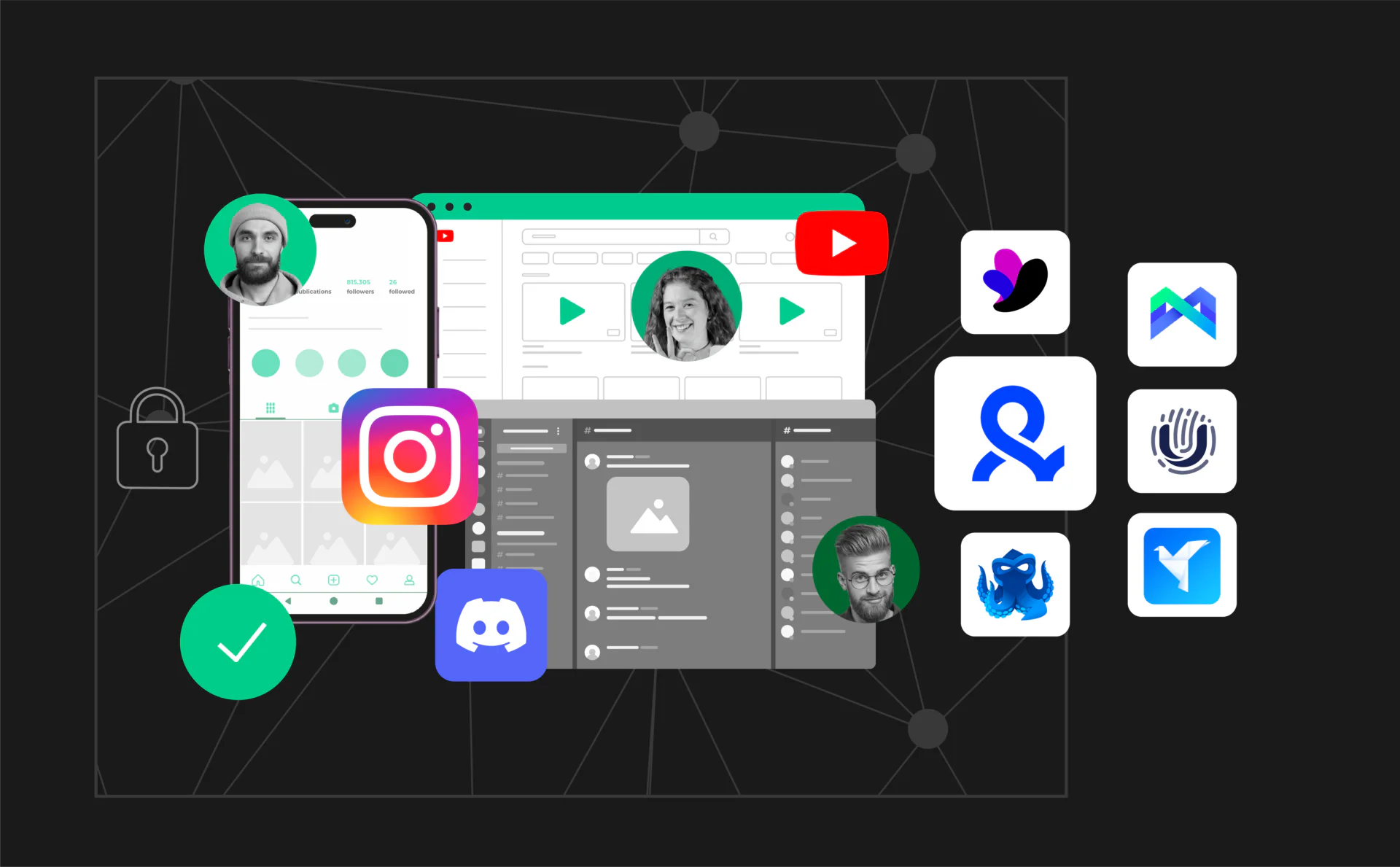
Many users manage multiple accounts on platforms such as TikTok, X(Twitter), YouTube, and Instagram. Since social media platforms track device fingerprints, using the same environment can increase the risk of account linking. Anti-detect browsers allow each account to operate under a unique and stable identity, helping maintain account separation and operational stability.
Market Research and Localization Testing
Anti-detect browsers are also used for market research and localized testing. Researchers often need to simulate users from different regions to access localized content. By combining region-specific proxies with matching fingerprint settings, anti-detect browsers help create realistic browsing environments that are less likely to be blocked.
Why Traditional Tools Often Fail
Before anti-detect browsers became widely available, users relied on traditional tools to separate accounts. However, these tools were not originally designed for modern fingerprint detection systems.
Below are some commonly used traditional tools and their limitations.
Emulators
Emulators simulate mobile devices on desktop computers.
While they allow users to run mobile applications, emulators often generate detectable fingerprints. Many platforms can recognize emulator environments, making them less reliable for long-term account management.
Virtual Machines (VMs)
Virtual machines create separate operating systems within a single computer.
Although virtual machines (VMs) provide a certain level of isolation, they require significant system resources, are complex to manage, and may still expose identifiable system patterns, making them inefficient for large-scale operations.
VPN and Proxy Tools
VPNs and proxies only change IP addresses.
They do not modify browser fingerprints. As a result, websites can still identify users through device-level data, even when IP addresses change.
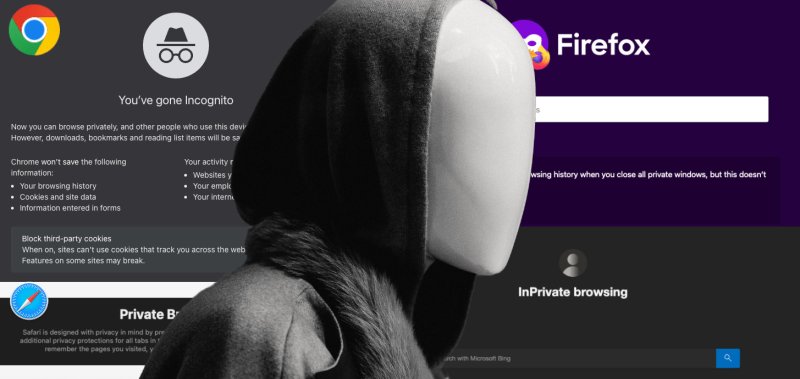
Incognito Mode
Private browsing modes are often misunderstood.
Many users believe incognito mode allows anonymous browsing, especially when accessing an anonymous browsing website, but in reality it does not hide browser fingerprints or create separate device identities.
Incognito mode only prevents local data from being stored. All sessions still appear to come from the same device.
Why Anti-Detect Browsers Are More Effective
Anti-detect browsers were specifically designed to address modern detection techniques. By combining fingerprint customization, proxy integration, and profile isolation, they provide a more reliable method of managing multiple accounts.
Compared to traditional tools, anti-detect browsers offer:
- Better identity separation
- Improved efficiency
- Reduced configuration complexity
- Greater scalability
These advantages explain why they have become the preferred solution in many industries.
Popular Anti-Detect Browsers Compared
Several anti-detect browsers are available today, each offering different features and capabilities. The table below provides a general comparison of commonly used tools.
| Feature | FlashID | AdsPower | Hidemium | Incogniton |
|---|---|---|---|---|
| Free Plan | ✅Available | ✅ Available | ⚠ Limited | ⚠ Limited |
| Platform Type | Cloud-based | Desktop-based | Desktop-based | Desktop-based |
| Cloud Phone Support | ✅ Yes | ❌ No | ❌ No | ❌ No |
| Profile Isolation | ✅ Full Isolation | ✅ Full Isolation | ✅ Full Isolation | ✅ Full Isolation |
| Proxy Integration | ✅ Built-in Supported | ✅ Supported | ✅ Supported | ✅ Supported |
| Account Center | ✅ Available | ⚠ Limited | ⚠ Basic | ⚠ Basic |
| Window Sync | ✅ Supported | ⚠ Browser Only | ❌ Not Supported | ❌ Not Supported |
| Automation (RPA) | ✅ Built-in | ✅ Built-in | ⚠ Limited | ⚠ Limited |
| Template Profiles | ✅ Available | ⚠ Limited | ⚠ Limited | ✅ Available |
| Team Collaboration | ✅ Advanced | ✅ Supported | ⚠ Basic | ⚠ Basic |
| API Support | ✅ Available | ✅ Available | ✅ Available | ✅ Available |
| Bulk Profile Creation | ✅ Supported | ✅ Supported | ✅ Supported | ✅ Supported |
| Browser Fingerprint Customization | ✅ Advanced | ✅ Advanced | ✅ Standard | ✅ Standard |
| Data Synchronization | ✅ Cloud Sync | ❌ Local Only | ❌ Local Only | ❌ Local Only |
Conclusion
As online platforms continue to improve their tracking and risk-control systems, managing multiple accounts has become more complex than ever. Modern websites no longer rely solely on IP addresses—they analyze browser fingerprints, device behavior, and session data to identify users.
Anti-detect browsers were developed to address these challenges. By creating isolated browser environments with unique fingerprints, they provide a structured way to manage multiple identities more safely and efficiently. Compared with traditional tools such as emulators, virtual machines, or VPN-only setups, anti-detect browsers offer a more practical and scalable solution.
Understanding how anti-detect browsers work—and where they are commonly used—can help users make better decisions when choosing tools for multi-account operations. Whether used in e-commerce, social media management, or market research, these tools have become an important part of modern digital workflows.
👀️ If you’d like to learn more about anti-detect browser and stay updated with practical insights, feel free to join our community.
You May Also Like


