Wix ReIntroduction to Wix in 2026
Wix remains one of the most popular website builders, powering millions of sites worldwide. In this wix reviews 2026-informed analysis, we take a fresh look at its features, pricing, and performance for 2026. Whether you’re a blogger, small business owner, or aspiring ecommerce seller, understanding what Wix offers—and where it falls short—will help you decide if it’s the right platform for your project.
What is Wix?
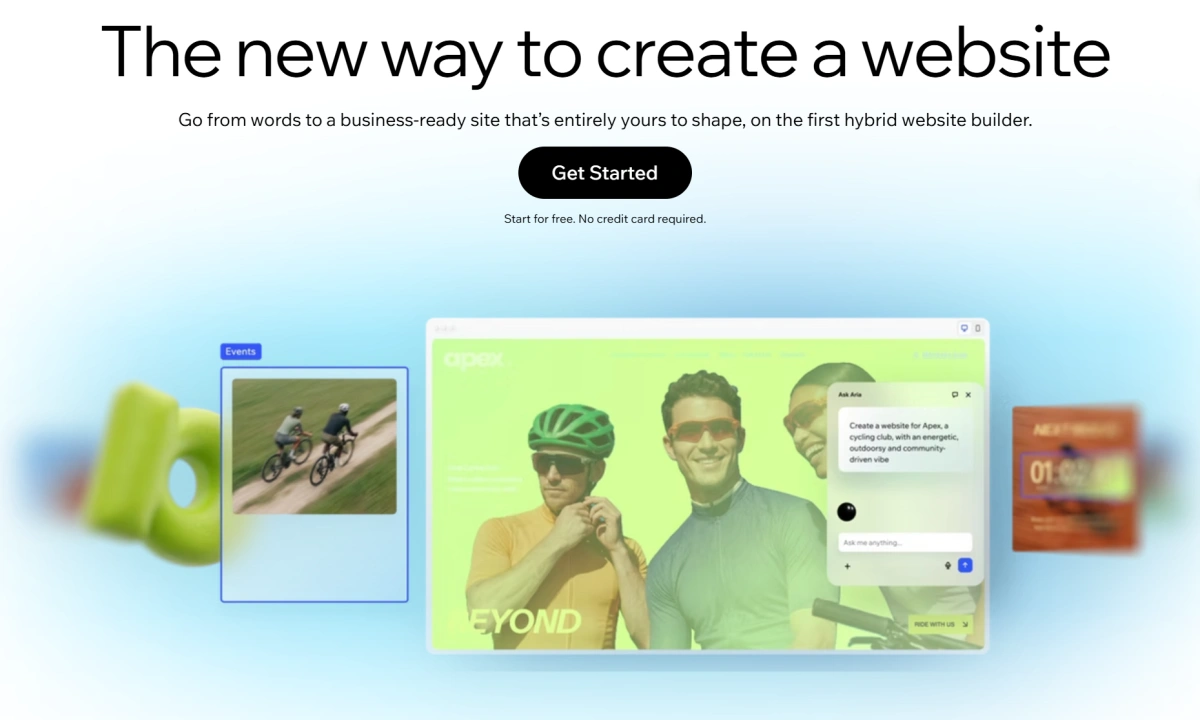
Wix is a cloud-based website builder that lets you create websites using drag-and-drop tools, AI-assisted design, or pre-built templates. It offers hosting, domains, and a suite of business tools, making it an all-in-one solution for beginners and intermediate users.
Wix Pricing and Plans in 2026
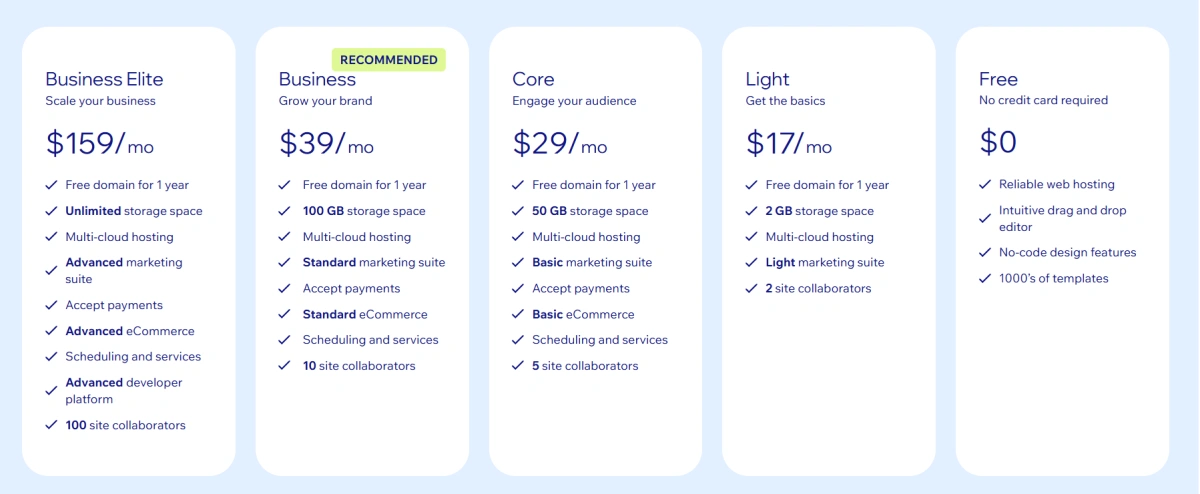
Wix offers a free plan and several premium tiers. Pricing as of early 2026 is competitive, but be aware that costs can add up with apps and transaction fees.
1.Free Plan Limitations
The free plan includes Wix branding, a Wix subdomain (e.g., username.wixsite.com/site), and limited storage (500 MB). You cannot use a custom domain or remove ads. It’s fine for testing but not for a professional presence.
2.Premium Plans: Light, Core, Business, Business Elite
- Light: $17/month – removes ads, connects a custom domain, 1 GB storage, 2 GB bandwidth. No ecommerce features.
- Core: $29/month – adds ecommerce capabilities (sell up to 50 products), 3 GB storage, 5 GB bandwidth. Suitable for small online stores.
- Business: $36/month – unlimited products, 10 GB storage, 15 GB bandwidth, plus priority support and multiple currencies.
- Business Elite: $159/month – unlimited products, 50 GB storage, unlimited bandwidth, plus VIP support and advanced analytics.
All prices are billed annually; monthly billing costs slightly more.
3.Ecommerce Pricing and Features
Ecommerce features start on the Core plan. You get product management, inventory tracking, coupon creation, and multichannel selling (via social media). However, transaction fees apply: 2.9% + $0.30 for third-party payment processors (Stripe, PayPal), or 0% if using Wix Payments (where available). Be sure to factor these into your budget.
Key Features of Wix
Drag-and-Drop Editor
Wix’s editor is intuitive and flexible. You can move elements freely, add animations, and customize layouts. It’s great for design freedom, but the lack of a grid system can lead to a messy layout if you’re not careful.
AI Builder and Templates (2000+)
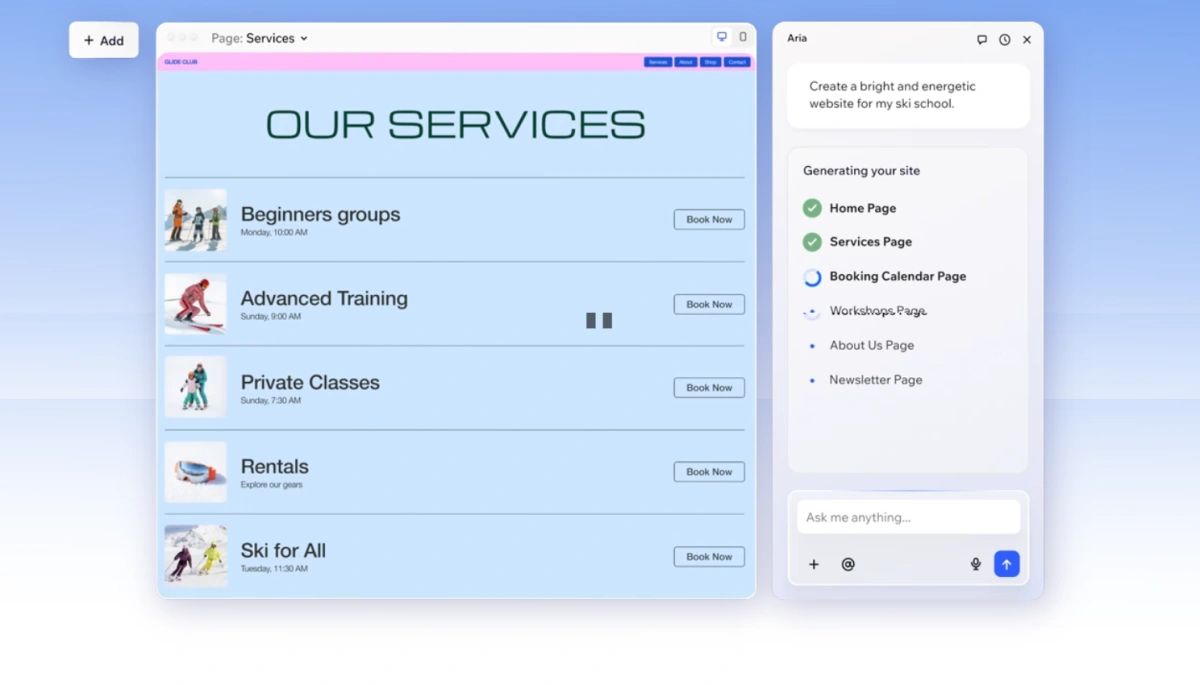
Wix ADI (Artificial Design Intelligence) asks you a few questions and generates a personalized website in minutes. Alternatively, you can choose from over 2000 templates sorted by industry. Templates are mobile-responsive, but once you pick one, you cannot switch without rebuilding your site.
App Market and Integrations
The Wix App Market offers hundreds of apps for booking, marketing, analytics, and more. Popular integrations include Mailchimp, Google Analytics, and social media feeds. However, many apps require a paid subscription, increasing overall costs.
SEO Tools and Checklist
Wix provides a comprehensive SEO Wiz that guides you through setup: custom meta tags, URL slugs, alt text, and sitemap submission. It also supports 301 redirects, canonical tags, and structured data (JSON-LD). While Wix has improved its SEO capabilities, it still lags behind WordPress in flexibility.
Ecommerce Capabilities
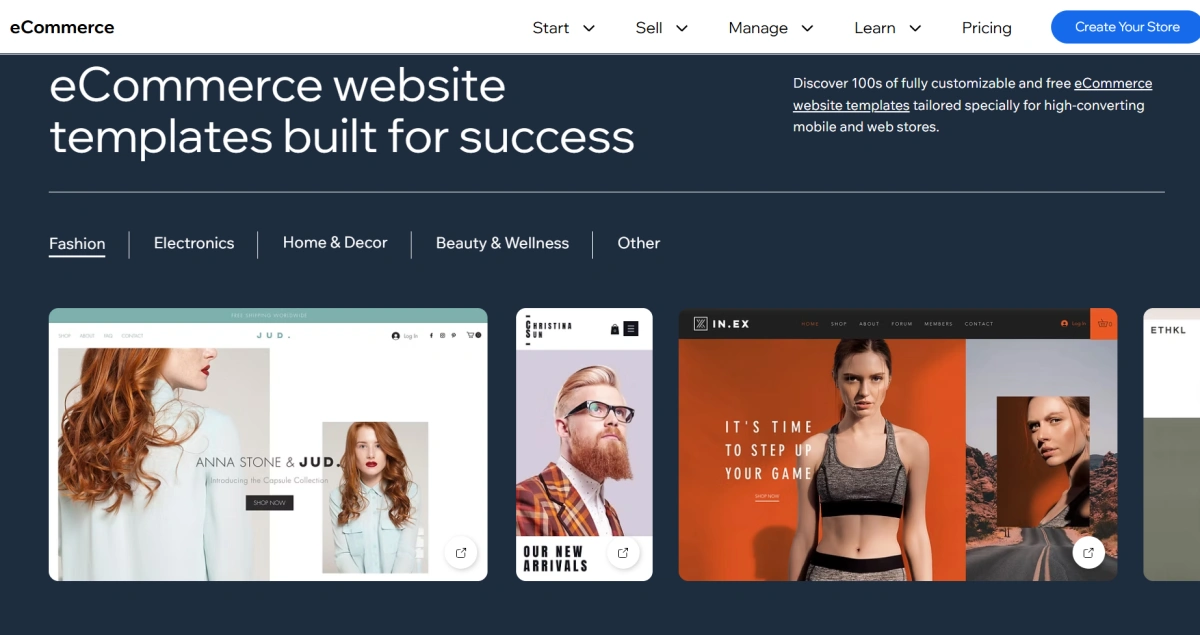
For basic and medium-sized stores, Wix covers the essentials: product variants, tax settings, shipping zones, abandoned cart recovery (on Business plans), and social selling. It lacks advanced features like B2B pricing tiers or complex inventory management found in dedicated platforms like Shopify.
Wix Pros and Cons
What Makes Wix Stand Out
- User-friendly drag-and-drop editor – no coding required.
- AI builder – fast site creation.
- Huge template library – over 2000 designs.
- All-in-one solution – hosting, domain, and email included.
- Solid SEO features – especially for beginners.
- Good app market – extends functionality.
Common Drawbacks: Template Lock, Performance, Export Limits
- Template lock: You cannot change your template after going live without starting over. This is a major limitation for businesses that outgrow their design.
- Performance: While uptime is excellent (99.98% reported), page speed can be slower than average due to heavy code and scripts. This may affect user experience and SEO.
- Data export limits: Exporting content is cumbersome. You can download blog posts and images, but rebuilding the site elsewhere is time-consuming.
- Page limit: Free and Light plans have very limited bandwidth and storage, while even higher plans cap resources. This can be restrictive for growing sites.
Wix for SEO and Performance
1.SEO Features: 301 Redirects, Structured Data, SEO Wiz
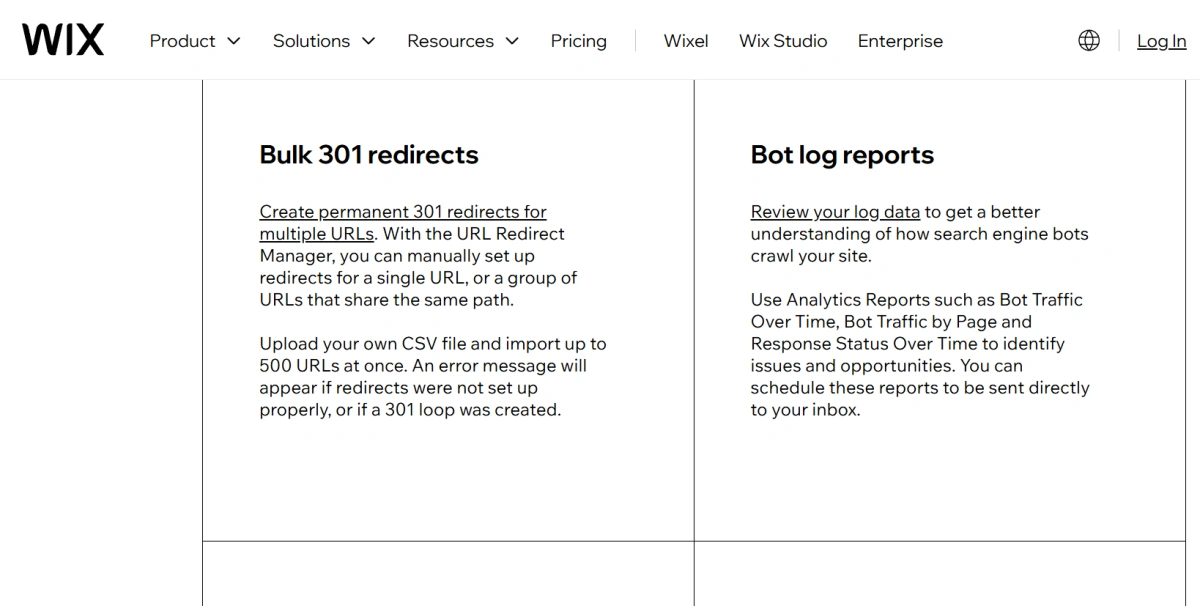
Wix’s SEO Wiz is a beginner-friendly tool that creates a personalized checklist. You can set 301 redirects, customize title tags and meta descriptions, and add structured data for products, articles, and events. For advanced SEO, you might miss plugins like Yoast, but Wix covers the basics well.
2.Uptime and Loading Speed
Wix boasts 99.98% uptime, meaning your site will almost always be online. However, loading speeds vary. Because Wix sites are built on a single-page architecture, they can be heavy. Optimizing images and limiting apps helps, but if speed is a top priority, consider a lighter platform.
Wix vs Competitors: Brief Comparison
- Wix vs Squarespace: Both are visually driven, but Squarespace offers better design consistency and more polished templates. Wix gives more design freedom but can look cluttered.
- Wix vs GoDaddy: GoDaddy’s builder is simpler but less powerful. Wix has superior ecommerce and SEO tools.
- Wix vs WordPress: WordPress offers unlimited customization and better scalability, but requires technical know-how. Wix is easier for non-developers.
Who Is Wix Best Suited For?
1.Small to Medium Websites
If you need a brochure site, service page, or membership area, Wix is a strong choice. Its drag-and-drop builder and app integrations meet most basic needs.
2.Portfolios and Blogs
Creative professionals and bloggers love Wix’s stunning templates (e.g., photography, art, fashion). The text editing is straightforward, and you can add galleries, videos, and music.
3.Basic Online Stores
Wix ecommerce works well for small inventories (under 50-100 products). If you plan to scale significantly, consider Shopify or BigCommerce.
Limitations: When Wix Falls Short
1.Advanced Multi-Account Management Needs
If you run multiple ecommerce stores, marketing accounts, or social profiles, Wix offers no native solution to separate environments securely. You might need to use different browsers or devices to avoid cross-account detection. This is where specialized tools come into play.
2.Data Export and Migration Challenges
Moving away from Wix is not trivial. While you can export blog content as XML and download images, the design and functionality do not transfer. Rebuilding on another platform can take weeks.
3.Scalability for Large Operations
Wix’s infrastructure handles medium traffic well, but high-volume ecommerce or large media sites may encounter resource limits. Dedicated VPS or cloud hosting is not available on Wix.
Beyond Wix: Multi-Account Management with FlashID
Wix helps users build and manage websites, but operating multiple Wix stores, affiliate accounts, or social media profiles also requires consistent and separate account environments. **FlashID Antidetect Browser **supports these workflows with three core capabilities:
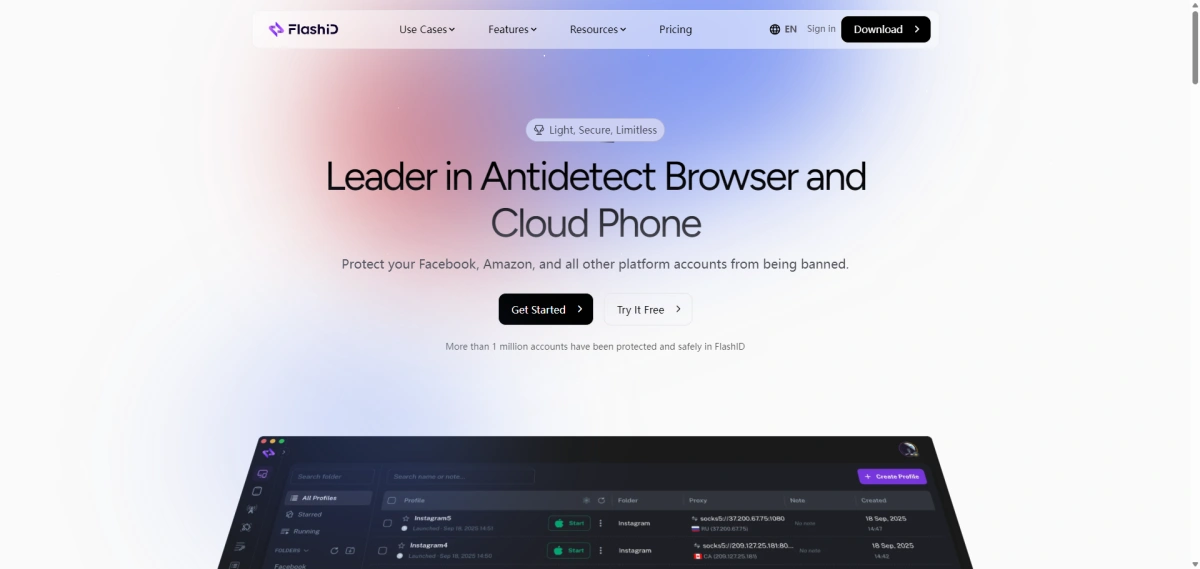
- Anti-Detect Browser: Creates an isolated browser profile for each account, with separate fingerprints, cookies, cache, and local storage. This helps reduce cross-account association and keeps account environments organized.
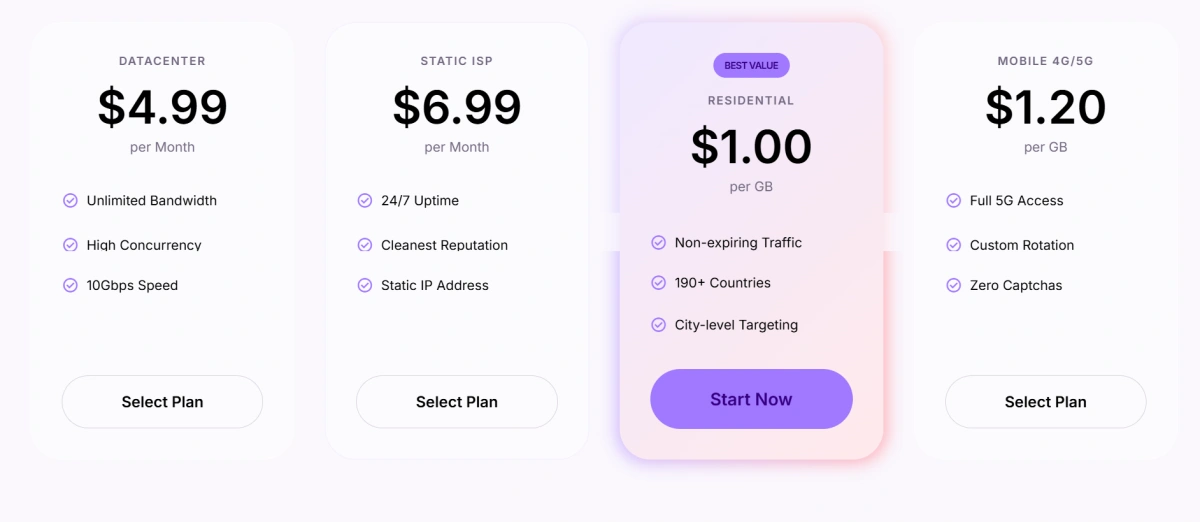
- Built-In Proxies: Allows users to purchase, manage, and assign proxies directly within FlashID. Each profile can use a separate IP address, reducing manual setup and helping maintain consistency between the browser fingerprint and network environment.
- Automation Tools: Supports repetitive workflows such as opening profiles, logging in, filling out forms, publishing content, and collecting data. This helps individuals and teams handle larger account operations more efficiently.
Final Verdict: Is Wix the Right Choice for You?
Summary of Pros and Cons
Pros: Intuitive editor, great templates, all-in-one hosting, strong SEO basics, and a helpful app marketplace. Cons: Template lock-in, potential speed issues, limited scalability, and export difficulties.
Recommendations Based on Use Case
Choose Wix if you’re a beginner, a freelancer, or small business with straightforward needs. For advanced multi-account operations (e.g., running multiple ecommerce stores), consider pairing Wix with a tool like FlashID to manage separate account environments. If you want to explore how FlashID can support your workflow, you can go to FlashID free trial.
If you’d like to stay updated with practical insights and industry trends, feel free to join our community.
FAQ
1.How much does Wix cost in 2026?
As of early 2026, Wix plans start at $17/month for Light, $29/month for Core (ecommerce), $36/month for Business, and $159/month for Business Elite, all billed annually. Monthly billing costs more. Check the official Wix site for current offers.
2.Can I switch templates on Wix after publishing?
No. Once you choose a template and publish your site, you cannot switch to a different template without rebuilding from scratch. Plan your design carefully before going live.
3.Does Wix offer a free plan?
Yes. The free plan includes Wix branding, a subdomain, and limited storage (500 MB). It’s suitable for testing but not for professional use. To use a custom domain and remove ads, you need a premium plan.
4.Is Wix good for SEO?
Wix has improved significantly. It offers automatic sitemap generation, 301 redirects, customizable meta titles and descriptions, structured data, and a guided SEO Wiz. However, it still lacks some advanced features available in WordPress plugins.
5.What customer support does Wix provide?
Wix offers 24/7 support via phone (callback), email, and a knowledge base. Business and Elite plans get priority support. Response times are generally good, but complex issues may require patience.
You May Also Like


