Click and Clean
Protect your privacy with Click and Clean. Effortlessly delete browsing history, cookies, and cache with one click to enhance security and browser performance.
Complete Browser Privacy Management
Secure your online footprint instantly! Eliminate traces of your browsing activity and keep your digital identity private with a single click.
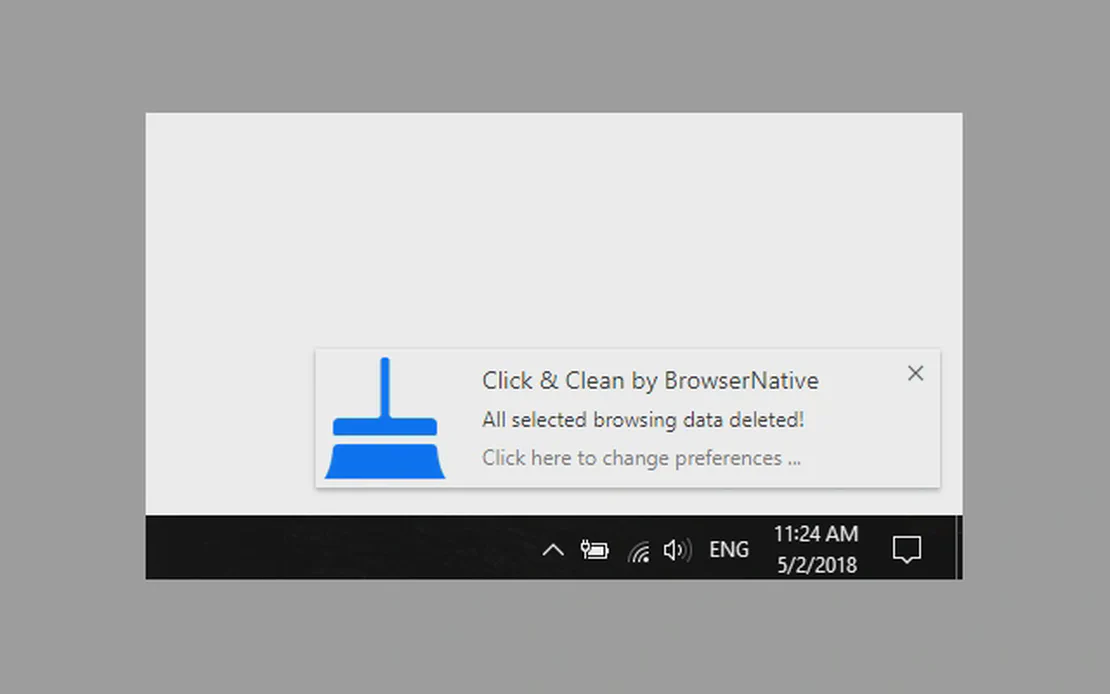
Click and Clean is a comprehensive privacy tool integrated with FlashID technology. It allows users to quickly wipe browsing data, including history, cookies, and cache, ensuring a secure and optimized browsing environment across all web platforms.
One-Click Data Removal
Instantly delete all browsing data including open windows, history, and cache using the tool or a simple keyboard shortcut.
Get Started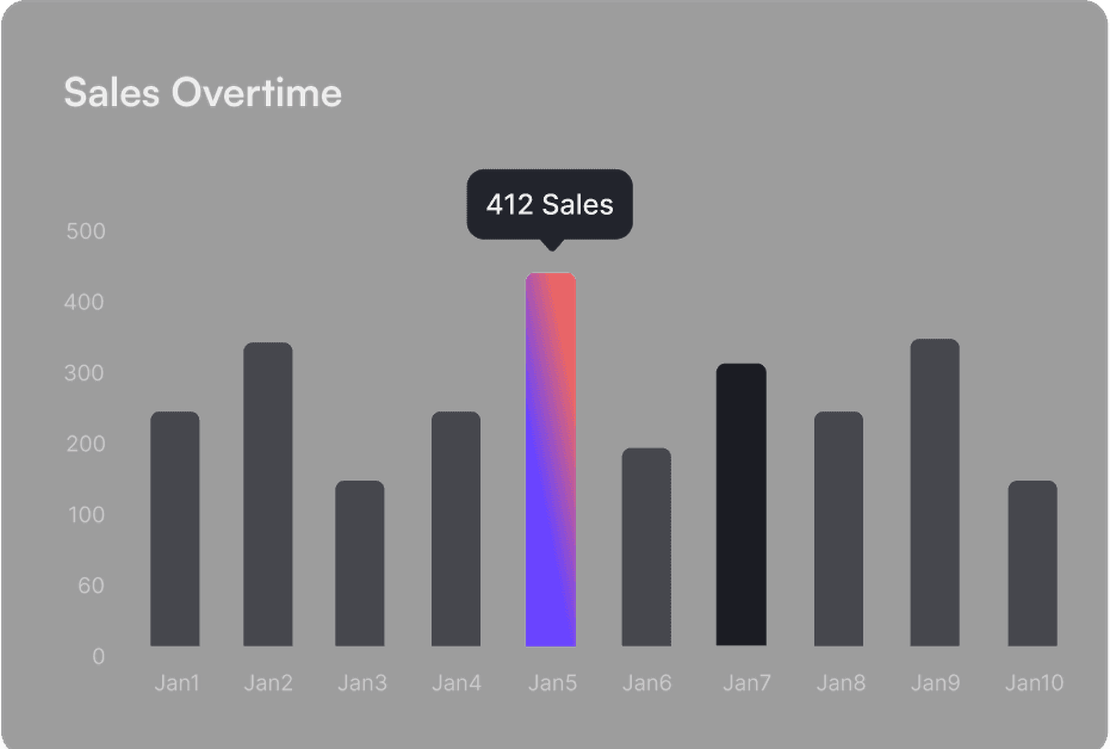
Comprehensive Cleaning
Go beyond basic history. Wipe cookies, download logs, form data, and temporary files to maintain peak browser performance.
Get Started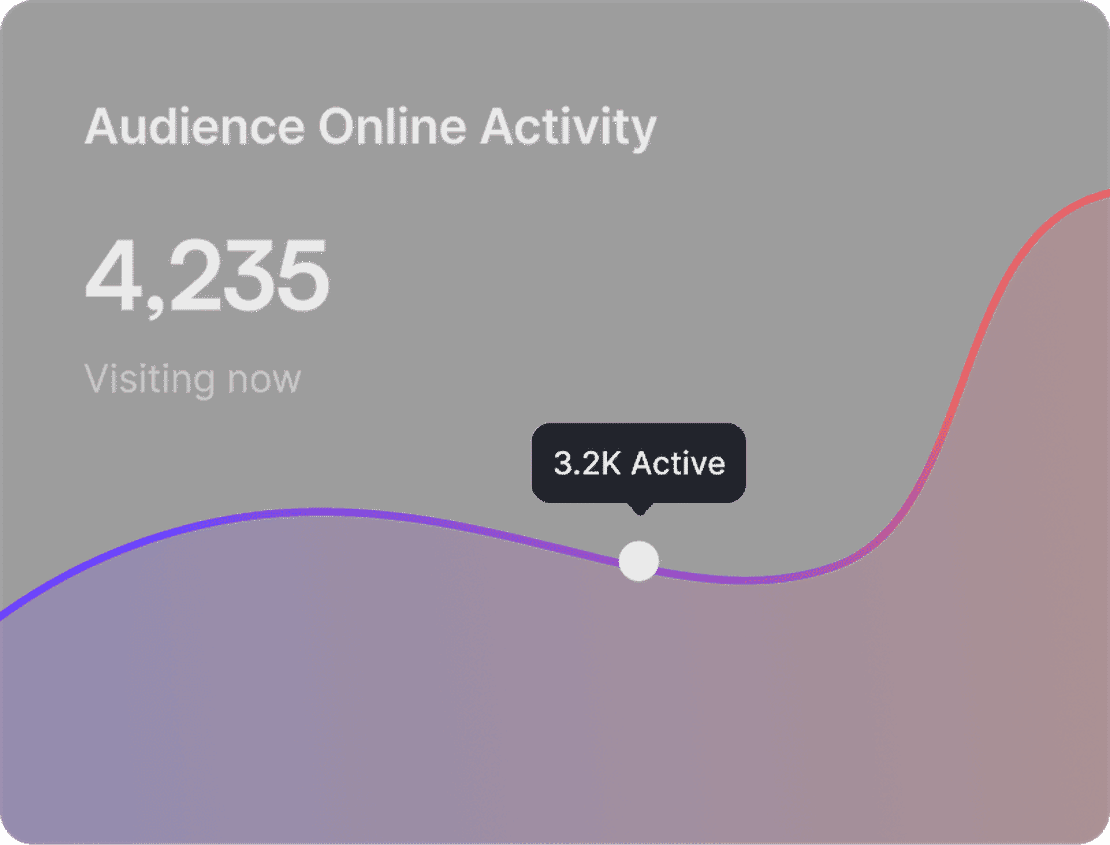
Secure Digital Identity
Operate in a clean environment. Click and Clean ensures your sensitive information is never stored longer than necessary.
Get Started

Unlimited Multiplicity
Multiple devices, no limits
No purchase limit, no multiplicity limit, no opening limit

Multi-Platform Control
Anytime, anywhere, just click
No client download required, accessible via PC and mobile browsers

Application Management
Application management so easy
Bulk install, uninstall, and launch applications

RPA
Leverage FlashID’s pre-built RPA templates for fast automation or custom workflows in secure cloud.

API
FlashID API handles account lifecycles and automates browser actions: batch social logins.

One-Click Sharing
Efficient management
Join a team with one click, share cloud devices among multiple users
Terminate Your Browsing Tracks
Click and Clean automates the sanitization of your browser, removing tedious manual deletion steps for a safer online experience.
Common related content QA
What data can Click and Clean delete?
Is using Click and Clean safe with FlashID?
Does it support keyboard shortcuts?
Will it delete my saved passwords?
Is Click and Clean compatible with all browsers?
How do I install the Click and Clean extension?
Does FlashID support Firefox extensions?
What should I do if the extension fails to clear data?
Does Click and Clean store my data on its servers?
Can I schedule automatic cleaning?
More Recommended Platforms




















Connect all your platform accounts
Thanks to our fingerprint technology, you no longer need to worry about your account being at risk, you just need to focus on your business.
Privacy Conscious Users Trusted Worldwide
Operations Manager, Efficiency Experts
Digital Marketing Manager, Tech Innovations
Customer Support Lead, Service Plus