JSON Formatter
Enhance your development workflow with JSON Formatter. Automatically beautify raw JSON data into a readable, syntax-highlighted format within your browser.
Effortless JSON Visualization
Tired of looking at unreadable data? Automatically format your JSON in any browser tab with syntax highlighting, dark mode support, and collapsible trees.
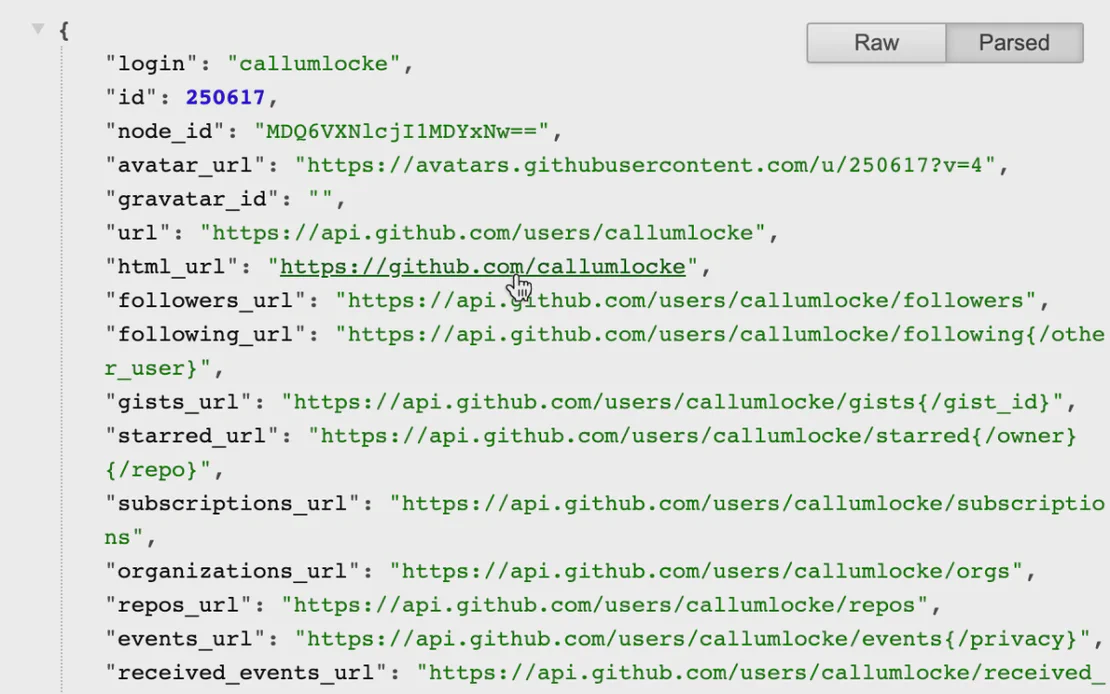
JSON Formatter is an essential extension for developers, powered by FlashID’s high-performance browsing environment. It transforms messy, raw JSON data into a clean, collapsible, and easy-to-read structure instantly.
Auto-Formatting & Syntax Highlighting
Instantly beautify nested JSON objects with vibrant syntax highlighting and indent guides for deep data structures.
Get Started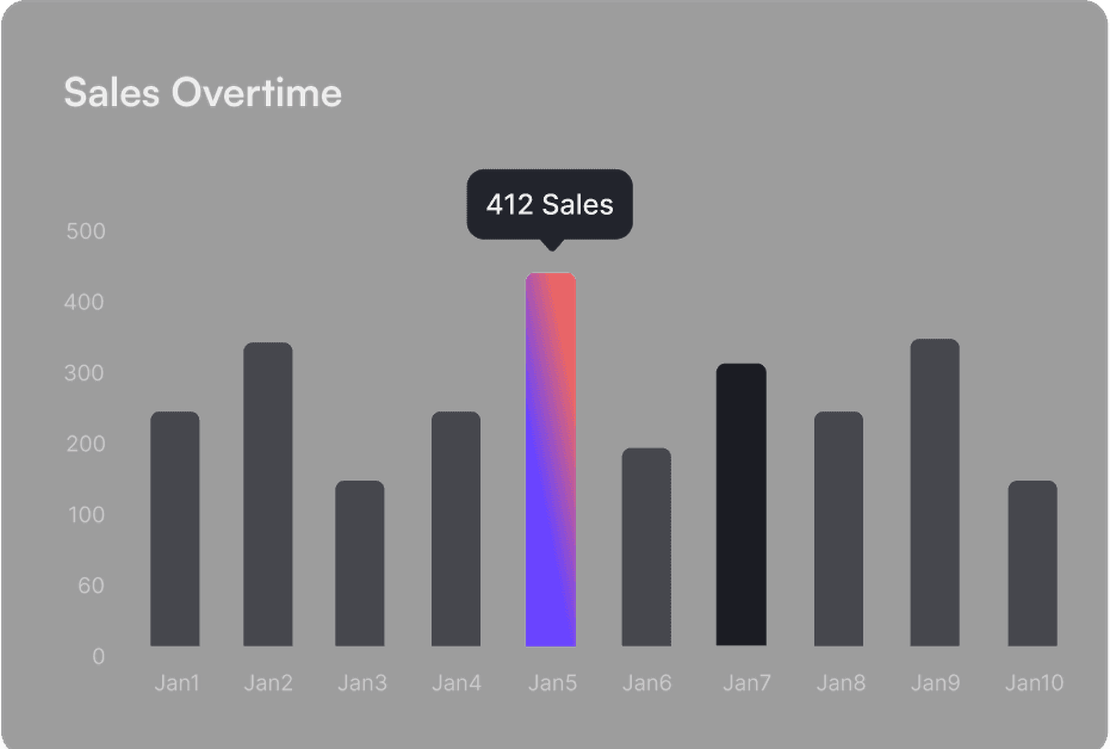
Optimized for Performance
Flash-fast rendering even on massive data sets. Negligible performance impact on non-JSON pages ensures your browser stays fast.
Get Started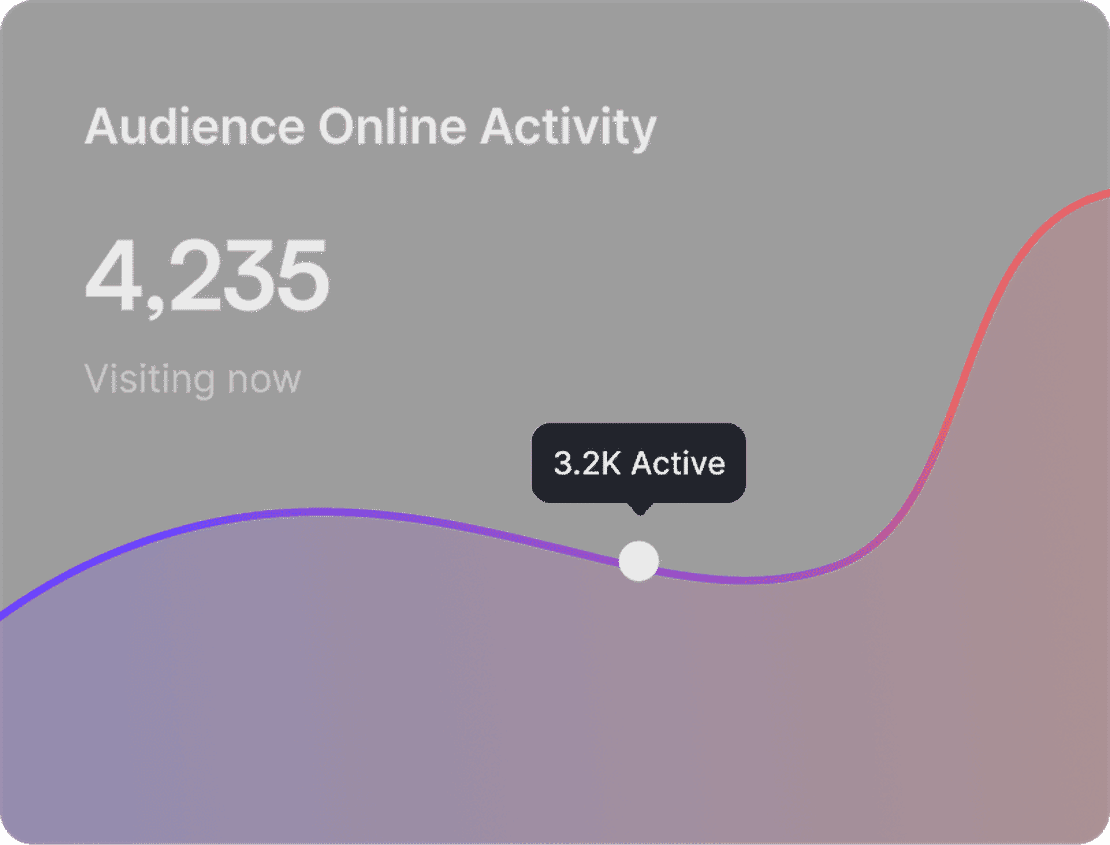
Developer Friendly Tools
Toggle between raw and parsed views easily. Access the parsed object via window.json in Dev Tools for advanced debugging.
Get Started

Unlimited Multiplicity
Multiple devices, no limits
No purchase limit, no multiplicity limit, no opening limit

Multi-Platform Control
Anytime, anywhere, just click
No client download required, accessible via PC and mobile browsers

Application Management
Application management so easy
Bulk install, uninstall, and launch applications

RPA
Leverage FlashID’s pre-built RPA templates for fast automation or custom workflows in secure cloud.

API
FlashID API handles account lifecycles and automates browser actions: batch social logins.

One-Click Sharing
Efficient management
Join a team with one click, share cloud devices among multiple users
Stop Struggling with Raw JSON Data
The JSON Formatter automates the transition from messy strings to structured data, enabling a more streamlined and productive development experience.
Common Questions about JSON Formatter
How does JSON Formatter work?
Is JSON Formatter safe to use with FlashID?
Does it support large JSON files?
Can I view the original raw data?
What is the performance impact?
Which browsers are supported?
Is there a dark mode available?
Can I interact with the data in Dev Tools?
Does it work on local files?
Can I customize the indentation?
More Recommended Platforms




















Connect all your platform accounts
Thanks to our fingerprint technology, you no longer need to worry about your account being at risk, you just need to focus on your business.
Trusted by Developers Worldwide
Software Engineer, DevFlow Solutions
Frontend Developer, Tech Innovations
Full Stack Lead, Service Plus