GTX Gaming
Safely manage multiple GTX Gaming accounts and server control panels with FlashID's antidetect technology. Prevent IP bans and account linking while scaling your game hosting business.
Multi-Account GTX Gaming Management
The ultimate solution for game server administrators and resellers. Manage dozens of GTX Gaming hosting panels securely without risk of session conflicts or IP blacklisting.
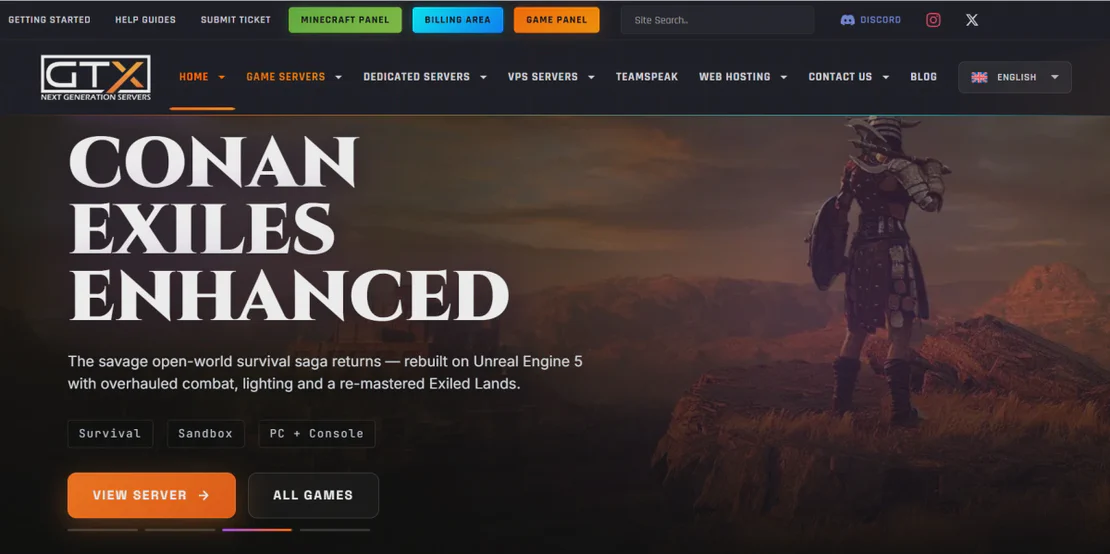
GTX Gaming is a premier global provider of high-performance game server hosting, supporting titles like ARK, Rust, and DayZ. With their advanced control panel, users can manage complex server configurations. FlashID empowers power users and server resellers to manage multiple GTX Gaming client accounts and server instances simultaneously through secure, isolated environments.
Isolated environments for every server panel.
FlashID generates unique browser fingerprints for each GTX Gaming session. This allows administrators to log into different client accounts or server regions simultaneously in separate windows, preventing session crossovers and protecting account security.
Get Started
Automate Routine Server Reboots
Use FlashID's RPA tools to schedule automated tasks across multiple GTX Gaming control panels. From bulk server updates to recurring maintenance reboots, scale your operations without increasing manual workload or compromising account safety.
Get Started
Professional Reseller Protection
For game server resellers, keeping client data isolated is critical. FlashID's advanced fingerprinting technology ensures that each GTX Gaming account operates with a distinct IP and hardware profile, eliminating the risk of systemic account flags or IP-based restrictions.
Get Started

Unlimited Multiplicity
Multiple devices, no limits
No purchase limit, no multiplicity limit, no opening limit

Multi-Platform Control
Anytime, anywhere, just click
No client download required, accessible via PC and mobile browsers

Application Management
Application management so easy
Bulk install, uninstall, and launch applications

RPA
Leverage FlashID’s pre-built RPA templates for fast automation or custom workflows in secure cloud.

API
FlashID API handles account lifecycles and automates browser actions: batch social logins.

One-Click Sharing
Efficient management
Join a team with one click, share cloud devices among multiple users
Eliminate GTX Gaming Account Association
FlashID provides an exclusive isolated environment for every GTX Gaming login. By masking your digital footprint and using dedicated IPs, you can manage unlimited server panels with the security of a unique physical device for each one, preventing bans and ensuring 100% uptime.
GTX Gaming Multi-Account FAQ
Can I manage multiple GTX Gaming accounts at once?
How does FlashID prevent GTX Gaming from detecting my multiple accounts?
Is it safe to use automation on the GTX Gaming panel?
Do I need a different proxy for every GTX Gaming account?
Can I share my GTX Gaming profiles with my team?
What should I do if my GTX Gaming server panel is slow?
How does FlashID compare to using Chrome's 'Incognito' mode for GTX Gaming?
Does GTX Gaming allow the use of antidetect browsers?
More Recommended Platforms




















Connect all your platform accounts
Thanks to our fingerprint technology, you no longer need to worry about your account being at risk, you just need to focus on your business.
Trusted by Professional Server Admins
Operations Manager, GameHost Pro
Technical Director, Nexus Gaming
Founder, ServerScale Solutions