PreSonus
Safely manage multiple PreSonus accounts and MyPreSonus profiles with FlashID. Prevent hardware ID association and account bans while managing licenses for studios and educational institutions.
Manage Multiple PreSonus Accounts
Securely organize and scale multiple MyPreSonus identities for studio management or software reselling. Avoid hardware ID conflicts and license locking.
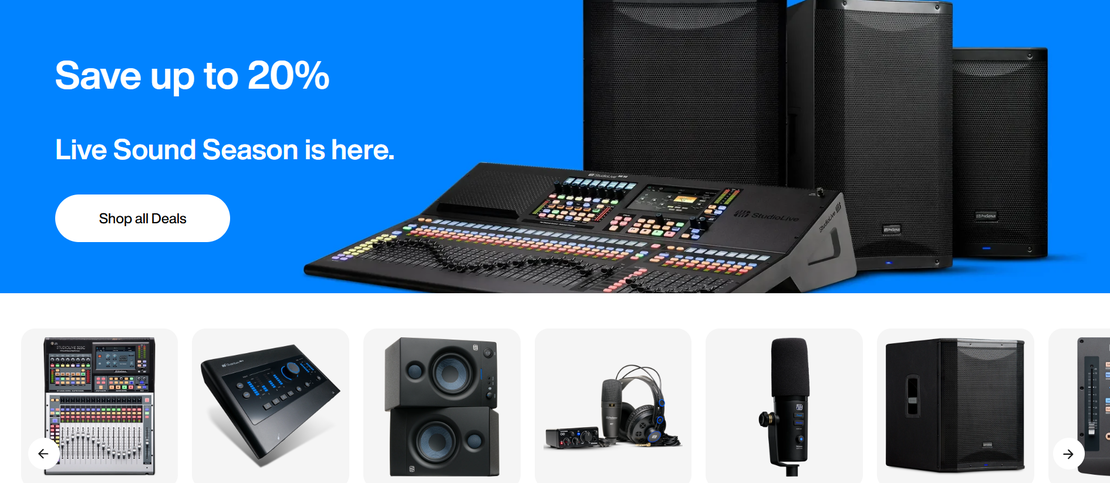
PreSonus is a world-class provider of digital audio workstations (Studio One), professional audio hardware, and software solutions. Through the MyPreSonus and PreSonus Sphere platforms, users manage hardware registrations, software licenses, and collaborative musical projects. It is an essential ecosystem for music producers, sound engineers, and content creators globally.
Independent Device Fingerprints for Studios
FlashID allows studio owners and educational labs to create isolated browser environments for different PreSonus accounts. Each window presents a unique hardware fingerprint, ensuring that MyPreSonus security systems do not link separate license sets to a single machine.
Get Started
Automated License & Content Workflow
Use FlashID's RPA tools to automate bulk management of PreSonus Sphere workspaces or hardware registrations. Streamline the process of updating software versions or checking subscription statuses across dozens of accounts without manual login fatigue.
Get Started
Global Proxy Integration for Collaborators
Manage global musical collaborations by assigning unique regional IPs to each PreSonus account. FlashID ensures your access patterns remain consistent with your account's registered location, reducing the risk of security flags during cross-border project sharing.
Get Started

Unlimited Multiplicity
Multiple devices, no limits
No purchase limit, no multiplicity limit, no opening limit

Multi-Platform Control
Anytime, anywhere, just click
No client download required, accessible via PC and mobile browsers

Application Management
Application management so easy
Bulk install, uninstall, and launch applications

RPA
Leverage FlashID’s pre-built RPA templates for fast automation or custom workflows in secure cloud.

API
FlashID API handles account lifecycles and automates browser actions: batch social logins.

One-Click Sharing
Efficient management
Join a team with one click, share cloud devices among multiple users
Eliminate MyPreSonus Account Association Issues
FlashID provides an exclusive isolated environment for every PreSonus account. By masking hardware IDs, browser fingerprints, and IP addresses, it prevents PreSonus from linking multiple accounts to one physical computer, ensuring your professional audio software licenses remain safe and active.
PreSonus Account Management FAQ
Why do I need FlashID for multiple PreSonus accounts?
Can I manage different PreSonus Sphere professional workspaces?
Does FlashID help with Studio One activation issues?
Is it safe to use automation with my PreSonus account?
What is the benefit of isolated cookies for PreSonus?
Can I use different proxies for different PreSonus accounts?
Will FlashID prevent PreSonus from banning my accounts?
How much resources does FlashID take when running multiple profiles?
What's the difference between FlashID and a standard VPN for PreSonus?
How do I set up a new PreSonus profile in FlashID?
More Recommended Platforms




















Connect all your platform accounts
Thanks to our fingerprint technology, you no longer need to worry about your account being at risk, you just need to focus on your business.
Trusted by Audio Professionals & Studio Managers
IT Director, Sound Arts Institute
Operations Manager, Audio Distribution Ltd
Chief Engineer, Sonic Bloom Studios