Twitch
Use FlashID's antidetect technology to manage multiple Twitch accounts securely—prevent detection and bans while enhancing your streaming and gaming strategies.
Multiple Twitch Accounts
Discover a seamless way to manage multiple Twitch identities securely. Create and scale multiple Twitch accounts without detection risks.
Twitch is the premier live streaming platform, connecting millions of gamers and content creators from around the world. As a part of Amazon, it offers extensive features for streaming, community engagement, and monetization opportunities. Twitch allows users to share their gameplay, creativity, and interactions live while enabling viewers to support their favorite creators through subscriptions and bits.
Increase viewer reach and interactive engagement.
FlashID creates multiple windows, each with an independent fingerprint identity. This allows you to operate multiple Twitch accounts simultaneously, increasing your channel's reach and engagement opportunities without triggering Twitch's cross-account detection systems.
Get Started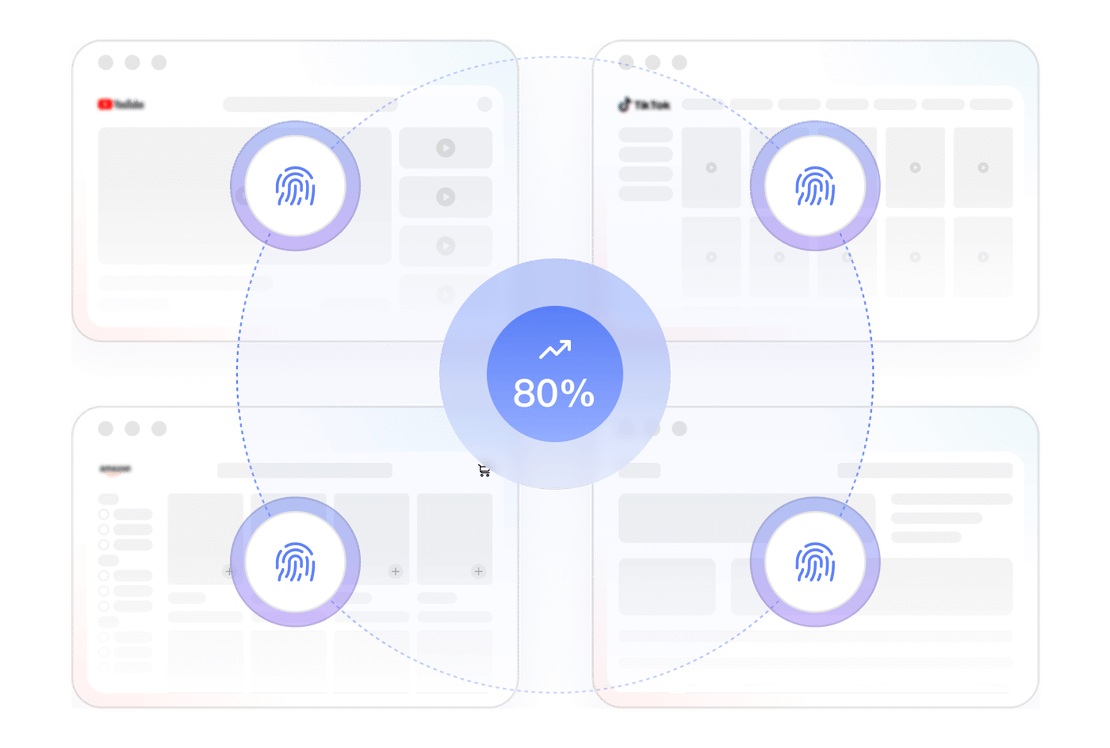
Streamlined automation
Utilize FlashID's RPA automation features to manage repetitive Twitch tasks like streaming setup, chat moderation, and viewer interaction. By establishing customized workflows, you can significantly improve operational efficiency while maintaining authentic account activity patterns.
Get Started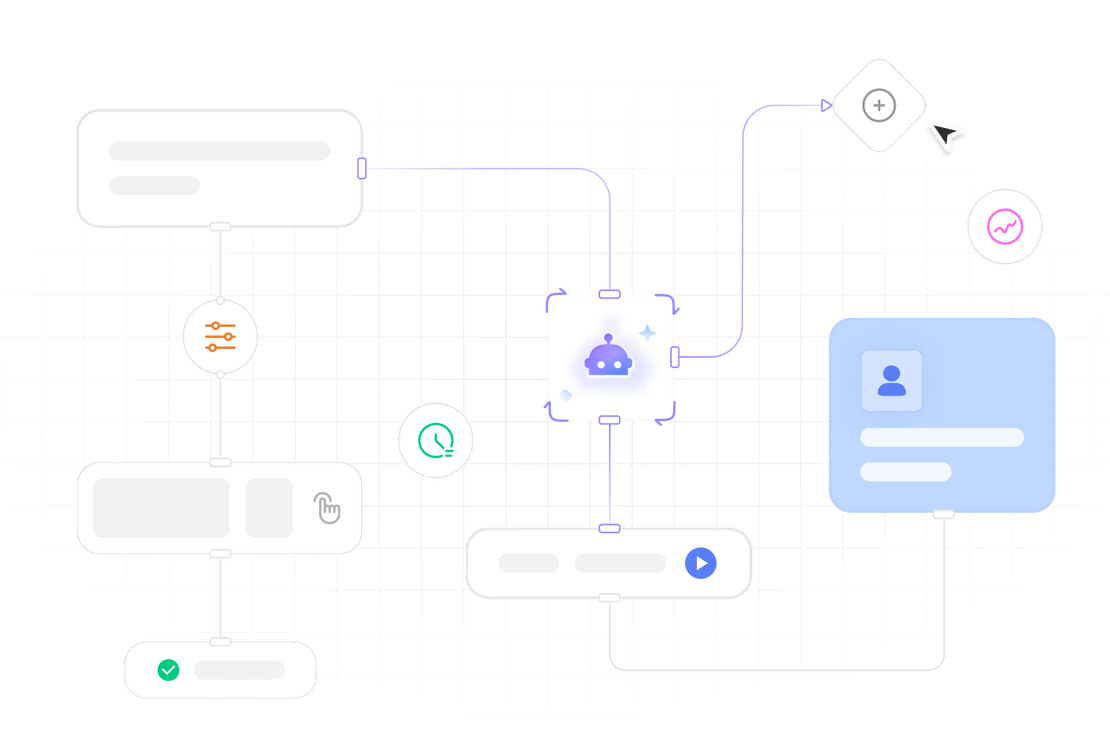
Secure Multi-account Management
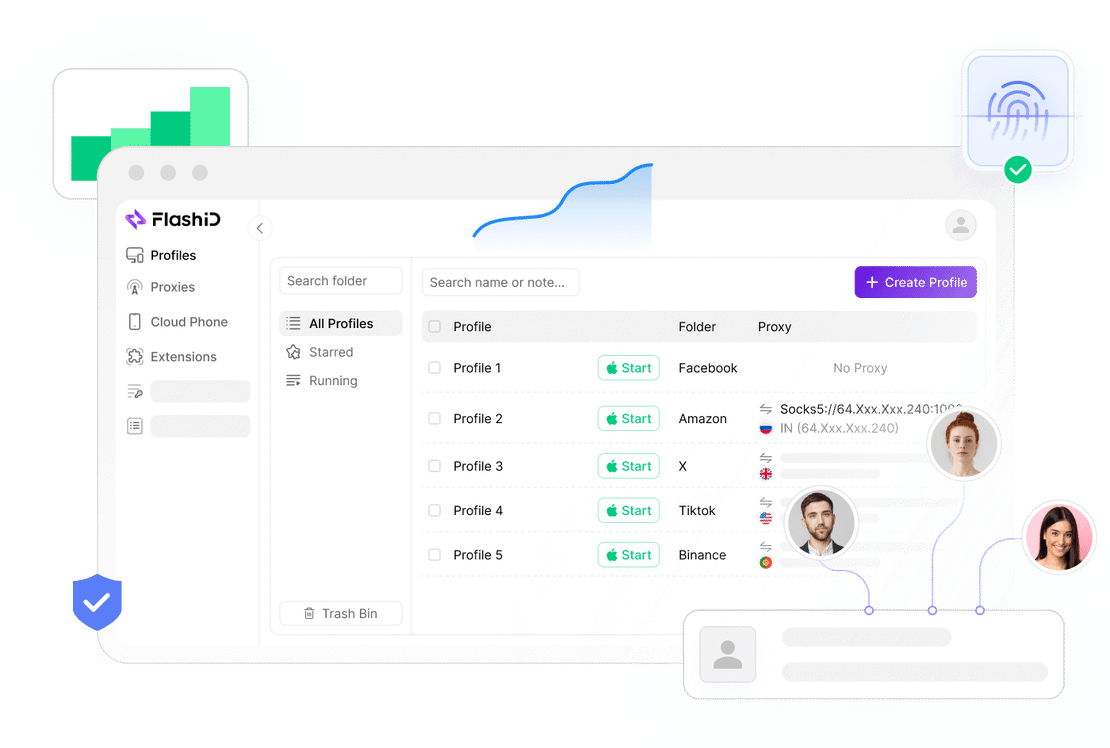
FlashID's advanced fingerprint technology allows you to manage multiple Twitch accounts securely in one place. Each account operates in an isolated environment with unique fingerprints and IPs, eliminating cross-account detection risks and letting you focus on growing your streaming presence without security concerns.
Get Started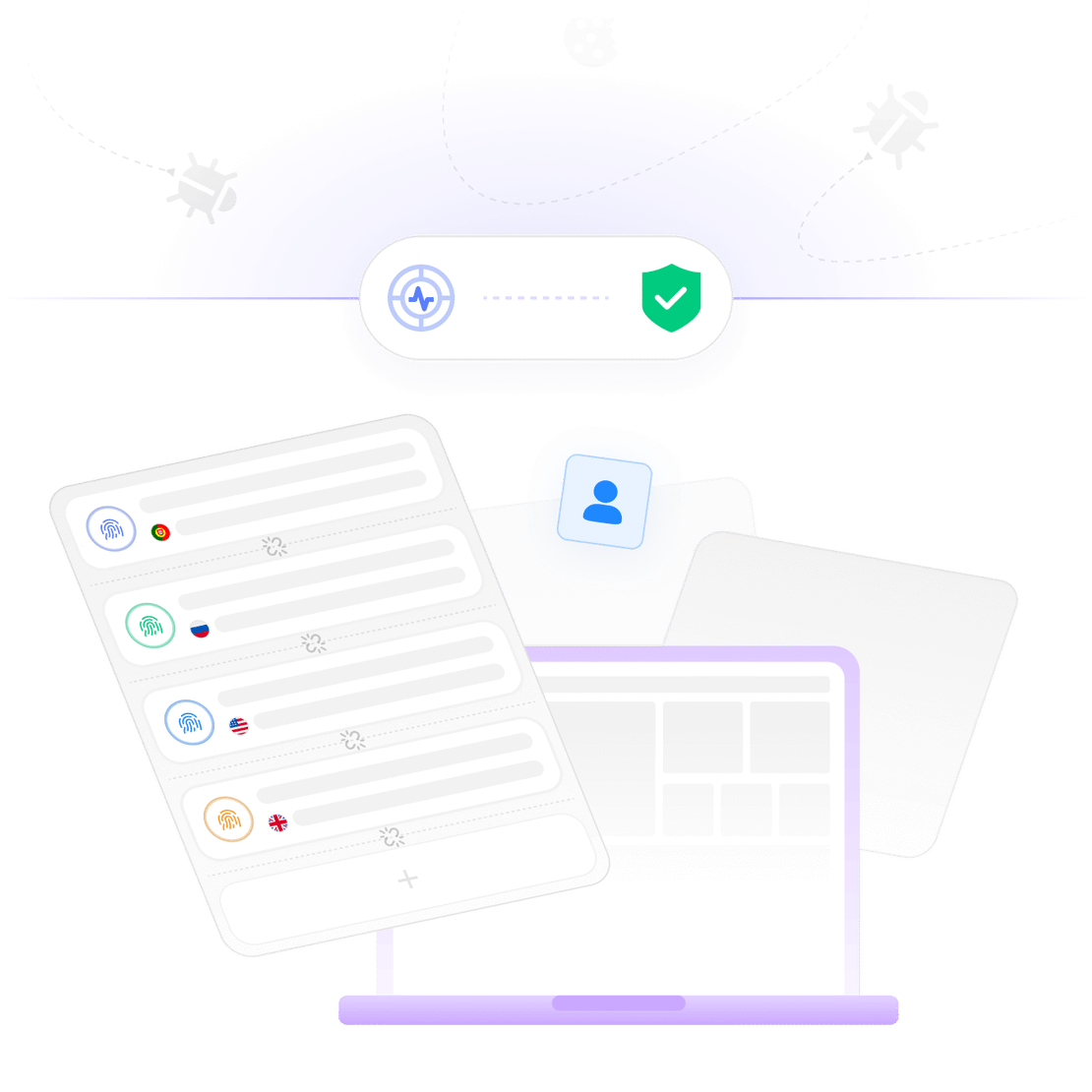

Unlimited Multiplicity
Multiple devices, no limits
No purchase limit, no multiplicity limit, no opening limit

Multi-Platform Control
Anytime, anywhere, just click
No client download required, accessible via PC and mobile browsers

Application Management
Application management so easy
Bulk install, uninstall, and launch applications

RPA
Leverage FlashID’s pre-built RPA templates for fast automation or custom workflows in secure cloud.

API
FlashID API handles account lifecycles and automates browser actions: batch social logins.

One-Click Sharing
Efficient management
Join a team with one click, share cloud devices among multiple users
Prevent Twitch Account Association & Bans
FlashID provides each Twitch account with an exclusive antidetect-isolated environment. With independent device fingerprints and custom proxy IPs, it perfectly mimics authentic multi-device usage, prevents cross-account detection, and eliminates the risk of account restrictions or bans.
Common related content QA
Can FlashID manage multiple Twitch accounts?
Do unique credentials need to be used for multi-opening Twitch via FlashID?
How to switch between multiple Twitch accounts?
2. FlashID switch: Each account operates in its own isolated environment—simply click between windows to instantly switch accounts without leaving any connection footprints or logging out, significantly reducing detection risks.
Will multi-opening Twitch via FlashID lead to account restrictions?
What should be noted when multi-opening Twitch via FlashID?
2. Unique identifiers: Use distinct email addresses, phone numbers, and never cross-reference accounts.
3. Natural activity patterns: Avoid identical streaming schedules or content across accounts.
4. Gradual account warming: New accounts should start with minimal activity and increase gradually over 2-3 weeks.
5. Avoid automation: While FlashID supports automation, maintain human-like patterns and avoid excessive actions in short timeframes.
How to recover a temporarily locked Twitch account?
2. Security checks: Complete any required security verifications including email confirmation or SMS codes.
3. Appeal process: If standard recovery fails, use Twitch's appeal form explaining your situation.
4. Prevention with FlashID: Using FlashID's isolated environments significantly reduces the risk of temporary locks by preventing suspicious login patterns that trigger Twitch's security systems.
What's the difference between Twitch account suspension and deletion?
2. Deletion: Permanently removes all your data after a 30-day grace period (during which you can cancel the deletion). Once completed, you cannot recover any content, and you'll need to create a new account if you want to return to Twitch.
How much storage space do Twitch free users have?
What's the difference between FlashID and regular browsers for multi-opening Twitch?
FlashID provides each account with a completely isolated environment: unique browser fingerprints, dedicated IP addresses, and separated cookies/cache data. This effectively simulates different physical devices accessing Twitch independently, dramatically reducing association risks and protecting your accounts from cross-detection.
Can Twitch track multiple accounts on the same device?
More Recommended Platforms




















Connect all your platform accounts
Thanks to our fingerprint technology, you no longer need to worry about your account being at risk, you just need to focus on your business.
Client Success Stories Trusted Worldwide
Streaming Manager, Gaming Agency
Head of Content Strategy, Streaming Network
Marketing Specialist, E-sports Team